Self-hosting n8n is the difference between paying per-execution forever and running unlimited workflows for the price of a coffee a month. But n8n isn't a normal app you drop on shared hosting — it's a Node.js service that needs persistent storage, a real database for production, and a domain with HTTPS so your webhooks actually fire. Pick the wrong host and you'll spend your weekend debugging a workflow that silently dies at 2am instead of building automations.
I run n8n in production for client automations and my own lead-routing flows, and I've deployed it on nearly every option below — bare VPS, one-click templates, and fully managed platforms. This guide ranks the eight hosts I actually trust for n8n in 2026, what each costs, and exactly who should pick which. The right choice depends entirely on whether you want to manage a server or never think about one.
The short answer: which n8n host should you pick?
Match the host to how much server work you want to do, not just the price:
- Want the easiest self-hosting that's still cheap? Hostinger's VPS with its 1-click n8n template gets you running in minutes with full control.
- Don't want to touch a server at all? n8n Cloud is the official managed option — the team that builds n8n runs it for you.
- Scaling hard and counting every cent of compute? Hetzner gives you the most RAM and CPU per dollar of anyone, full stop.
- Want a deploy that's as easy as connecting a Git repo? Railway and Render are the friendliest platform-as-a-service picks.
Every link below routes through my redirect — some are affiliate links, and they never change your price.
What actually matters when hosting n8n
n8n has specific needs that ordinary website hosting ignores. After running it in production across multiple clients, here's what I check before trusting a host with it:
- Persistent storage and a real database. n8n defaults to SQLite, which is fine for testing but fragile under load. For production you want PostgreSQL and storage that survives restarts. A host that wipes data on redeploy will lose your execution history.
- Enough RAM. n8n is comfortable at 1–2GB for light use, but workflows that process large payloads or run many nodes can spike. Under 1GB and you'll hit out-of-memory crashes.
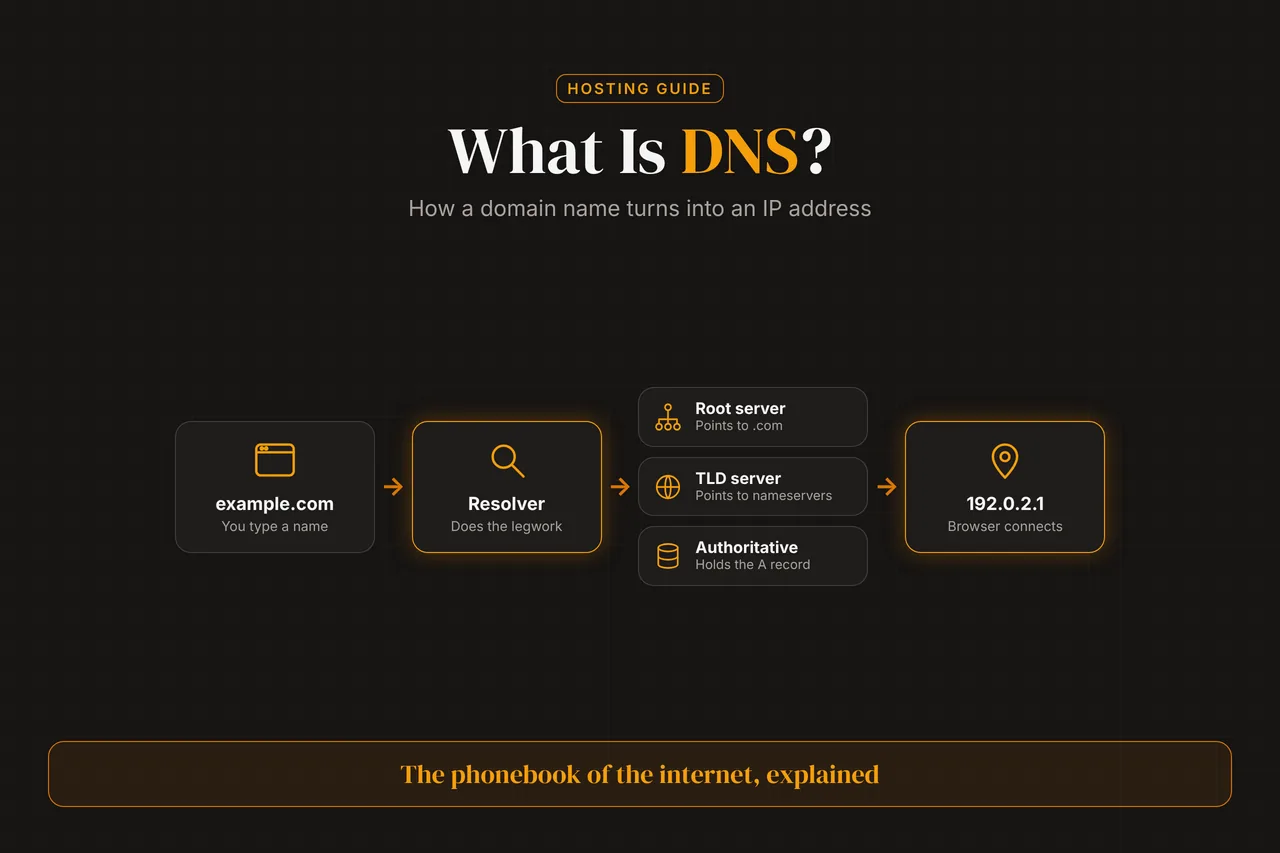
- A domain and HTTPS. Webhooks and many app integrations require a public HTTPS URL. If a host makes custom domains or SSL painful, your triggers won't work reliably.
- Always-on, not serverless-sleeping. n8n needs to stay running to catch webhooks and run schedules. Platforms that sleep idle apps will miss triggers.
- Docker support. The cleanest way to run and update n8n is its official Docker image. Hosts with Docker (or a one-click template) make upgrades painless.
A $2 shared plan can't do most of this. That's why the list below is VPS and managed platforms, not cheap shared hosting.
Self-hosted vs managed: the core decision
Before the list, settle this one question — it eliminates half the options instantly.
| Self-hosted (VPS) | Managed (n8n Cloud / PaaS) | |
|---|---|---|
| Cost | Lowest — flat VPS fee, unlimited executions | Higher — monthly plan or per-execution |
| Maintenance | You handle updates, backups, security | Handled for you |
| Control | Full — any version, env vars, custom nodes | Limited to what the platform allows |
| Setup difficulty | Moderate (easier with 1-click templates) | Near zero |
| Best for | Builders who want control and low cost | People who want it to just work |
If you're comfortable in a terminal or willing to use a one-click template, self-hosting on a VPS is dramatically cheaper at scale. If your time is worth more than the savings, go managed.
The 8 best n8n hosting providers
Ranked by overall value for a typical n8n deployment. The first three are the ones I highlighted in the slider — they cover most people.
1. Hostinger — best value VPS with a 1-click n8n template
Hostinger's KVM VPS plans are my default recommendation for self-hosting n8n, because they remove the hardest part: setup. Hostinger offers a pre-built n8n template that installs the app, Docker, and the supporting stack in a single click, so you go from a blank server to a working n8n login in minutes — no command line required. You still get full root access if you want it, plus a free domain and SSL to handle the webhook HTTPS requirement out of the box.
Standout features:
- One-click n8n template — no manual Docker setup
- Full root VPS access with KVM virtualization and NVMe storage
- Free domain and free SSL included on most plans
- 24/7 live chat support that responds in minutes
| Pros | Cons |
|---|---|
| Easiest self-hosting on-ramp for n8n | Cheapest price needs a longer term up front |
| Genuinely affordable VPS pricing | You still own updates and backups |
| Free domain + SSL solves webhook HTTPS | Lower tiers cap RAM for heavy workflows |
2. n8n Cloud — official managed hosting, zero maintenance
n8n Cloud is the managed service run by the n8n team itself. You skip servers entirely: no Docker, no updates, no backups to configure. It's the safest choice if you never want to be the person on call when the automation stack goes down, and it guarantees you're always on a supported, properly configured version. The trade-off is cost — managed plans are priced per workflow execution volume, so very high-throughput automations get expensive compared to a flat VPS fee.
Standout features:
- Built and operated by the company that makes n8n
- Automatic updates, backups, and scaling handled for you
- No server, Docker, or database to manage
- Official support and a polished onboarding
| Pros | Cons |
|---|---|
| Truly zero-maintenance | Pricier than self-hosting at volume |
| Always on a supported version | Execution-based limits on plans |
| Official support if something breaks | Less control over the environment |
3. Hetzner — the best raw value for scaling
Hetzner is the host I reach for when an n8n workload gets serious. Its cloud VPS pricing is famously unbeatable — you get far more RAM and CPU cores per dollar than the big-name clouds, with data centers in Germany, Finland, and the US. There's no one-click n8n template, so you'll install via Docker yourself, but for anyone comfortable with a short setup, no one gives you more headroom for the money. This is where I put high-volume automations that would cost a fortune on per-execution managed plans.
Standout features:
- Class-leading price-per-core and price-per-GB of RAM
- Cloud servers with hourly billing and easy resizing
- Data centers in the EU and US
- Rock-solid network and uptime reputation
| Pros | Cons |
|---|---|
| Cheapest serious compute available | No one-click n8n install |
| Scales to heavy workloads cheaply | Setup assumes some Docker comfort |
| Hourly billing, resize anytime | Support is email-based, not instant chat |
4. DigitalOcean — the developer-favorite cloud
DigitalOcean built its reputation on making cloud servers approachable for developers, and it shows. Its "Droplet" VPS instances are predictable, well-documented, and backed by some of the best technical tutorials on the internet — including detailed n8n self-hosting guides. There's a Docker marketplace image to speed up setup, and the dashboard is clean enough that it doesn't feel like enterprise cloud. It costs a little more than Hetzner, but the polish and documentation are worth it for many people.
Standout features:
- Simple, predictable Droplet pricing
- One-click Docker marketplace image
- Outstanding documentation and community tutorials
- Optional managed databases and backups
| Pros | Cons |
|---|---|
| Beginner-friendly cloud experience | Pricier than Hetzner for the same specs |
| Excellent docs for n8n self-hosting | Still requires some server management |
| Easy add-on managed Postgres | Bandwidth overages on big workloads |
5. Railway — easiest platform-as-a-service deploy
Railway is the option I recommend to people who want self-hosting's flexibility without managing a Linux box. You deploy n8n from a template or repo, and Railway handles the server, networking, and HTTPS for you. Adding a managed PostgreSQL database is a couple of clicks, which solves n8n's production database need cleanly. It's usage-based, so a light workload stays cheap, but you give up some of the flat-fee predictability of a VPS.
Standout features:
- Deploy n8n from a template in minutes
- Managed PostgreSQL add-on in a couple of clicks
- Automatic HTTPS and custom domains
- Clean, modern developer dashboard
| Pros | Cons |
|---|---|
| No Linux server to administer | Usage-based cost can climb with traffic |
| Managed database built in | Less control than a raw VPS |
| Fast, friendly deploy flow | Newer platform than the big clouds |
6. Render — managed PaaS with predictable plans
Render is Railway's closest rival and a strong pick if you prefer fixed monthly plans over pure usage billing. It runs your n8n container as a web service, offers managed PostgreSQL, and handles SSL and custom domains automatically. The key thing to get right on Render is choosing an always-on instance type — n8n needs to stay awake to catch webhooks and run schedules, so avoid any plan that sleeps idle services.
Standout features:
- Managed container hosting with fixed plan tiers
- Managed PostgreSQL databases available
- Automatic SSL and custom domains
- Straightforward Docker-based deploys
| Pros | Cons |
|---|---|
| Predictable fixed-price plans | Must pick an always-on (non-sleeping) tier |
| Managed database option | Costs more than a bare VPS |
| Simple Docker deploys | Less raw control than self-managed |
7. Elestio — managed self-hosted n8n specialist
Elestio is the interesting middle ground: it's a managed platform that specializes in deploying open-source software — including n8n — on dedicated instances you still own. You get fully managed updates, backups, monitoring, and security patching, but on a real VPS rather than a shared multi-tenant plan. For teams that want n8n self-hosted (for data control) without doing the DevOps themselves, Elestio is purpose-built for exactly this.
Standout features:
- Fully managed n8n on dedicated instances
- Automatic updates, backups, and monitoring included
- Choice of underlying cloud and region
- Built specifically for hosting open-source apps
| Pros | Cons |
|---|---|
| Managed convenience on self-hosted infra | Management fee on top of server cost |
| Updates and backups handled for you | Pricier than rolling your own |
| Good for data-control requirements | Less known than the big platforms |
8. Cloudways — managed cloud you can scale
Cloudways puts a managed layer on top of real cloud servers from DigitalOcean, Vultr, Linode, AWS, and Google Cloud. It's best known for WordPress, but its server-level access lets you run n8n via Docker while it handles provisioning, security, and backups for you. You get cloud power and managed peace of mind without locking into one provider — a clean step up when an n8n deployment grows beyond a single small VPS.
Standout features:
- Managed cloud servers across five providers
- Automated backups and server-level security
- Easy vertical scaling as workloads grow
- No long-term lock-in, pay monthly
| Pros | Cons |
|---|---|
| Managed cloud without provider lock-in | Costs more than a bare VPS |
| Easy to scale up resources | n8n setup is manual, not one-click |
| Solid backups and security | More moving parts for beginners |
n8n hosting providers compared
The whole list side by side. Prices are starting rates as of mid-2026 — always confirm current pricing before you buy.
| Host | Starts at | Type | Best for | n8n setup |
|---|---|---|---|---|
| Hostinger | $6.99/mo | VPS | Best value self-hosting | 1-click template |
| n8n Cloud | $20/mo | Managed | Zero maintenance | None needed |
| Hetzner | $4.50/mo | Cloud VPS | Cheapest scaling power | Manual (Docker) |
| DigitalOcean | $6/mo | Cloud VPS | Developer experience | Marketplace image |
| Railway | usage-based | PaaS | Easiest deploy | Template |
| Render | $7/mo | PaaS | Predictable plans | Docker |
| Elestio | $15/mo | Managed self-host | Hands-off self-hosting | Managed |
| Cloudways | $11/mo | Managed cloud | Scaling deployments | Manual (Docker) |
How I'd choose between them
The decision usually comes down to three questions:
- Do I want it running today with the least hassle but still self-hosted? Hostinger's 1-click n8n template. It's the fastest path to a real server you control.
- Do I refuse to manage a server at all? n8n Cloud if budget allows, or Railway/Render if you want cheaper managed-ish hosting with a little setup.
- Am I scaling heavy automations and watching costs? Hetzner for the raw value, or Cloudways if you want that power managed.
For most people reading this, the honest pick is Hostinger to start self-hosting cheaply, then graduate to Hetzner if your workflows outgrow it.
Where n8n self-hosting falls short
I'd be lying if I said self-hosting has no catch. The honest trade-offs:
- You own the uptime. If your VPS goes down at 2am, your automations stop until you fix it. Managed platforms absorb that for you.
- Updates are on you. New n8n versions ship often. On a VPS you pull the new Docker image yourself; on managed hosting it's automatic.
- Backups aren't automatic by default. You must set up database and storage backups, or risk losing execution history and credentials.
- The cheapest tiers run out of RAM. Heavy workflows need headroom — undersize the box and you'll chase out-of-memory crashes.
None of these are dealbreakers — they're the price of paying a flat $5 instead of per-execution fees. Know them going in and self-hosting pays for itself fast.
Frequently asked questions
If you want one pick and you're done reading: start with Hostinger's VPS and its 1-click n8n template for the best mix of price, control, and ease — then move heavy workloads to Hetzner when you outgrow it. Both will run your automations for years at a fraction of per-execution pricing.
Once the server is up, you need something worth running on it — start with these 30 n8n workflow examples.