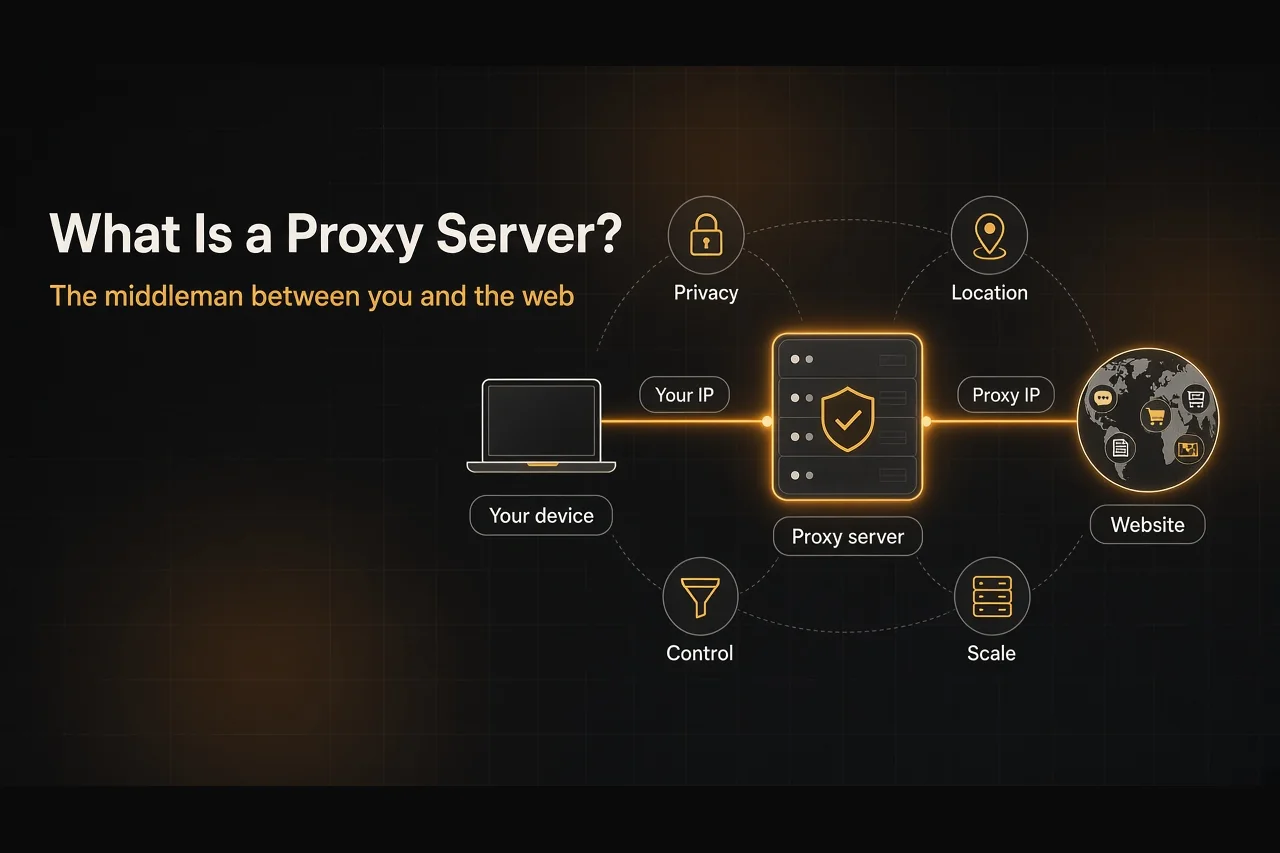
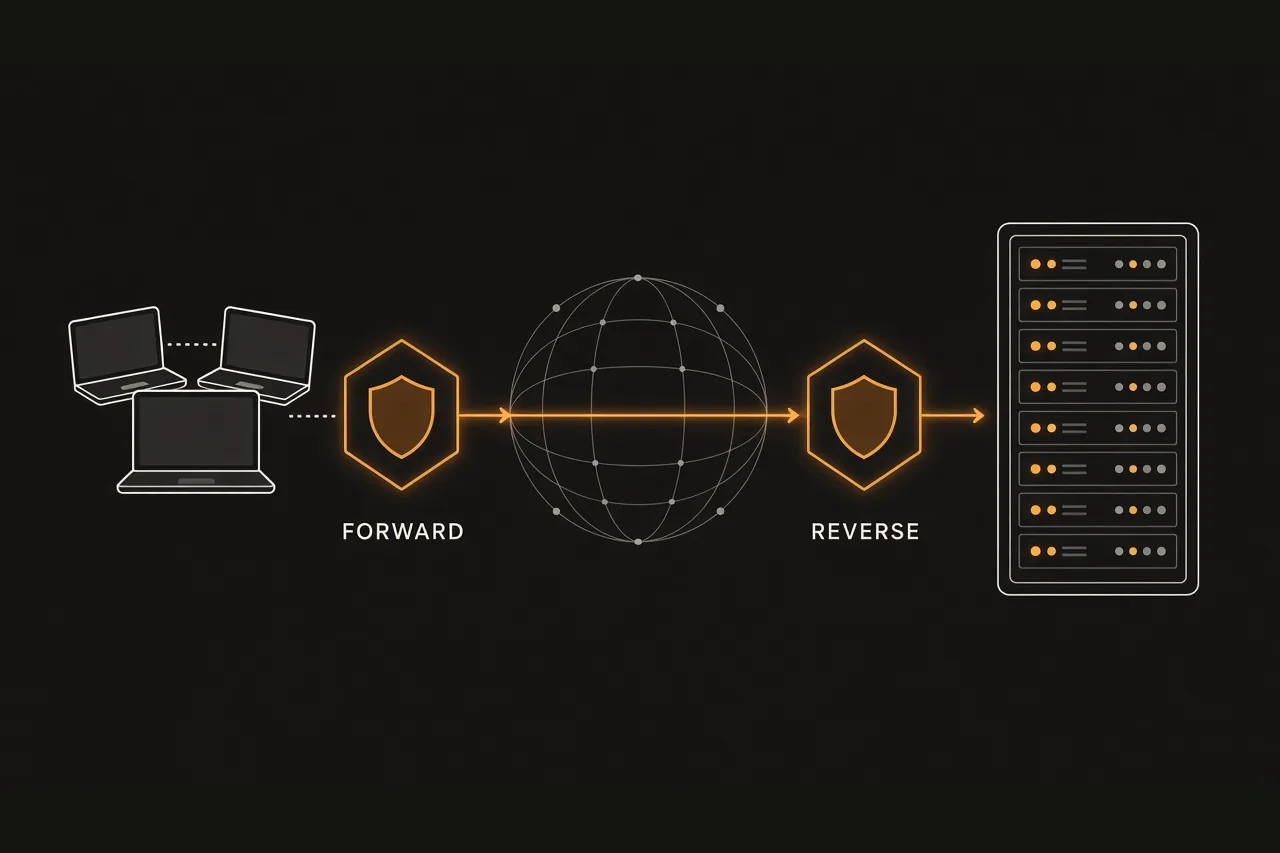
If your n8n workflow scrapes sites, hits an API hard, or pulls data from a different country, you'll eventually get blocked — and a proxy is the fix. The short version: use a rotating residential proxy for scraping protected sites, a cheap datacenter proxy for high-volume API calls, and skip proxies entirely for normal app integrations. Here's exactly which providers I reach for and how to wire one into n8n.
Why you'd need a proxy in an n8n workflow
A proxy routes your request through a different IP address. In n8n that solves three specific problems:
- IP bans and rate limits. Hammer a site or API from one server IP and you get blocked. Rotating proxies spread requests across many IPs so no single one trips the limit.
- Geo-restricted data. Some sites show different prices or content by country. A proxy in the target country lets your workflow see what a local user sees.
- Scraping at scale. Anti-bot systems flag datacenter IPs instantly. Residential proxies look like real home users, so your HTTP Request node actually gets through.
If none of those describe your workflow, you don't need a proxy. Say a workflow that syncs Airtable to a CRM or sends Slack alerts — those hit normal APIs that want your traffic. Adding a proxy there just adds cost and a failure point.
When you don't need one
Be honest with yourself before you spend money:
- You're using official APIs (Stripe, Google, OpenAI, Airtable). They want your requests — no proxy needed.
- You're making a few calls per hour. You won't hit a rate limit at that volume.
- The data isn't geo-locked. If it looks the same everywhere, your server IP is fine.
Proxies are for adversarial requests — scraping, high volume, or geo-targeting. Everything else, skip it.
Residential vs datacenter vs mobile — which for n8n
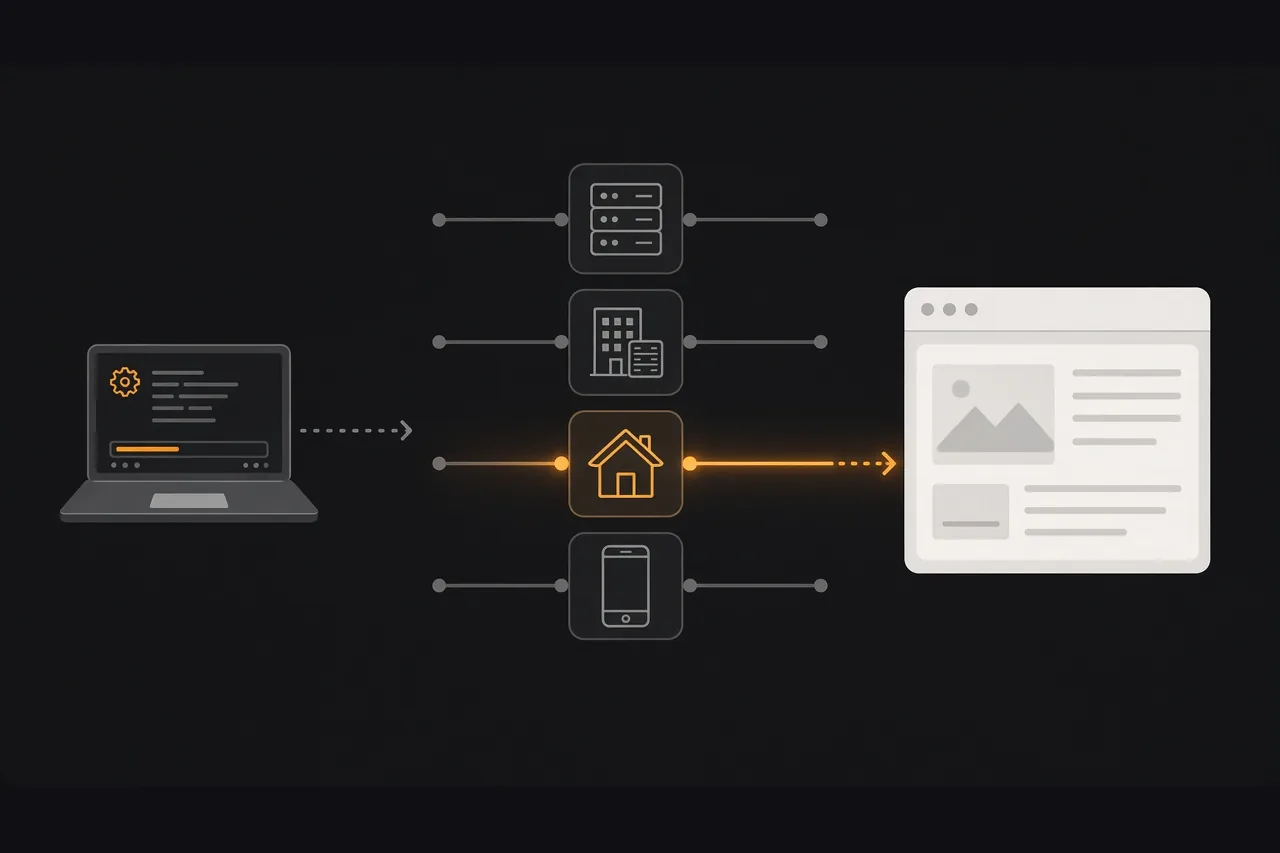
The proxy type matters more than the brand. Pick the type first.
| Proxy type | How it looks | Best for in n8n | Cost | Speed |
|---|---|---|---|---|
| Datacenter | Server IPs | High-volume API calls, easy targets | Cheapest | Fastest |
| Residential | Real home IPs | Scraping protected sites, geo data | Mid–high | Medium |
| Mobile (4G/5G) | Phone carrier IPs | The hardest anti-bot targets | Most expensive | Slower |
My rule: start with datacenter because it's cheap and fast. Only move up to residential when you start getting blocked, and only touch mobile for the genuinely hostile targets that beat residential too. Don't pay for residential to scrape a site that never checks.
The best proxies for n8n workflows
These are the four I actually rotate between, picked for different budgets and jobs. Every link below routes through my redirect — some are affiliate links, and they don't change your price.
1. Webshare — budget datacenter proxies
Webshare launched in 2018 as a US-based proxy provider with one clear idea: make proxies cheap and fully self-serve. There's no sales call and no enterprise minimum — you sign up, pull IPs from the dashboard, and go. It built its reputation on a genuinely usable free tier and low-cost datacenter pools, which is why it's the first proxy most people ever touch. The catalog has since grown to ISP and residential IPs, but the budget datacenter plans are still the reason to come here.
Standout features:
- Free tier with 10 proxies to start, no card required
- Cheap, self-serve datacenter plans with instant provisioning
- Datacenter, ISP, and residential options as you scale
- Clean dashboard and a straightforward API — no sales process
| Pros | Cons |
|---|---|
| Genuinely usable free tier | Datacenter IPs get blocked on tough anti-bot sites |
| Lowest entry pricing in this list | Smaller residential pool than premium rivals |
| Self-serve, instant setup | Support is ticket-based, not white-glove |
2. IPRoyal — pay-as-you-go residential
IPRoyal is a newer player, founded in 2020, that carved out its niche with pay-as-you-go pricing instead of locked-in monthly plans. Its residential network is sourced in part through the Pawns app, where users opt in to share idle bandwidth for cash. The pitch is simple: buy residential traffic that doesn't expire on a tight clock, which fits a small business that scrapes in bursts rather than around the clock.
Standout features:
- Pay-as-you-go residential traffic that doesn't expire quickly
- Residential, datacenter, ISP, and mobile proxy types
- Country and city-level targeting
- Lower entry cost than the enterprise providers
| Pros | Cons |
|---|---|
| Pay-as-you-go — no big monthly commitment | Smaller pool than Bright Data or Decodo |
| Bandwidth that doesn't expire fast | Dashboard less polished than premium rivals |
| Budget-friendly way into residential | Performance varies more on the hardest targets |
3. Decodo (formerly Smartproxy) — the everyday workhorse
Decodo is the rebrand of Smartproxy, which launched around 2018 out of Europe's busy proxy scene and grew into one of the most popular mid-market residential providers. It renamed to Decodo in 2025 but kept everything that made Smartproxy work: a large residential pool, dependable rotation, and pricing that undercuts the enterprise names without a sales process. This is my default for regular client scraping — it sits in the sweet spot between budget and premium.
Standout features:
- Large residential IP pool with reliable rotation
- Residential, datacenter, ISP, and mobile types
- City and country targeting plus sticky sessions
- A self-serve scraping API that handles the anti-bot layer for you
| Pros | Cons |
|---|---|
| Strong pool and reliable rotation | Pricier than budget players like IPRoyal |
| Clean dashboard and good docs | Overkill for tiny, occasional jobs |
| Self-serve scraping API included | Trial is limited next to Webshare's free tier |
4. Bright Data — the heavy artillery
Bright Data is the giant of the proxy world. It started in 2014 as Luminati Networks — founded by Derry Shribman and Ofer Vilenski, the same pair behind Hola VPN — and rebranded to Bright Data in 2021. Headquartered in Israel and led by CEO Or Lenchner, it runs the largest proxy network in the industry alongside a full suite of scraping tools. You pay a premium for it, but for the hardest targets nothing else matches its Web Unlocker and ready-made scraping APIs, which you call straight from the n8n HTTP Request node.
Standout features:
- The largest residential and mobile IP network on the market
- Web Unlocker that handles proxies, CAPTCHAs, and retries for you
- Pre-built scraping APIs you call like a normal endpoint
- Granular geo-targeting down to city and carrier
| Pros | Cons |
|---|---|
| Most powerful network and tooling here | Most expensive option in this list |
| Web Unlocker beats the hardest anti-bot | Pricing model takes time to learn |
| Reliable at large scale | Overkill for simple scraping jobs |
How to actually use a proxy in n8n
There are two clean ways to do this. Confirm the exact UI against your n8n version, but the approaches hold.
Option A — the provider's gateway endpoint (most flexible)
Most providers give you a single gateway in the form `http://username:password@host:port` that rotates IPs automatically. For self-hosted n8n, set it instance-wide as an environment variable so every HTTP Request node uses it:
Restart n8n and outbound HTTP requests route through the proxy. Use this when the whole instance should go through one proxy.
Option B — a scraping API as a normal HTTP node (easiest)
Providers like Bright Data and Decodo offer a "web unlocker" or scraping endpoint. You send the target URL to their API and they return the page — proxies, rotation, and CAPTCHA solving all handled on their side. In n8n it's just an HTTP Request node pointing at their endpoint with your API key. No instance config, and you can use it per-workflow instead of globally.
Pricing and is it worth it
As of mid-2026, the rough lay of the land (always check current pricing):
- Datacenter proxies (Webshare): start free, then a few dollars a month for a usable pool.
- Residential proxies: billed by bandwidth, typically a few dollars per GB. IPRoyal's pay-as-you-go and Decodo's entry plans are the friendliest for small budgets.
- Scraping APIs / unlockers (Bright Data): priced per successful request — more per call, but you pay for results, not failed attempts.
Worth it when a workflow makes you or saves you money and a proxy is the only thing standing between "blocked" and "running." Not worth it for hobby-volume calls against friendly APIs — that's paying to solve a problem you don't have.
Where proxies fall short
The honest caveats, because this is where people get burned:
- They're a cost and a failure point. A flaky proxy means a flaky workflow. Build in retries and error handling.
- Cheap residential pools can be slow or unreliable. You get what you pay for — the bargain-basement providers often recycle bad IPs.
- Scraping has legal and terms-of-service limits. A proxy hides your IP; it does not make scraping a site you're barred from legal. Respect robots.txt, rate limits, and the law — automate responsibly.
- Free proxy lists are a trap. They're slow, dead half the time, and a security risk. Don't route real workflow data through random free proxies.
Frequently asked questions
Pick the cheapest proxy type that gets you unblocked, wire it in through a scraping API node, and add retries — that's the setup that keeps n8n scraping workflows running without babysitting. The scraping and monitoring builds these feed are in my n8n workflow examples. Start with the free tier, prove it solves your problem, then scale up.