If you want the honest answer up front: yes, Hostinger is worth it — for the right person. For beginners, small businesses, and anyone launching their first few sites on a budget, it's the best value in shared hosting in 2026, with genuinely fast LiteSpeed servers and an interface that won't scare you off. The catches are the renewal pricing and the lack of phone support. After running sites on it and putting it through its paces, here's everything you need to decide.
Hostinger at a glance
The short version, before we get into detail:
| Verdict | Detail |
|---|---|
| Best for | Beginners, small business sites, multiple low-traffic WordPress sites |
| Not for | High-traffic stores, anyone who needs phone support |
| Starting price | Around $2.99/month (intro, on a multi-year term) |
| Speed | Fast — LiteSpeed servers with built-in caching |
| Ease of use | Excellent — custom hPanel, not clunky cPanel |
| Support | 24/7 live chat + strong knowledge base; no phone |
| Guarantee | 30-day money-back |
If you only take one thing away: Hostinger gives you performance that punches well above its price, as long as you commit to a longer term and accept that year-two costs more.
What is Hostinger?
Hostinger is a web hosting company founded in 2004 in Kaunas, Lithuania. It started as a small, no-frills host and grew into one of the largest hosting providers in the world, now serving millions of customers across 150+ countries. Its whole identity is built around one idea: make fast, modern hosting cheap enough that anyone can start a website.
What sets it apart from the old-guard budget hosts is the tech underneath. Hostinger runs on LiteSpeed web servers with its own caching, builds its own control panel (hPanel) instead of bolting on dated cPanel, and has steadily added AI site-building tools. It's a budget host that doesn't feel like one.
Hostinger pricing and plans
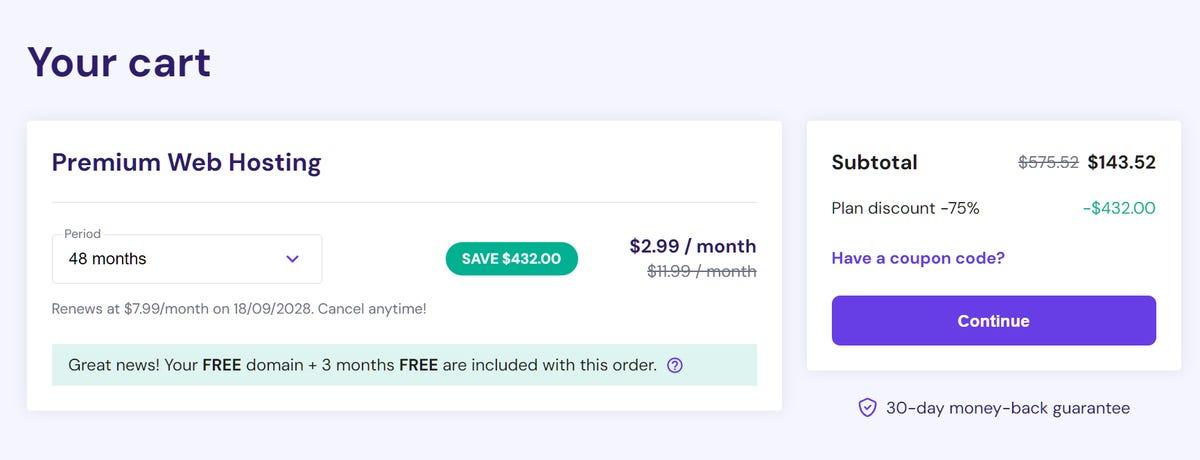
This is the section that matters most, because Hostinger's pricing has a well-known catch: the headline price is an introductory rate on a long term, and it renews higher. Here's the realistic picture as of 2026 (always check the live price — promos change constantly).
| Plan | Intro price | Renews around | Websites | Best for |
|---|---|---|---|---|
| Premium | ~$2.99/mo | ~$11.99/mo | Up to 100 | Beginners, multiple small sites |
| Business | ~$3.99/mo | ~$14.99/mo | Up to 100 | Growing sites, daily backups |
| Cloud Startup | ~$7.99/mo | ~$29.99/mo | Up to 100 | Higher traffic, more resources |
Two honest notes on the pricing:
- The cheapest monthly rate requires paying for a long term (often 48 months) up front. A one-month or one-year term costs more per month.
- Renewal is where it stings. Budget for the renewal price, not the intro price, because that's what you'll actually pay long-term.
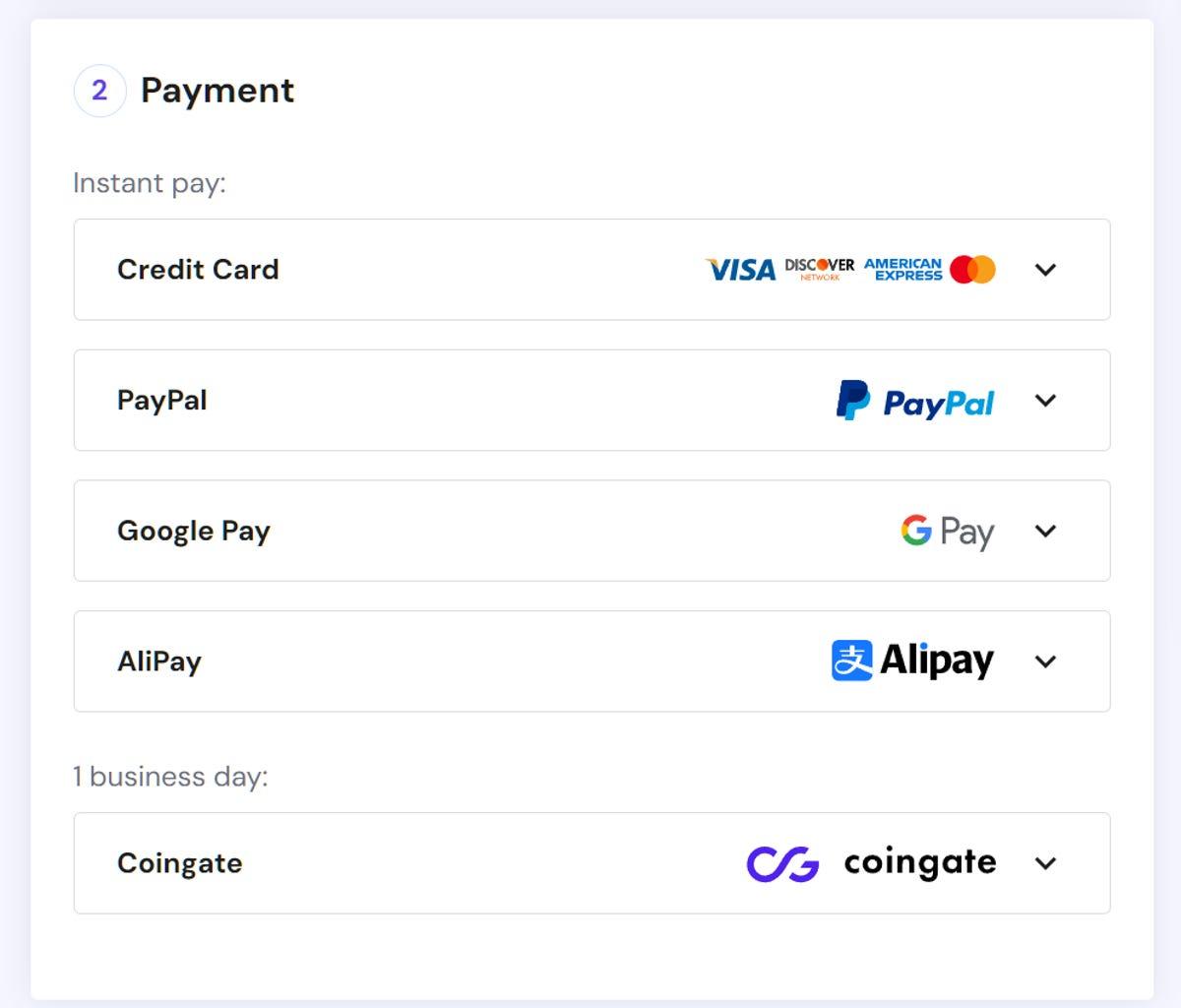
The 30-day money-back guarantee covers hosting plans, so you can test it risk-free. Note that domain registrations are typically non-refundable.
Ease of use: hPanel and setup
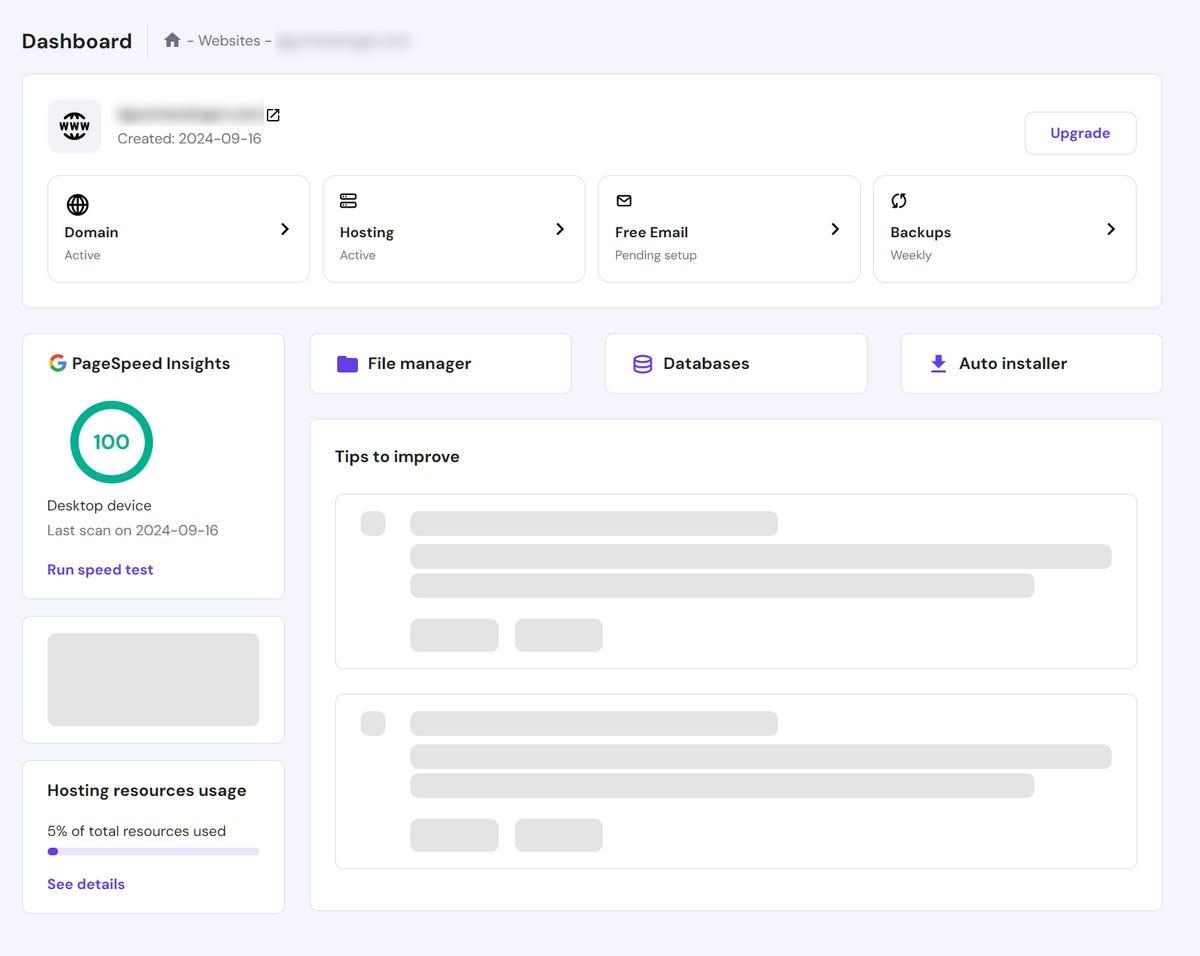
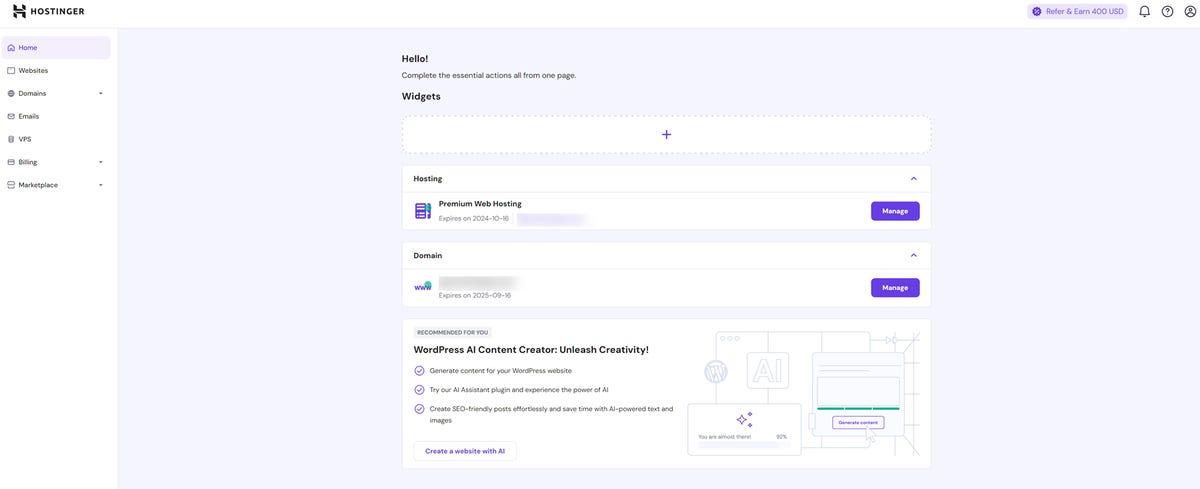
Hostinger's biggest quiet advantage is hPanel, its custom control panel. Instead of the cluttered cPanel that most budget hosts still use, hPanel is clean, modern, and organized the way a beginner actually thinks. Everything — files, databases, email, domains, caching — is grouped logically and searchable.
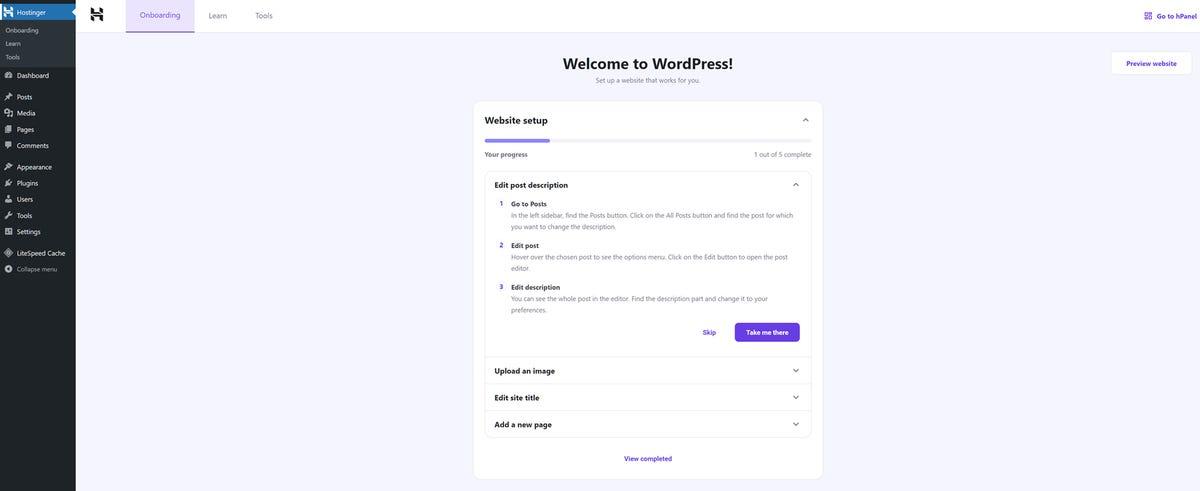
Getting a WordPress site live is genuinely fast. The guided onboarding asks a few questions, installs WordPress, and can even scaffold a starter site with AI. For someone who has never touched hosting, this removes most of the intimidation.
Who finds it easy
- Total beginners: the guided flows and clear labels are a real strength.
- WordPress users: managed WordPress tools, auto-updates, and a staging option on higher plans.
- People managing several small sites: one dashboard handles up to 100 sites on most plans.
Performance and speed
Speed is where Hostinger justifies the hype. It runs LiteSpeed web servers paired with the LiteSpeed Cache plugin, which together handle WordPress caching far better than basic Apache setups. In practice that means quick load times and the ability to absorb traffic spikes that would choke a cheaper host.
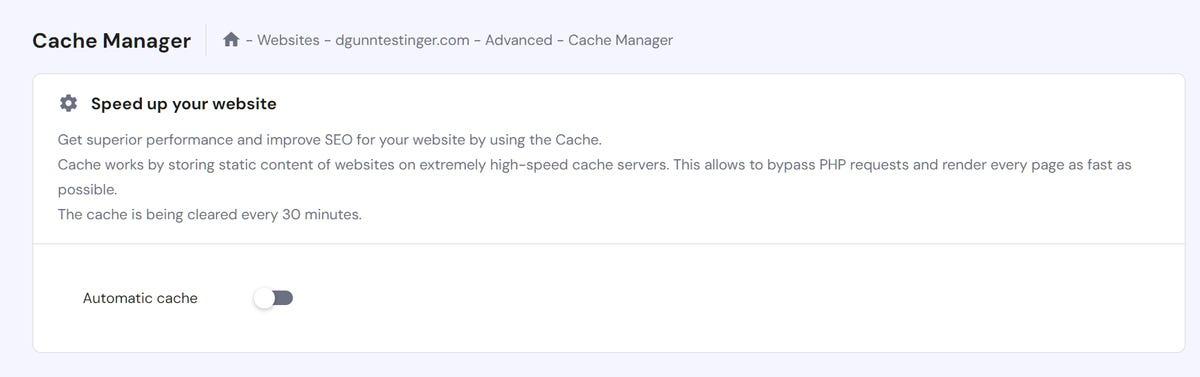
Here's how the core performance specs stack up across the popular plans:
| Spec | Premium | Business |
|---|---|---|
| Storage | 100 GB SSD | 200 GB NVMe |
| Web server | LiteSpeed | LiteSpeed |
| Caching | Built-in | Built-in (object cache) |
| Backups | Weekly | Daily |
| Free CDN | Yes | Yes |
| Uptime guarantee | 99.9% | 99.9% |
Hostinger also operates data centers across the US, Europe, Asia, and South America, so you can host close to your audience — a simple win for load times that budget hosts often ignore. The 99.9% uptime guarantee is standard for the category and, in my experience, the reliability holds up for typical small-site traffic.
Features that come included
For the price, the included feature list is generous:
- Free domain for the first year on annual plans
- Free SSL certificates on all sites
- Free email hosting
- Managed WordPress with auto-updates and a staging tool on higher tiers
- AI website builder and AI WordPress tools
- Weekly or daily automated backups, depending on plan
- Full DNS zone control, even on entry plans
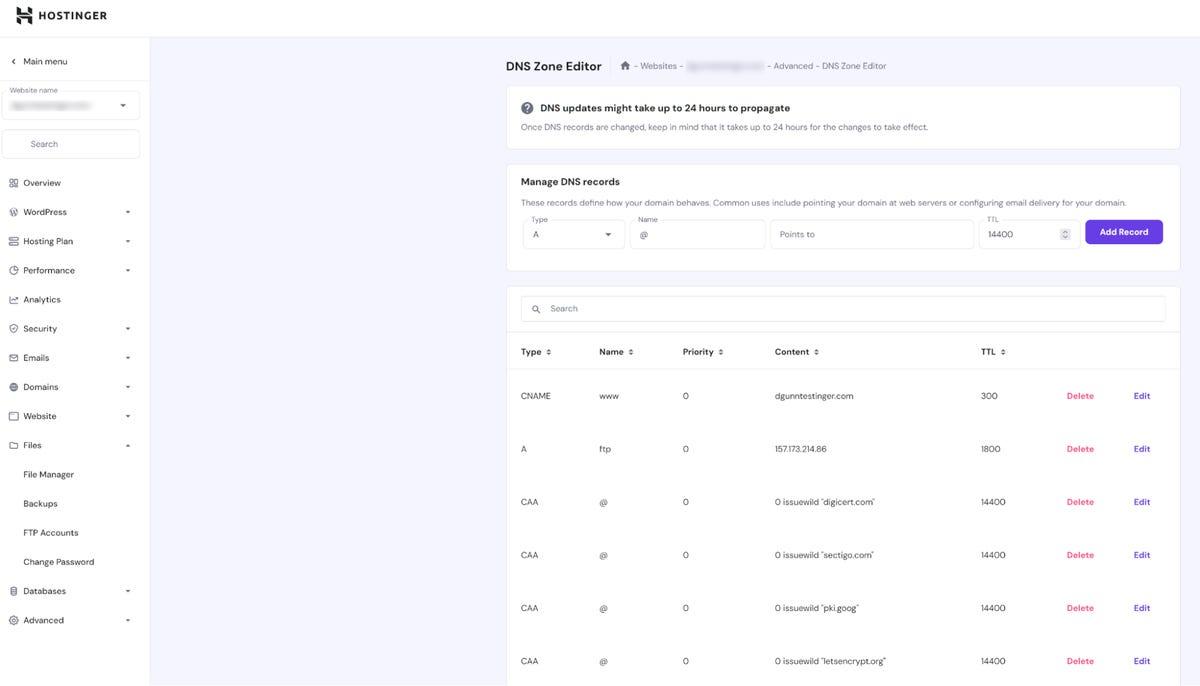
The DNS control deserves a mention — plenty of budget hosts lock advanced DNS behind higher tiers. Hostinger giving you full zone editing on cheaper plans is a nice touch for anyone connecting email tools, subdomains, or third-party services.
Customer support
Support is 24/7 via live chat and email, backed by a deep knowledge base. The chat is responsive and good for routine issues. The knowledge base is genuinely strong — well-organized articles and step-by-step tutorials that resolve most common questions without ever opening a ticket.
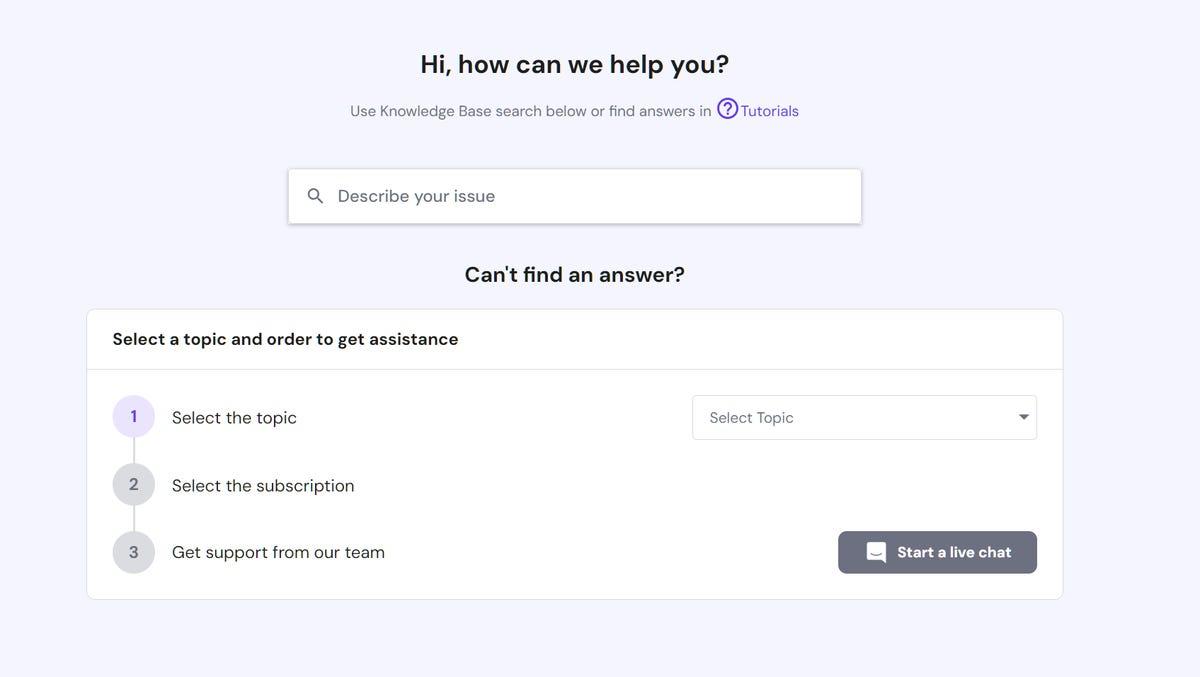
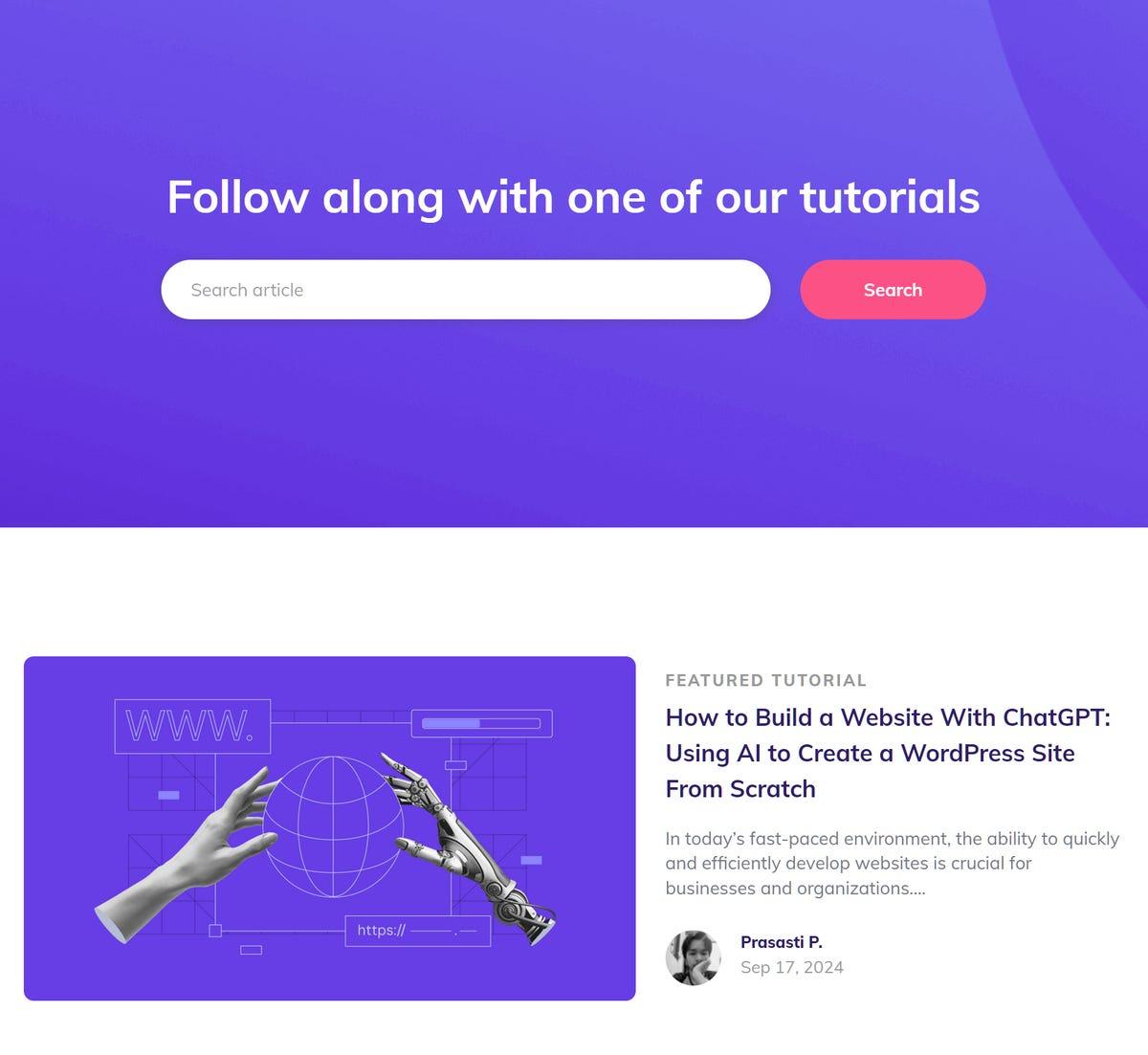
The honest gap: there's no phone support. If picking up the phone and talking to a human is non-negotiable for you, that's a real limitation. For most people, the 24/7 chat plus the documentation is enough.
Pros and cons
| Pros | Cons |
|---|---|
| Fast LiteSpeed performance for the price | Intro price renews much higher |
| Clean, beginner-friendly hPanel | Cheapest rate needs a long term up front |
| Free domain, SSL, and email on annual plans | No phone support |
| Strong 24/7 chat and knowledge base | Pushy upsells during checkout |
| 30-day money-back guarantee | Entry plans aren't for very high traffic |
Where Hostinger falls short
No host is perfect, and pretending otherwise helps nobody. The real weak spots:
- Renewal pricing. The biggest one. Great intro deals, noticeably higher renewals. Always decide based on the renewal cost.
- Long commitment for the best price. To get the lowest monthly rate you prepay for years. The savings are real, but it's money out the door now.
- Checkout upsells. The cart nudges you toward add-ons. Easy to decline, but mildly annoying.
- No phone support. Chat-only support won't suit everyone.
- Entry-plan ceilings. Shared plans are fine for small and growing sites, but a high-traffic store will eventually need Cloud hosting or a VPS.
How Hostinger compares
Where it sits against the other popular budget and managed hosts:
| Host | Intro / mo | Renewal | Best for | Control panel |
|---|---|---|---|---|
| Hostinger | ~$2.99 | Higher | Best speed-for-price, beginners | hPanel |
| Bluehost | ~$2.95 | Higher | WordPress beginners | Custom + cPanel |
| SiteGround | ~$2.99 | Much higher | Premium support | Site Tools |
| Cloudways | ~$11+ | Flat | Scaling and developers | Custom |
The takeaway: Hostinger wins on raw value and speed for the money. SiteGround edges it on support polish but costs significantly more at renewal. Cloudways is the move once you outgrow shared hosting and want managed cloud — different league, different price.
Who should use Hostinger (and who shouldn't)
Use Hostinger if you are:
- A beginner launching a first website or blog
- A small business or freelancer who wants fast hosting cheaply
- Someone running several low-to-medium-traffic WordPress sites
- Budget-conscious but unwilling to sacrifice speed
Look elsewhere if you:
- Run a high-traffic store or app that needs serious resources (consider Cloudways or a VPS)
- Require phone support
- Refuse to commit to a longer term and want flat, predictable pricing
Frequently asked questions
Hostinger earns its reputation: for beginners and small sites, it's the best balance of speed, ease, and price in 2026 — just commit to a longer term and plan for the renewal. If that fits you, it's an easy recommendation.
Hostinger
Best value shared hosting for beginners and small sites in 2026.