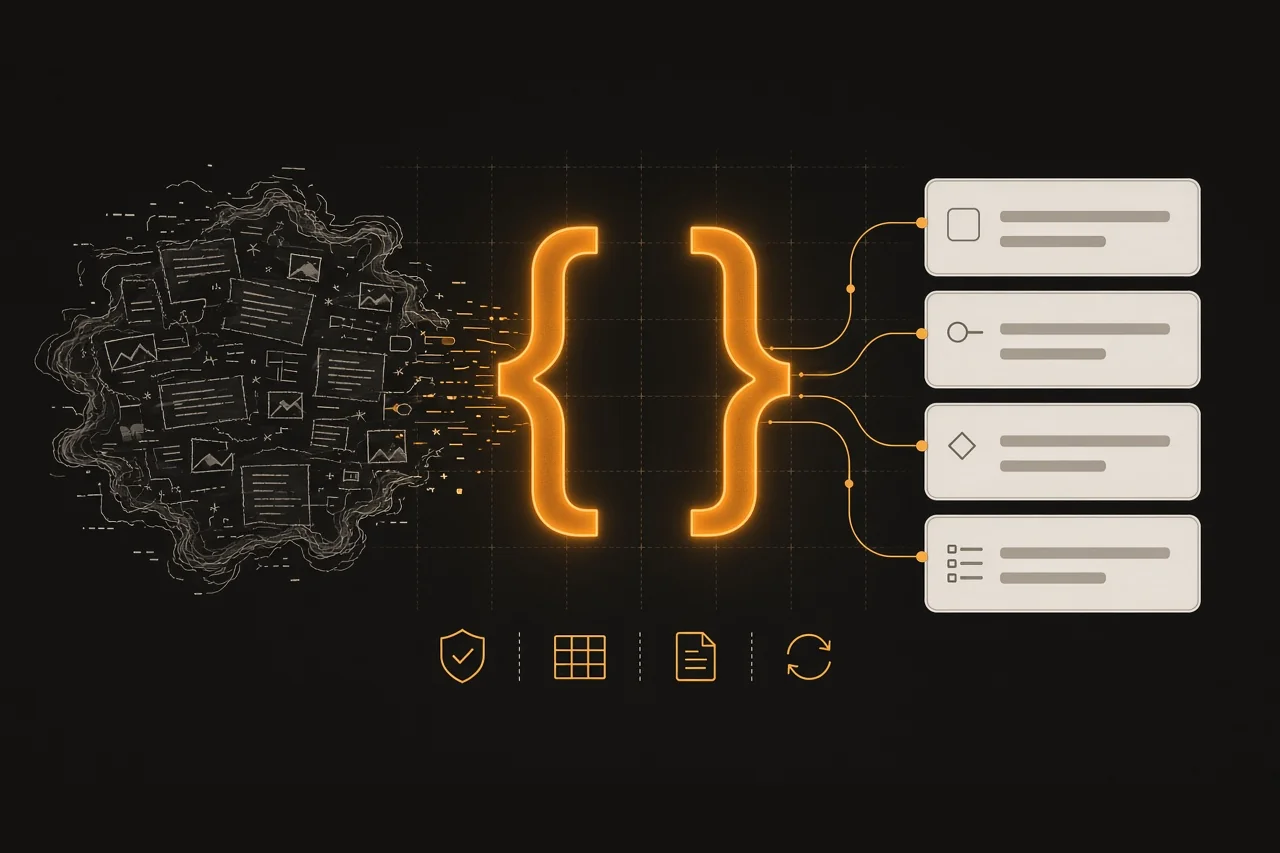
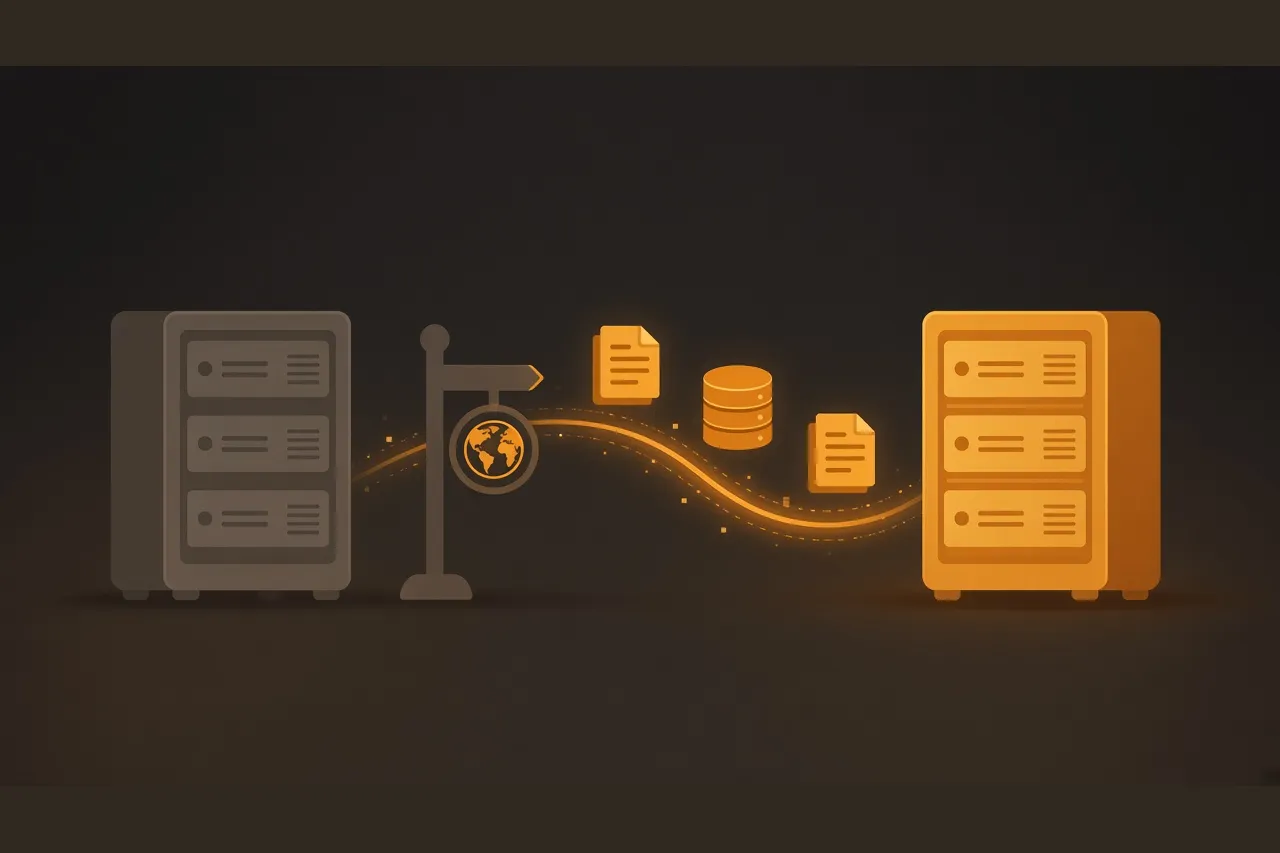
Here's the plain-English answer: an API (Application Programming Interface) is a set of rules that lets two pieces of software talk to each other. It's the messenger that carries your request to another system and brings the answer back — the reason your weather app knows the forecast, your checkout page can charge a card, and one tool can pull data from another without a human copying and pasting.
You use APIs dozens of times a day without noticing. Every time an app shows a map, logs you in with Google, or displays live prices, an API made that happen. In this guide I'll explain what an API actually is, walk through exactly how a request and response work, break down the pieces (endpoints, methods, keys, JSON), and show a real example — all in language that assumes zero coding background. By the end, "API" will feel obvious.
The simplest analogy: the waiter in a restaurant
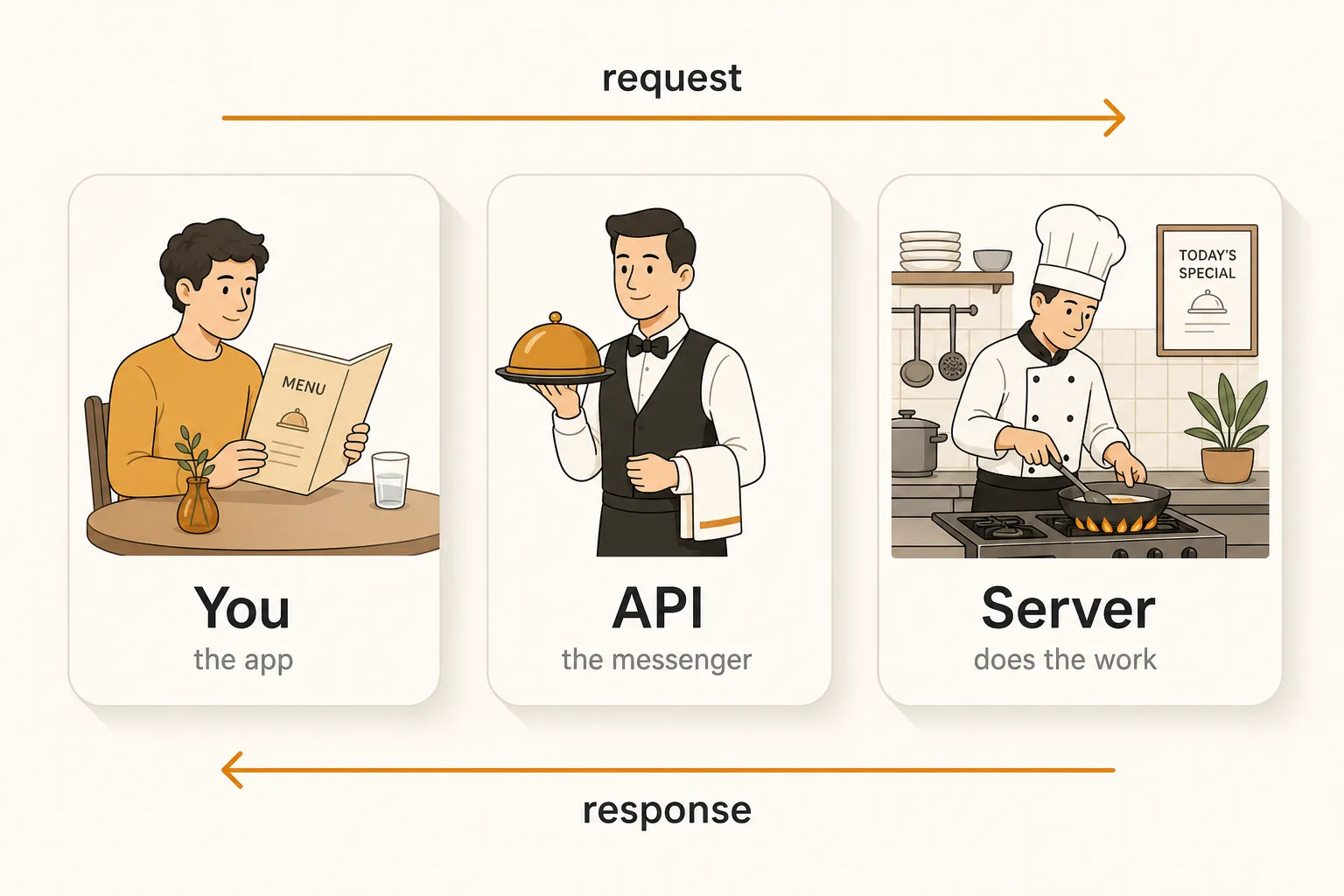
The classic explanation, because it genuinely clicks: think of an API as a waiter.
- You (the customer) are one program that wants something.
- The kitchen is another system that can make it — but you can't walk in and cook.
- The waiter (the API) takes your order to the kitchen and brings the food back.
You don't need to know how the kitchen works, who's cooking, or where the ingredients are. You just order from the menu, and the waiter handles the rest. An API is exactly that: a defined menu of things you can ask for, and a messenger that fetches them. You never touch the other system's inner workings — you just make requests and get responses.
That single idea — a middleman with a fixed menu — is the whole concept. Everything below is detail.
What an API actually is
Stripped of the analogy: an API is a defined way for one program to request data or actions from another program. The company that owns the system (say, a weather service or a payment processor) publishes the API — the list of available requests and the exact format for making them. Any other program that follows those rules can use it.
A few things this buys you:
- Abstraction. You use a feature without knowing how it's built. The API hides the complexity behind a simple request.
- Consistency. The rules are fixed, so your code keeps working even when the other company rewrites its internals.
- Security. You only get access to what the API exposes — never direct access to the database or servers behind it.
- Reusability. One API can serve thousands of different apps at once, each making the same kinds of requests.
So when people say "we integrated with the Stripe API" or "the app calls the Google Maps API," they mean their software sends requests to that service and uses the responses it sends back.
How an API works: request and response
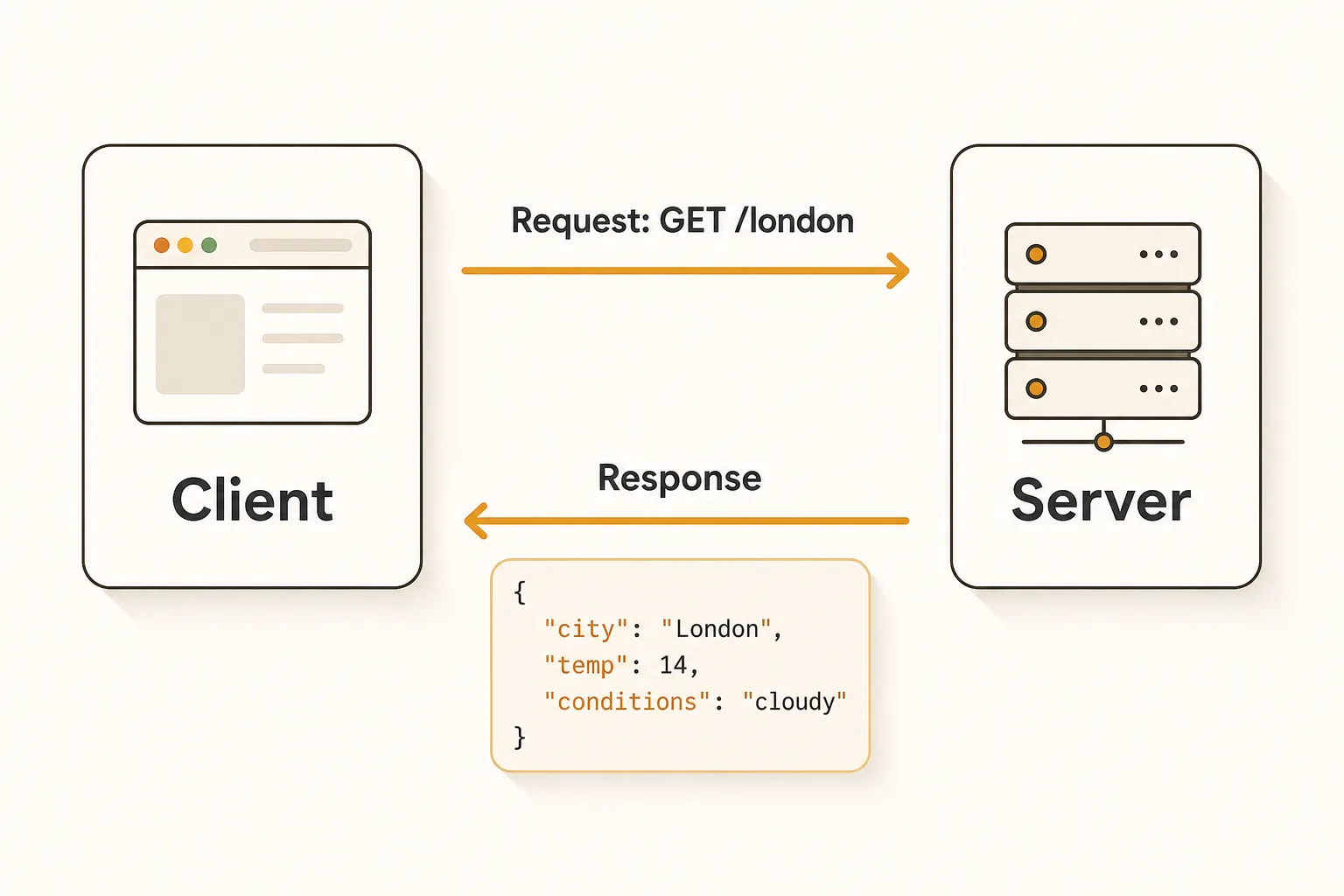
Almost every API you'll meet on the web works on a simple loop: a client sends a request, a server sends back a response. That's it, repeated millions of times a second across the internet.
Here's the sequence, step by step:
- A client (your app, website, or script) needs data or an action — say, the current weather in London.
- It sends a request to a specific API address (the endpoint), formatted the way the API expects.
- The server that runs the API receives the request, checks it's allowed, and does the work — looks up the weather.
- The server sends back a response containing the data (or a confirmation, or an error).
- The client reads the response and uses it — displays the forecast on your screen.
The whole round trip usually takes a fraction of a second. Your weather app repeats this loop every time you open it; a checkout page runs it the moment you click "Pay."
The parts of an API request
A request isn't just "please give me data" — it has a few defined parts. Understanding them demystifies the whole thing:
- Endpoint — the URL you send the request to, like `https://api.weather.com/v1/london`. Each endpoint is one specific thing you can ask for.
- Method — what you want to do (get data, create something, update, delete). More on these next.
- Headers — extra info sent with the request, most commonly your API key for authentication and the format you expect back.
- Body — the actual data you're sending, used when you're creating or updating something (e.g. the details of a new user). Not needed when you're just fetching.
- Response — what comes back: a status code (did it work?) plus the data, almost always in a format called JSON.
HTTP methods: the verbs of an API
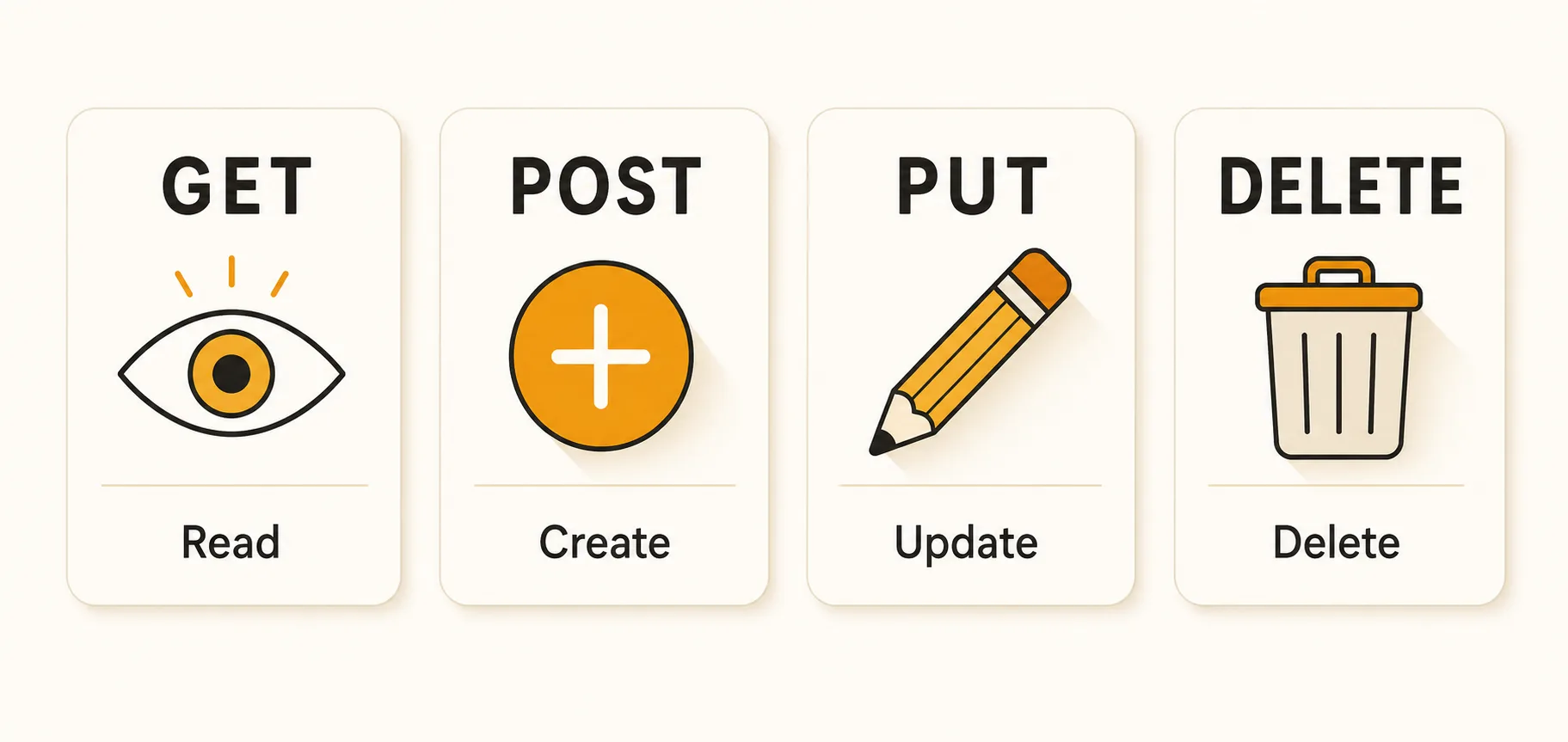
Web APIs use a handful of "methods" that describe the action you want. These four cover the vast majority of what you'll ever do — they map neatly onto create, read, update, delete (often shortened to CRUD):
| Method | What it does | Real example |
|---|---|---|
| GET | Read / retrieve data | Fetch a user's profile |
| POST | Create something new | Add a new blog post |
| PUT | Update existing data | Edit a user's email |
| DELETE | Remove something | Delete a comment |
If you can remember GET = read and POST = create, you already understand most of what an API does day to day.
What comes back: JSON and status codes
When the server responds, it sends two useful things.
First, a status code — a three-digit number that says what happened. You've seen `404` (not found); it's one of these. The common ones:
- 200 — OK, it worked.
- 201 — Created, your new thing was made.
- 400 — Bad request, something in your request was wrong.
- 401 — Unauthorized, your API key is missing or invalid.
- 404 — Not found, that endpoint or item doesn't exist.
- 500 — Server error, something broke on their end.
Second, the data itself, almost always as JSON (JavaScript Object Notation) — a clean, human-readable format of names and values. A weather response might look like this:
Your app reads that JSON and turns it into the nice weather card you see. JSON is the lingua franca of modern APIs because both humans and machines can read it easily.
A real example, start to finish
Say you're building an app that shows the weather. You don't own weather satellites, so you use a weather provider's API. The flow:
- You sign up with the provider and get an API key — a secret string that identifies your app.
- Your app sends a GET request to their endpoint, e.g. `https://api.weather.com/v1/london`, with your API key in the headers.
- Their server checks your key, looks up London's weather, and responds with a `200` status and the JSON above.
- Your app reads `temperature: 14` and `conditions: cloudy` and displays "14°C, Cloudy."
You never built a weather system — you borrowed one through its API. That's the superpower: APIs let you assemble powerful apps from pieces other people maintain.
Types of APIs you'll hear about
"API" is a broad word. Two useful ways people slice it:
By style (how the API is built):
- REST — the most common style for web APIs. Uses standard HTTP methods (GET, POST, etc.) and URLs. Simple and everywhere.
- GraphQL — you ask for exactly the fields you want in one request, avoiding over-fetching. Popular for complex, data-heavy apps.
- SOAP — an older, stricter, XML-based style still used in enterprise and banking systems.
By who can use it (access level):
- Public / open APIs — available to any developer, sometimes free (many weather and mapping APIs).
- Partner APIs — shared only with approved business partners.
- Private / internal APIs — used inside one company to connect its own systems.
For most modern web and automation work, you'll be using REST APIs that return JSON — so if you learn that pattern, you're set.
API keys and authentication
Because APIs are doors into systems, most require you to prove who you are. The usual mechanisms:
- API keys — a unique secret string you include with each request. Simple and common. Keep it private; anyone with your key can use the API as you (and run up your bill).
- Tokens (OAuth) — the "Log in with Google" pattern. You get a temporary token that grants limited access without sharing a password. More secure for user-facing apps.
- Rate limits — most APIs cap how many requests you can make in a period, to prevent abuse. Exceed it and you get throttled (often a `429` status).
Why APIs matter (and where you already rely on them)
APIs are the connective tissue of modern software. A few everyday examples you've definitely used:
- "Log in with Google/Facebook" — an authentication API.
- Booking sites showing flights from many airlines — each airline's API feeding one page.
- A store's checkout charging your card — a payment API like Stripe or PayPal.
- Any app showing a map — a mapping API.
- Automation tools (Zapier, Make, n8n) — these are basically API orchestrators, wiring one service's API to another's so your apps talk without you.
That last one is why APIs matter so much for non-developers now: no-code automation platforms let you connect APIs by clicking, not coding, so anyone can build the same integrations that used to need an engineer.
A quick glossary
Keep these handy — they're the words that come up constantly:
- Endpoint — the specific URL you send a request to.
- Request / Response — you ask; the server answers.
- JSON — the standard format data comes back in.
- API key — your secret pass to use an API.
- REST — the most common web-API style.
- Rate limit — the cap on how many requests you can make.
Frequently asked questions
The bottom line
An API is simply a messenger with a fixed menu: your program sends a request in an agreed format, another program sends back a response, and neither needs to know how the other works inside. Learn the loop — request goes out to an endpoint, response comes back as JSON — and the rest is just vocabulary.
APIs are what let modern software be assembled from parts instead of built from scratch, and thanks to no-code tools, you no longer need to be a developer to put them to work. Start noticing them, and you'll see APIs quietly running almost everything you touch online.