Charge 200 members $20 a month and you bring in $4,000. Depending on the community platform you pick, between $258 and $640 of that goes on fees.
That gap is the part most "best community platforms for creators" lists skip. They compare feature checklists and headline prices. The real bill is the monthly fee plus the platform's cut of every sale plus card fees, and the cheapest-looking plan is often the most expensive one once people start paying.
I've compared eight platforms on that full cost and on the job each one does best. Every price and fee comes from the vendors' own pricing and help pages, as of 11 October 2026. I haven't run a paid community on these for this post, so this is research, not a hands-on test. My pick for each kind of creator is at the end.
A community only works if you keep feeding it. If you're still building the content side, my roundup of AI tools for content creators covers that part of the stack.
Some links here are affiliate links. They don't change your price or my verdict.
How I picked these community platforms
Each platform had to let a creator host members, post content and run conversations, with self-serve plans or a free tier and published prices.
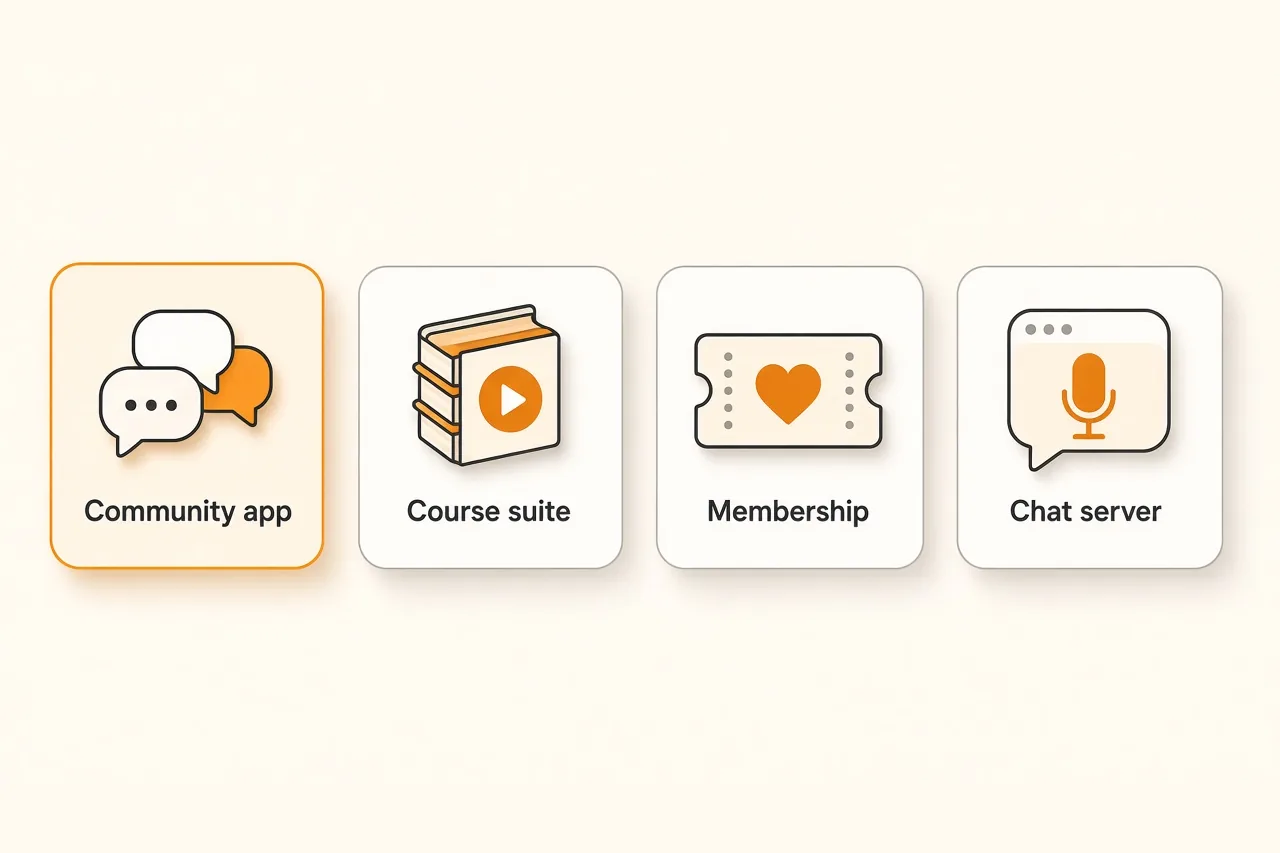
Then I sorted them by job, because "community platform" covers four different products:
- Paid community apps: Skool, Circle, Mighty Networks, Heartbeat
- Course and business suites with a community inside: Kajabi
- Membership platforms with chat attached: Patreon
- Free chat servers and forums: Discord, Discourse
I also looked at Thinkific and Bettermode. They're covered near the end, with the reason they didn't make the main list.
Best community platforms for creators compared at a glance
| Platform | Best for | Entry price (annual billing) | Platform cut of sales | Free plan |
|---|---|---|---|---|
| Skool | Simple paid groups with courses | $7.50 a month (Hobby) | 10% Hobby, 2.9% Pro (fee includes card processing) | No |
| Circle | A branded community with courses and events | $89 a month | 2% on Professional | No, 14-day trial |
| Mighty Networks | Community, courses and native apps | $79 a month | 2% on Launch | No, free trial |
| Kajabi | Courses, email and checkout in one | $143 a month | None (card fees only) | No, free trial |
| Heartbeat | Small paid groups on a budget | $40 a month | 5% on Build | No, 14-day trial |
| Discord | Free chat for an audience you already have | Free | 10% on Server Subscriptions (US only) | Yes |
| Patreon | Memberships first, chat second | Free to start | 10% for new creators | Yes |
| Discourse | A searchable forum or knowledge base | Free plan, Pro $100 a month | None on hosting | Yes |
Prices are in US dollars from each vendor's pricing page, as of 11 October 2026. Monthly billing costs more on every paid plan; each section below has both.
What do these platforms really cost once members pay?
Here's the scenario: 200 members paying $20 a month, so $4,000 a month in sales and 200 card payments.
Where a platform charges card processing separately, I've assumed Stripe's standard 2.9% + $0.30 per payment, which is $176 here. Your real card rate depends on your country and your members' cards. Plan prices are the annual-billing rates.
| Platform and plan | Plan fee | Platform cut | Card fees | Total a month |
|---|---|---|---|---|
| Skool Pro (yearly) | $82 | Included in the 2.9% + $0.30 | $176 | $258 |
| Kajabi Basic | $143 | $0 | $176 | $319 |
| Mighty Networks Launch | $79 | $80 (2%) | $176 | $335 |
| Circle Professional | $89 | $80 (2%) | $176 | $345 |
| Heartbeat Build | $40 | $200 (5%) | $176 | $416 |
| Skool Hobby (yearly) | $7.50 | $460 (10% + $0.30 each) | Included | $467.50 |
| Patreon (new creator) | $0 | $400 (10%) | $176 | $576 |
| Discord Server Subscriptions | $0 | $400 (10%) | $240 (6% on desktop) | $640 |
This is my arithmetic on each vendor's published fees, not an invoice. Patreon also adds payout and currency fees. Discord's mobile app-store purchases carry app-store fees instead of the 6%.
Two things jump out.
First, "free" is the expensive option once money moves. Patreon and Discord cost nothing to start, but a 10% cut on $4,000 is more than any plan fee on the list.
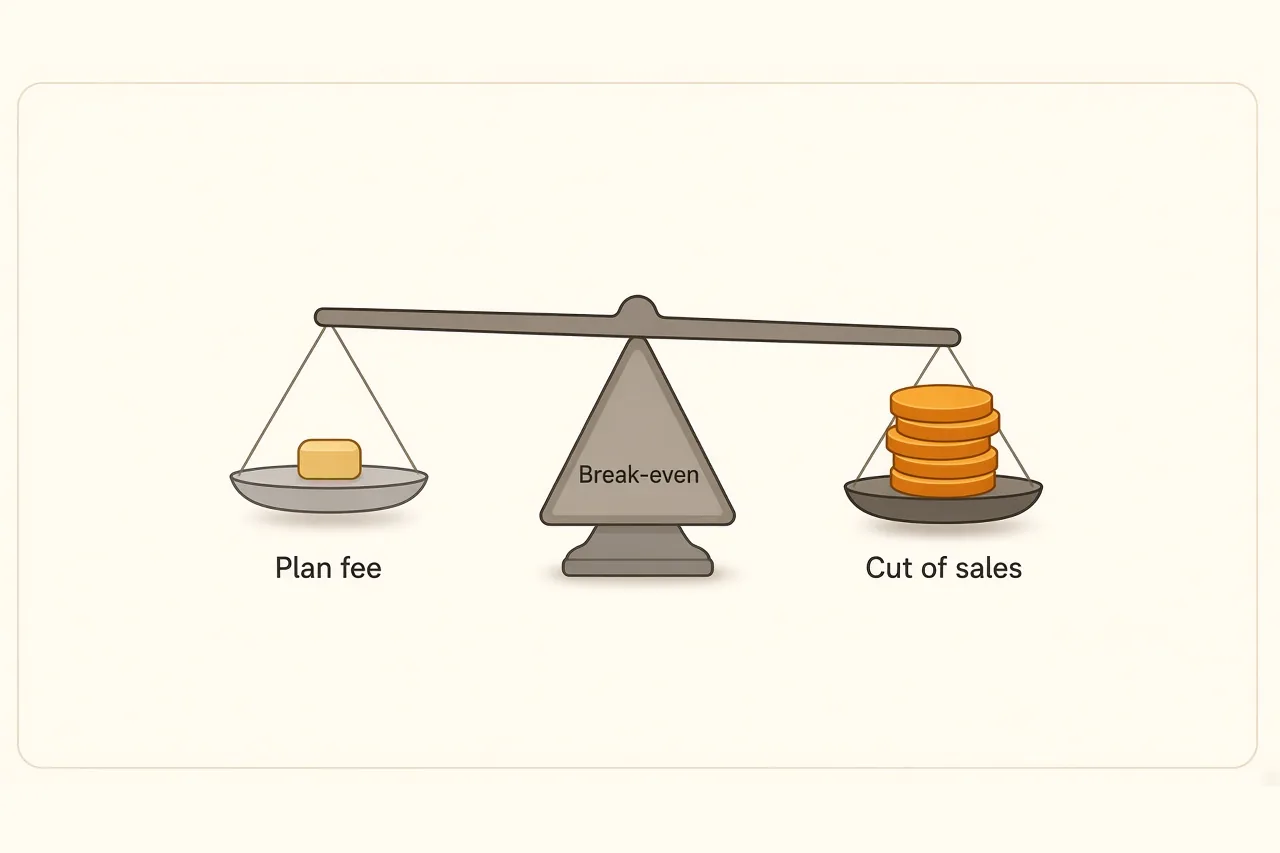
Second, Skool's two plans cross over early. Hobby saves you $90 a month on the plan but costs 7.1 percentage points more on every sale. On monthly billing, the break-even is about $1,268 a month in sales. Past that, Pro is cheaper.
The 8 best community platforms for creators
1. Skool — the simplest paid community with the lowest fees at scale
Skool puts a discussion feed, a classroom for courses and a calendar for live calls into one plain, fast interface. It's built for paid groups, and its gamification is the part people talk about.
Members earn points when others like their posts and comments, and those points move them up levels. You can lock a course or an event until a member reaches a level, which turns participation into a reason to stay.
Standout features:
- Unlimited members, courses, videos and live calls on both plans
- Points, levels and a leaderboard, with level-locked courses and events
- Classroom and Calendar built in
- Pro's fee includes card processing: 2.9% + $0.30 up to $899, 3.9% + $0.30 above $900
| Pros | Cons |
|---|---|
| Lowest total fees in my scenario on Pro | Hobby's 10% + $0.30 cut gets expensive fast |
| Very little to set up or design | Limited branding and layout control |
| Gamification is built in, not a plugin | No free plan, only a trial |
Skip Skool if your brand matters more than simplicity. Skool groups share one standard layout, and that's by design.
2. Circle — the most complete branded community
Circle is a community platform that grew into a full creator business tool: community spaces, courses, live events, a website, payments and email in one place. Its plans differ mainly in automation, AI and limits, not in the core community.
Every paid plan has unlimited members. The Business plan adds workflows, APIs and Circle's MCP server, and Scale adds webhooks and AI agents. If you plan to connect your community to other tools with workflow automation, that's where Circle pulls ahead.
Standout features:
- Unlimited members, courses, events and a website on every plan
- iOS, Android and desktop apps from Professional; fully branded apps on Circle Plus
- Live streams for up to 100 attendees on Professional
- Workflows, APIs and MCP from Business; webhooks on Scale
- Email Hub add-on from $99 a month for 10,000 contacts
| Pros | Cons |
|---|---|
| The most complete feature set on the list | $89 a month entry price is high for a new community |
| Your own domain, layout and brand | 2% cut on Professional on top of card fees |
| Transaction fee drops to 1% on Business | Automation and API need the $199 Business plan |
3. Mighty Networks — community, courses and native apps
Mighty Networks combines community spaces, courses, events and livestreams, and runs on iOS, Android and the web. Its higher plans add branded apps under the Mighty Pro name.
It's the closest rival to Circle, and its entry plan is $10 a month cheaper on annual billing. The catch is the monthly price: Launch jumps from $79 to $95 a month if you don't pay for the year up front.
Standout features:
- Unlimited members on every plan
- Courses, events and livestreams in the same space as the community
- iOS and Android apps on every plan; branded apps on Mighty Pro
- APIs and MCP access from the Scale plan
- The free trial runs on the Growth plan, so you test more than you'll get on Launch
| Pros | Cons |
|---|---|
| Native mobile apps on every plan | Monthly billing is about 20% more |
| Cheaper entry than Circle on annual billing | 2% cut on Launch on top of card fees |
| Courses and community in one place | The trial shows Growth features you lose on Launch |
4. Kajabi — the whole creator business with a community inside
Kajabi isn't a community platform first. It's a course, email, landing page and checkout system, and a community is one of the products you can sell in it.
That makes the comparison unfair in both directions. As a community alone, it's expensive. As a replacement for a course host, an email tool, a page builder and a community app, it can be the cheaper stack.
Standout features:
- No revenue share; Kajabi Payments charges 2.9% + $0.30 per sale on Basic (US rate)
- Unlimited marketing emails and landing pages on every plan
- 1 community and 5 products on Basic, 3 communities on Pro
- Branded mobile app included on Pro
- 30-day money-back guarantee on every plan
| Pros | Cons |
|---|---|
| No platform cut on any plan | $143 a month entry price, $179 billed monthly |
| Replaces several tools at once | Basic caps you at 2,500 contacts and 5 products |
| Email and funnels are built in | The community is simpler than Circle's or Mighty's |
5. Heartbeat — the cheapest entry for a small paid group
Heartbeat packs channels, courses, events, documents and voice and video rooms into one community app. Its Build plan is the cheapest paid entry on this list.
The catch is the member cap. Build stops at 350 members, and admins and moderators count toward it. Heartbeat's 5% cut on Build also sits on top of Stripe's card fee, which is why it lands mid-table in the cost maths.
Standout features:
- Unlimited channels, courses, events and documents
- Voice and video rooms for up to 256 people
- Zapier, Zoom and Google Calendar integrations on every plan
- API access, an affiliate program and branding removal from Grow
| Pros | Cons |
|---|---|
| Lowest paid entry price on the list | 350-member cap on Build, including your team |
| Voice and video rooms included | 5% cut on Build, plus card fees |
| Unlimited admins and moderators | API access only from the $124 Grow plan |
6. Discord — free chat for an audience you already have
Discord is a free chat app made of servers, channels and voice rooms. Many creators already have a server, because their audience is already on Discord.
For a free community, it's hard to beat. For a paid one, read the fine print. Discord's own creator FAQ says Server Subscriptions aren't available outside the United States, and the fees are 10% plus 6% payment processing on desktop.
Standout features:
- Free servers, text channels, voice and video channels
- Roles and permissions to gate channels
- Server Subscriptions with a 90/10 split (US only)
- First payout once a server has earned at least $100
| Pros | Cons |
|---|---|
| Free, and your audience may already use it | Paid subscriptions are US-only |
| Real-time chat and voice beat any forum | 10% + 6% is the most expensive cut in my scenario |
| Huge range of bots and integrations | Fast chat buries good answers within days |
7. Patreon — memberships first, community second
Patreon is a membership platform: fans pay a monthly fee per tier, and you post content to them. Community chats sit on top of that, with up to 10 group chats you can restrict by tier.
Its pricing changed for new creators. If you publish a page after 4 August 2025, you're on a standard 10% platform fee plus payment processing. Older creators keep their legacy rates unless they unpublish their page.
Standout features:
- Paid tiers, one-time purchases and a free tier
- Up to 10 community group chats, restricted by tier if you want
- Patreon's app and discovery, so fans can find you there
- No upfront cost
| Pros | Cons |
|---|---|
| Fans already know how Patreon works | 10% platform fee for new creators |
| No monthly plan fee | Chat is basic next to a real community app |
| Handles tiers, billing and payouts | Payout and currency fees on top |
8. Discourse — a searchable forum you can own outright
Discourse is open-source forum software. Conversations become topics in categories, so a good answer stays findable months later instead of scrolling away like a chat message.
You can self-host it for free, or pay Discourse to host it. The free hosted plan allows unlimited members with 2 staff seats and 10 categories. It's the pick when your community is really a support desk or a knowledge base.
Standout features:
- Open source, free to self-host
- Hosted Free plan with unlimited members, 2 staff seats and 10 categories
- API and webhook access from Pro
- A Subscriptions plugin to sell access to groups
| Pros | Cons |
|---|---|
| Answers stay searchable and well organised | Feels like a forum, not a social app |
| Free and open source, so you can own it outright | Paid hosting jumps from free to $100 a month |
| Strong moderation and spam tools | No built-in courses |
What about Thinkific and Bettermode?
Thinkific is a course platform first. Its Basic plan ($54 a month, or $40 billed annually) includes one community with up to 5 spaces, but paid memberships start on the Start plan at $109 a month ($82 annually). If your courses already live there, use its community. I wouldn't move to Thinkific only for its community.
Bettermode is built for company customer communities, the kind a marketing or support team runs. Its Starter plan is $149 a month billed yearly ($199 monthly) for up to 10,000 members. That's good value for a SaaS help forum and a poor fit for a creator selling memberships.
Do you own your community, or are you renting it?
Here's the question that decides more than fees.
On Discord and Patreon, your members live inside someone else's app. That's a big plus for discovery, but you're building on rented land: the platform sets the rules, the fees and what you can export.
On Circle, Mighty Networks, Kajabi and Heartbeat, the community sits on your own domain with your brand. Discourse goes furthest, because you can run the software yourself.
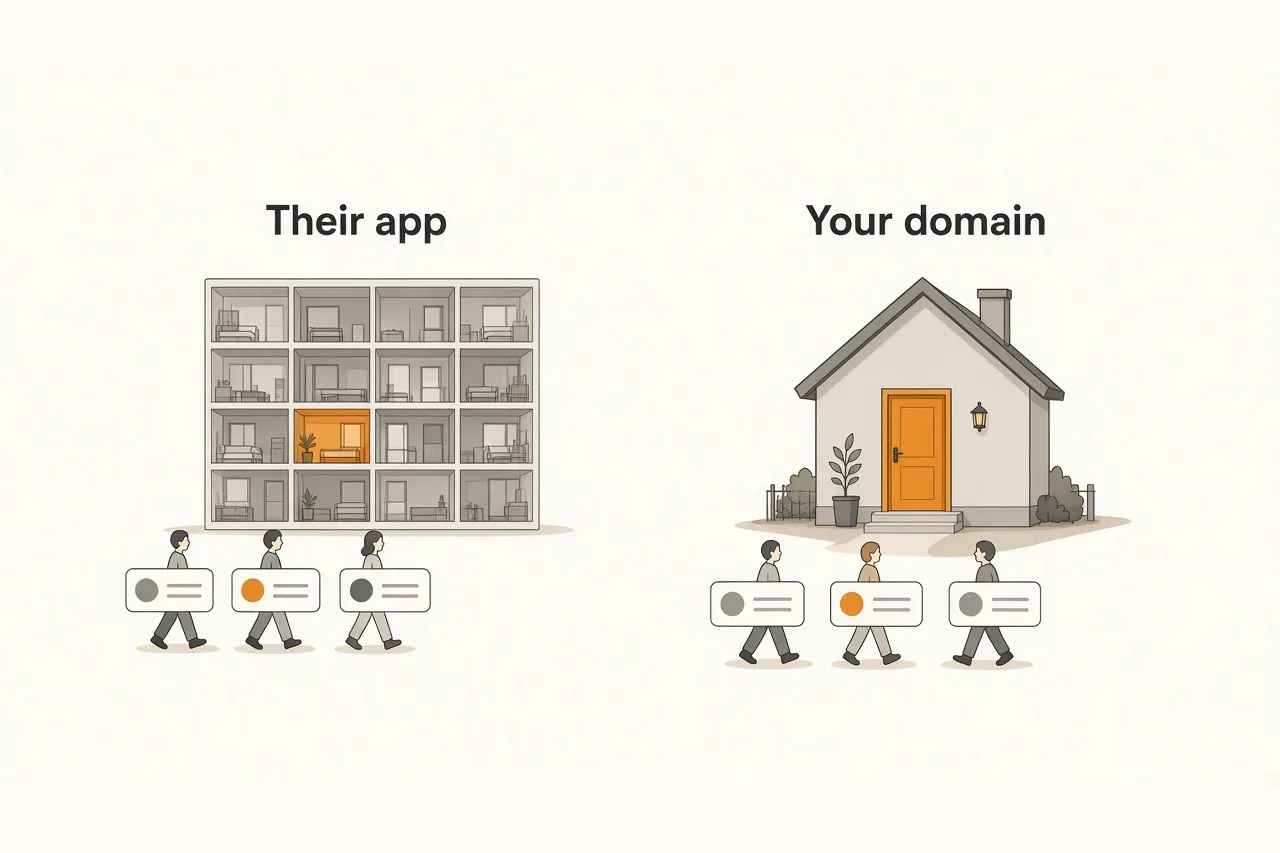
My take: if you already have an audience somewhere else, such as a newsletter, YouTube or a blog, owning the community matters more than discovery. Keep collecting email addresses either way. A list you own survives any platform change.
Which community platform should you pick?
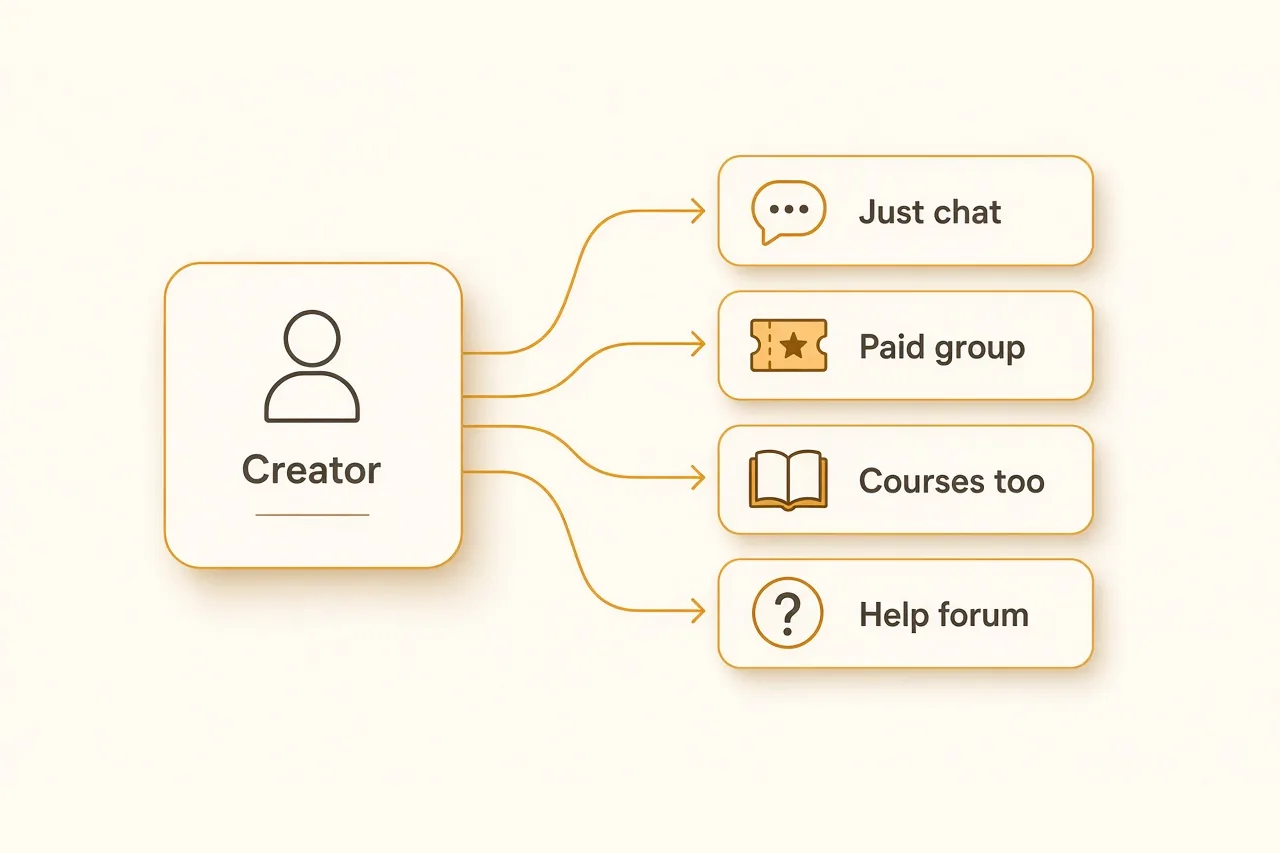
- Want a free hangout for your audience: Discord
- Selling a paid group with a few courses, and want the lowest fees: Skool Pro
- Want a branded community with courses, events and apps: Circle, or Mighty Networks if you'll pay annually
- Selling courses, email and community as one business: Kajabi
- Testing a small paid group under 350 people: Heartbeat Build
- Already making memberships on Patreon: stay, and use its chats
- Running a help forum or knowledge base: Discourse
Whatever you pick, run the fee maths at the revenue you're aiming for, not the revenue you have today. That's the number that tells you whether a cheap plan stays cheap.
If you're building the rest of your creator stack too, I've also compared SEO tools for bloggers and no-code tools for business apps.
Frequently asked questions
Starting from zero? Skool Pro is the simplest way to get a paid group live with low fees.