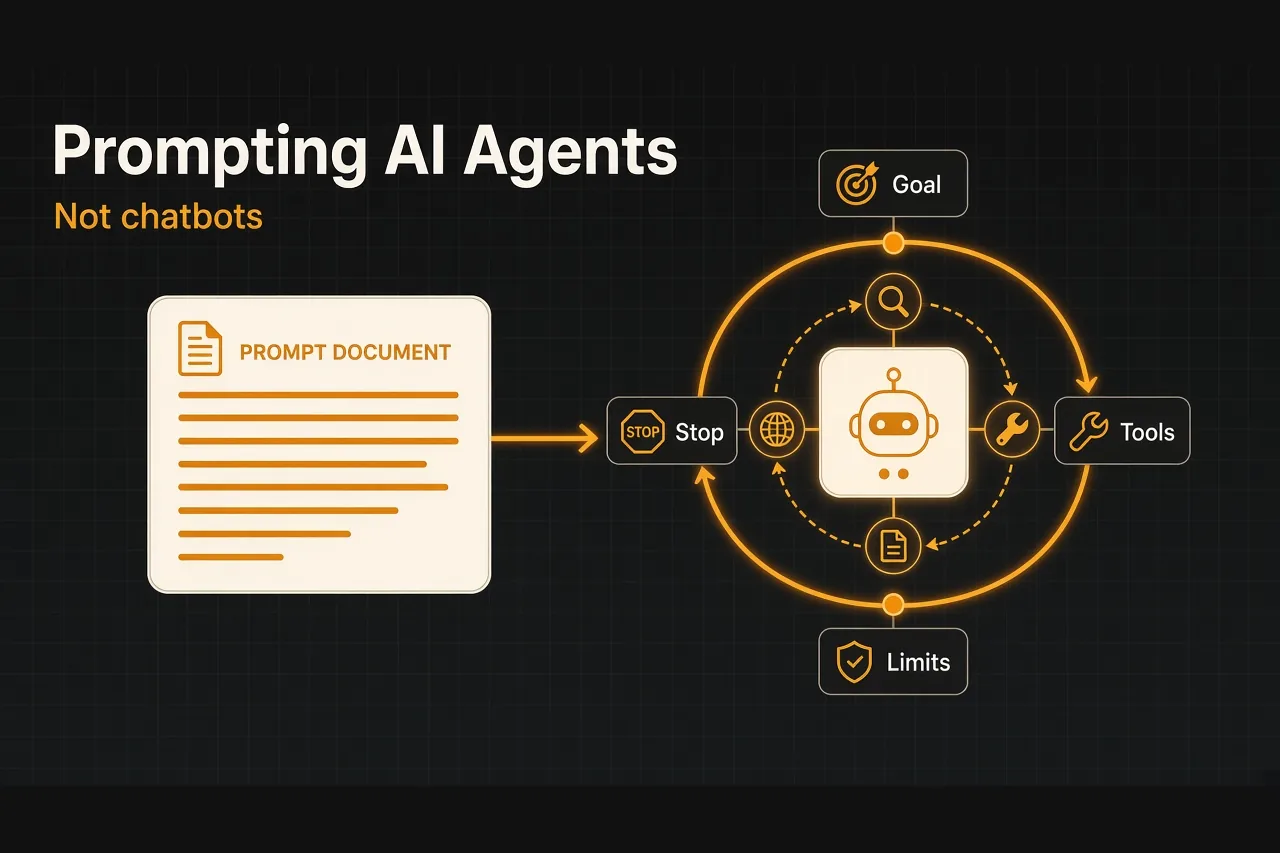
An AI agent that can send email, run shell commands or edit production data does not fail the way a chatbot fails. A bad reply is embarrassing. A bad tool call is a refund, a deleted table or a leak.
OpenAI's Agents docs put the fix in two buckets: automatic guardrails, and human review that pauses a run before a sensitive action. Anthropic's May 2026 containment write-up goes further. Its telemetry showed users approving about 93% of permission prompts, which is why Claude Code's OS sandbox cut those prompts by 84%.
So "AI agent guardrails" are not a content-filter checkbox. They are the permissions, approvals, sandboxes and hard limits that cap blast radius when a model can act — the same risk surface I cover in what prompt injection does to agents.
Below: what guardrails mean for agents, the four control layers vendors keep reinventing under different names, how least privilege and human-in-the-loop actually work, where sandboxes beat prompts, and a checklist you can apply to the first agent you ship.

What are AI agent guardrails?
AI agent guardrails are the rules and hard boundaries that decide which tools an agent may call, which arguments are allowed, when a person must approve, and what happens if those checks fail.
OpenAI's guide on guardrails and human review splits the job cleanly:
- Guardrails: automatic checks on input, output or tool behaviour.
- Human review: a pause so a person or policy can approve or reject a sensitive action.
That is different from the older "LLM guardrails" market, which mostly meant classifiers for toxicity, PII or jailbreaks. Those still help. They do not stop an agent that already decided to POST your files to an attacker-controlled endpoint.
If you are still fuzzy on the agent itself, start with my plain-English guide to what an AI agent is. Guardrails only matter once the model can choose tools in a loop.
Guardrails vs content filters vs policies
| Control | What it checks | When it runs | What it can stop |
|---|---|---|---|
| Content / safety filter | Wording of prompts or replies | Before or after the model | Toxic text, some jailbreaks, leaked secrets in text |
| Input / output guardrail | Whether the run should start or finish | Start of chain / final answer | Off-topic requests, bad structured output |
| Tool guardrail / allowlist | Tool name and arguments | Around each tool call | Wrong tool, out-of-scope target, dangerous args |
| Human-in-the-loop approval | Whether a side effect may proceed | Before the tool executes | Sends, deletes, payments, shell, risky MCP actions |
| Sandbox / egress limit | What the process can reach on disk and network | Continuously, at the OS or VM | Exfiltration, host escape, ambient credentials |
My rule of thumb: filters shape what the model says. Permissions and sandboxes shape what it can do. You need both, and for agents the second set carries more weight.
Why do agents need stronger guardrails than chatbots?
A chatbot without tools mostly risks a bad answer. An agent with tools risks a bad action, and prompt injection makes that action easier for an attacker to trigger.
Simon Willison's "lethal trifecta" is the short version: private data access, exposure to untrusted content, and a way to send data out. Put all three in one agent and a poisoned page, email or tool result can steer the next step.
Anthropic's containment article is blunt about the limits of asking humans to catch every mistake. Approval fatigue shows up fast. Experienced Claude Code users auto-approve about twice as often as new users, and they interrupt mid-run when something looks wrong instead of reading every prompt. That works only while the user is technical and paying attention.
So the useful design question is not "how do I make the model never misbehave?" It is "if the model is fooled or overeager, what is the worst thing it can still reach?"
What are the four layers of AI agent guardrails?
Vendors use different names. The layers underneath keep repeating.
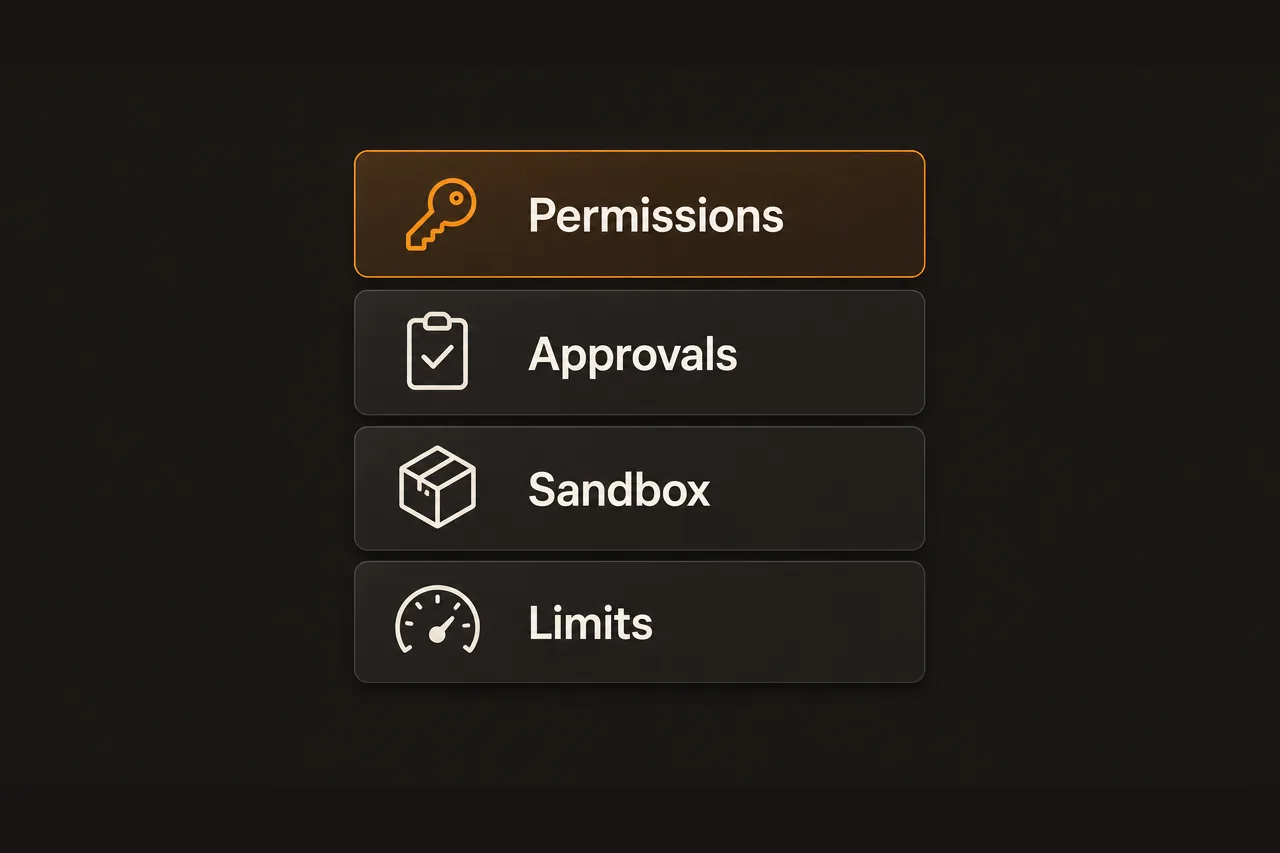
1. Permissions: least privilege for tools
Give the agent the smallest tool set that can finish the job. Prefer read-only tools first. Split "search tickets" from "refund customer". Prefer short-lived, narrowly scoped credentials over long-lived keys that unlock everything.
OpenAI groups tools into data tools, action tools and orchestration tools. Action tools are where you spend the most care, because they change the world. Google's Gemini agent docs say the same thing in credential language: only provide credentials whose full scope you are willing to grant, and prefer short-lived tokens.
LangChain's middleware approach adds a second level: even after a tool is on the allowlist, wrap_tool_call can inspect arguments and deny a call whose target or payload is out of policy. Allowlisting the tool answers "can this run at all". Argument checks answer "can it run like this".
2. Approvals: human-in-the-loop before side effects
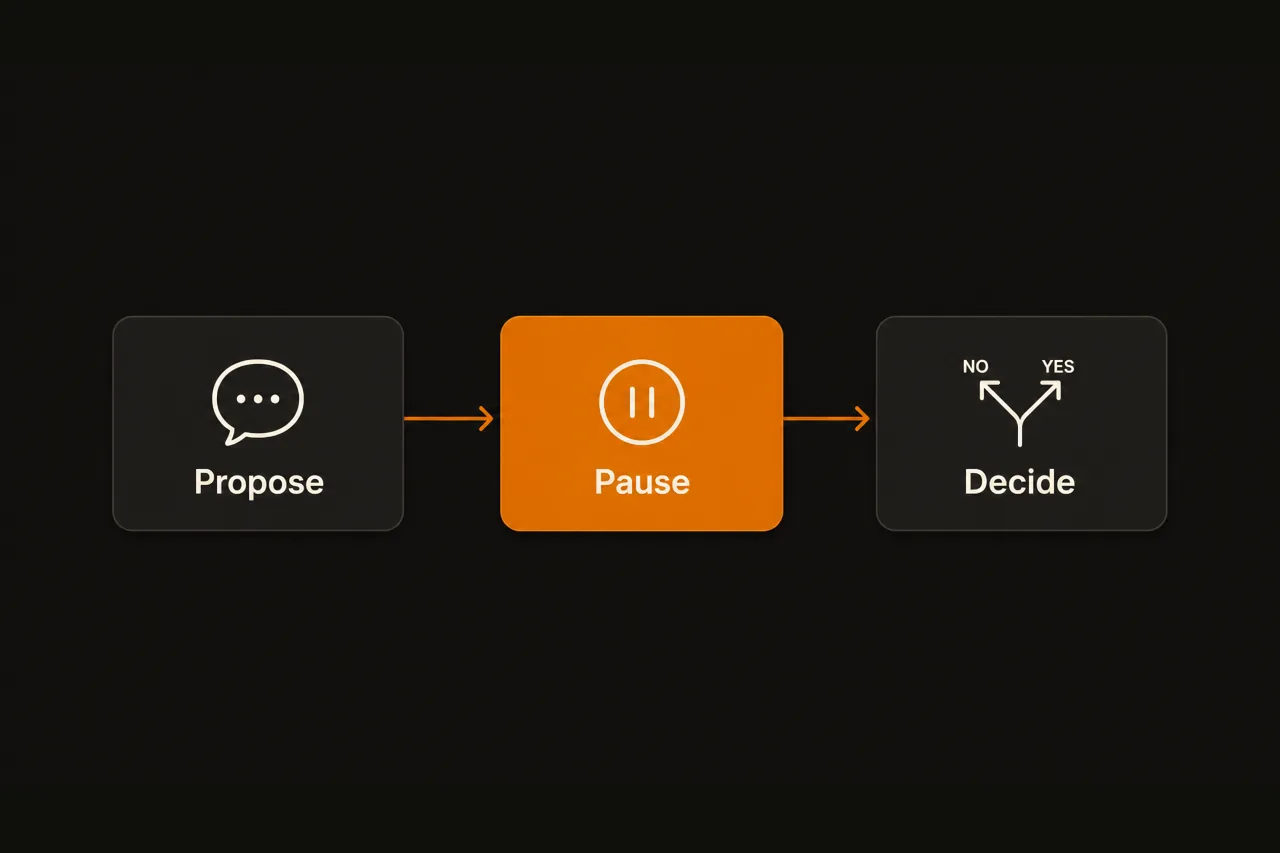
Human-in-the-loop (HITL) means the model may propose a tool call, but the run pauses until a person approves, edits or rejects it.
OpenAI's Agents SDK does this with needs_approval on a tool. The run returns interruptions, you approve or reject on a resumable RunState, then you resume the same run. LangChain's HumanInTheLoopMiddleware maps tools to interrupt_on policies and supports approve, edit, reject and respond decisions, with a checkpointer so the pause can survive across requests.
Use HITL for anything with real consequences: sending email, charging a card, deleting rows, running shell, writing to production, or calling a sensitive MCP server. Do not put HITL on every read. That recreates the 93% auto-approve problem Anthropic measured.
3. Sandboxing: hard environment boundaries
A sandbox is an OS-enforced or hypervisor-enforced boundary around what the agent process can read, write and reach on the network. Anthropic treats this as the primary blast-radius control once approvals alone get fatigued.
Patterns from Anthropic's May 2026 post:
- Ephemeral containers for server-side code execution (claude.ai), isolated with gVisor.
- OS sandboxes for coding agents on a laptop (Claude Code): workspace writes, network denied by default.
- Local VMs for desktop agents (Claude Cowork): mounted workspace only, host credentials stay outside the guest.
Google's Gemini agents and Vertex sandboxes follow the same idea: OS-level isolation, no ambient cloud credentials inside the sandbox, and network off or allowlisted.
Anthropic's computer-use API docs still recommend a dedicated VM or container with minimal privileges, an internet allowlist, and human confirmation for meaningful real-world actions. Browser agents sit in this bucket too. My comparison of AI browser agents keeps coming back to confirmations and which accounts the agent can reach.
4. Limits: steps, rate, spend and time
Even a well-permissioned agent needs a stop condition: cap maximum turns or tool calls per run, spend per day and wall-clock time, and fail closed if the approval service or policy checker is down. Write those limits into the prompt as well, so the agent knows when to stop on its own. My guide to prompting AI agents shows how to define done, blocked and budget exits.
OpenAI's agent guides treat max turns and structured final output as first-class stop conditions. n8n's AI Agent node exposes Max Iterations for the same reason. Limits will not stop a single clever bad call, but they stop a loop that keeps calling paid APIs or retrying a destructive tool.
How do OpenAI, Anthropic, Google and LangChain name these controls?
Same four ideas, different product vocabulary.
| Layer | OpenAI Agents SDK | Anthropic products | Google Gemini / Vertex | LangChain |
|---|---|---|---|---|
| Auto checks | Input, output and tool guardrails | Classifiers, auto mode, tool proxies | Safety filters + sandbox policy | Middleware guardrails, PII middleware |
| Approvals | needs_approval / interruptions | Permission prompts, app approvals | Product-specific review flows | HumanInTheLoopMiddleware interrupt_on |
| Environment | Your harness, containers, Codex-style reviewers | gVisor, Seatbelt/bubblewrap, Cowork VM | gVisor sandboxes, network allowlists | Whatever you wrap the runtime in |
| Tool scope | Tool list + tool guardrails on FunctionTool | Granular tool permissions, MCP scoping | allowed tools / MCP allowlists | Tool allowlist + wrap_tool_call |
OpenAI's docs add one workflow detail people miss: agent-level input guardrails run only for the first agent in a chain, and output guardrails only for the agent that produces the final answer. If a manager agent hands work to specialists, put the side-effect checks on the tools themselves.
MCP makes this sharper. A connector that passed a malware check can still load poisoned content into context. My MCP explainer covers the protocol; for guardrails, treat every tool result as untrusted input until a proxy or classifier has inspected it.
How do you apply least privilege without making the agent useless?
Start from the job, then add tools one at a time.
- Write the goal as a sentence a human would accept.
- List the minimum tools that can finish it.
- Mark each tool read, write or external-send.
- Require approval on every write and every external send.
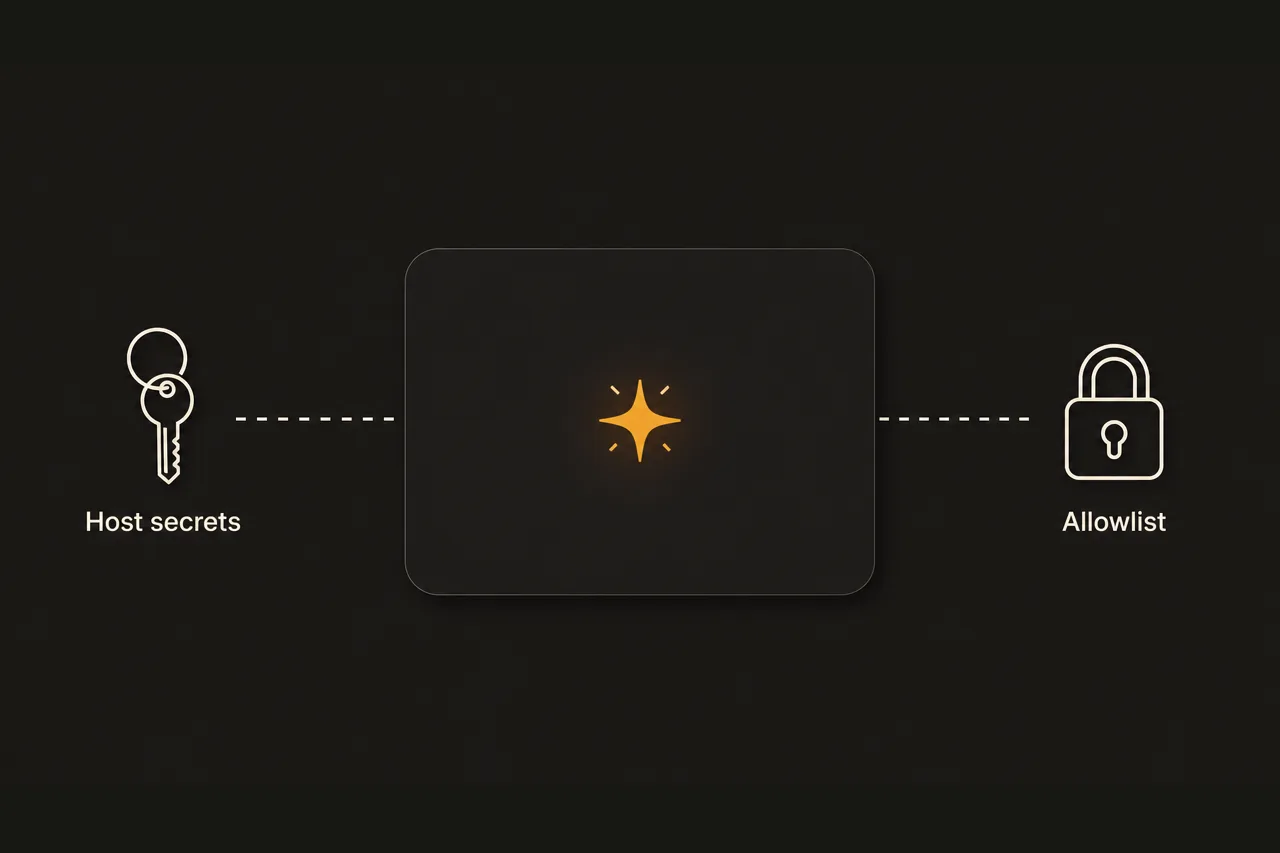
- Put secrets outside the sandbox, and inject only short-lived tokens for the call that needs them.
- Deny network by default inside code-execution sandboxes; allowlist domains when the job truly needs the web.
Anthropic's Cowork post is a good cautionary tale for allowlists. An egress allowlist that permitted api.anthropic.com still let an attacker-controlled key upload workspace files through Anthropic's own Files API. Destination filters are capability grants. Every function behind an allowed domain is now part of the attack surface.
If your "agent" is really a fixed path with a model in the middle, you may not need an agent at all. My comparison of AI workflows vs AI agents is the decision post for that fork.
How do you run human-in-the-loop without approval fatigue?
HITL works when the prompts are rare, specific and reviewable.
- Auto-approve safe reads and searches.
- Pause on writes, payments, messages to the outside world and shell.
- Show the reviewer the tool name, arguments and why the agent wants it, not a vague "Allow?".
- Let reviewers edit arguments when the intent is right but the target is wrong.
- Persist the paused state so an approval that takes ten minutes is still the same run.
- Fail closed if nobody answers and the action is irreversible.
OpenAI's lifecycle is the same every time: interruption recorded, state returned, approve or reject, resume from state. LangChain mirrors it with checkpointed interrupts. The product UI can change; the contract should not.
Anthropic's auto mode is the other half of the story. A classifier can clear the boring safe cases so humans only see the suspicious ones. Their footnote is honest: auto mode blocked about 0.4% of benign commands in their numbers and still missed about 17% of overeager actions, so it is a layer inside a sandbox, not a substitute for one.
When is a sandbox better than a smarter prompt?
Whenever the failure mode is "data leaves" or "host is damaged", not "answer is wrong".
Prompts and classifiers are probabilistic. Sandboxes and egress proxies are deterministic. Anthropic's two hard lessons in the containment post both ended in egress: a phishing prompt that made Claude read ~/.aws/credentials and POST them out, and the allowlisted Files API exfiltration. In both cases, model-layer defenses had nothing anomalous to catch once the user or the allowlist had already authorised the path.
Practical sandbox checklist:
- Run code execution in a container or VM with no host mounts you care about.
- Mount only the workspace the job needs.
- Keep long-lived credentials on the host or in a vault; never bake them into the guest image.
- Default-deny outbound network; allowlist specific hosts and, where you can, specific API shapes.
- Log tool calls and approval decisions so you can audit later.
For a personal or small-team setup, that sandbox often lives on a cheap VPS rather than on your laptop. I walk through the general pattern in how to self-host apps on a VPS.
Where should you host an agent sandbox?
If the agent can run shell, install packages or drive a browser, keep that work off your daily machine.
I recommend Hostinger's KVM VPS for a dedicated sandbox box. Prices below are from Hostinger's VPS page on 6 November 2026. Plans are paid upfront on a 24-month term; the monthly figure is the total divided by 24, and renewal is higher.
| Plan | vCPU / RAM / NVMe | Promo / mo | Renews / mo | Good for |
|---|---|---|---|---|
| KVM 1 | 1 / 4 GB / 50 GB | $6.49 | $11.99 | One light agent runtime or small Docker sandbox |
| KVM 2 | 2 / 8 GB / 100 GB | $8.79 | $14.99 | Docker Compose sandbox plus a couple of helpers |
| KVM 4 | 4 / 16 GB / 200 GB | $12.99 | $28.99 | Heavier browser or multi-agent labs |
| KVM 8 | 8 / 32 GB / 400 GB | $25.99 | $49.99 | Parallel sandboxes and larger model sidecars |
My pick for a first agent sandbox is KVM 2. One vCPU on KVM 1 gets tight once you add Docker and a browser. Put the agent runtime in containers, open only the ports you need, and keep production credentials off that machine.
What does a practical AI agent guardrails checklist look like?
Use this before you give any agent write access.
- Goal written down, including what success is not.
- Tool list reviewed: every tool justified, read-only where possible.
- Secrets: short-lived, scoped, injected at call time, not sitting in the sandbox.
- Approvals on send, pay, delete, shell and production writes.
- Input checks for obviously out-of-scope requests before the expensive model runs.
- Output checks when the answer leaves your system or feeds another agent.
- Sandbox or VM with default-deny network and a mounted workspace only.
- Max steps, max spend and a timeout, with fail-closed behaviour if review is unavailable.
- Logging of tool calls, interruptions and final outcomes.
- A dry run on fake data before the agent touches real accounts.
If you are wiring this into n8n, start small with the AI Agent node walkthrough and treat Max Iterations plus credential scopes as part of the guardrail set, not afterthoughts.
Frequently asked questions
Guardrails for AI agents are a blast-radius problem. Give the model the smallest tool menu that works, pause before side effects, put hard walls around disk and network, and cap how long a run can spin.
If you only add a toxicity filter and call it done, you have guarded the wording. The actions are still open.