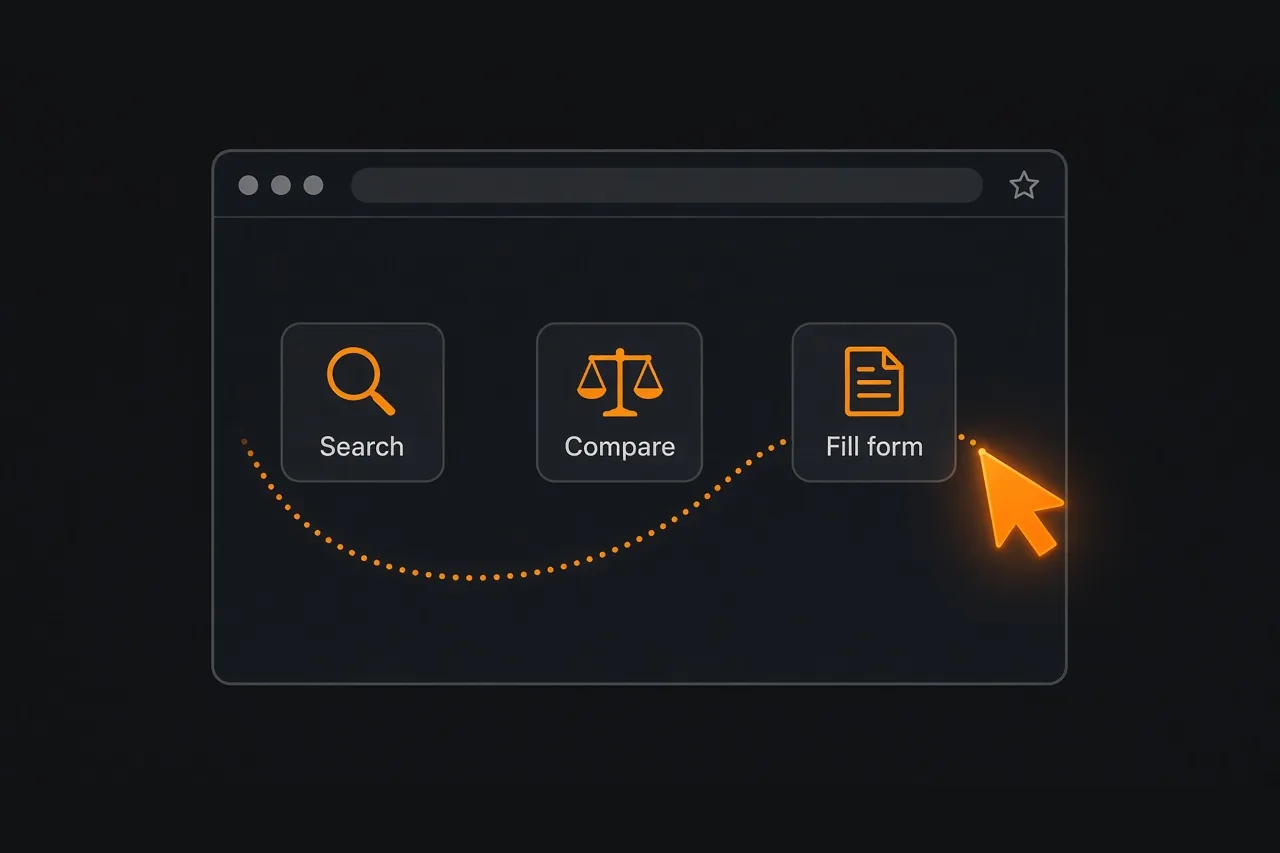
An AI browser agent doesn't just answer questions about a web page. It clicks, types, scrolls and moves between tabs to finish a task for you, such as comparing hotel prices, filling in a form or pulling data from a dashboard into a spreadsheet. Unlike a fixed automation workflow, it decides each step as it goes.
The market moved a lot in 2026. OpenAI shut down its Atlas browser on 9 August and moved its agent into the ChatGPT desktop app. Microsoft retired Edge's Copilot Mode in May and replaced it with Browse with Copilot. Google brought Chrome auto browse to India in October, and Claude in Chrome became generally available on every paid Claude plan.
I've compared six AI browser agents on what you can check from official sources: price, usage limits, platforms, and the safety controls each one gives you. Every price and limit comes from the vendor's own pricing or help pages.
I haven't run benchmark tests for this post, so there are no speed or success-rate scores here. Agents change every few weeks, and a score from one test run wouldn't tell you much.
Some links here are affiliate links. They don't change your price or my verdict.
What is an AI browser agent?
An AI browser agent is an AI model that can operate a web browser. You describe a goal in plain language, and the agent reads the page, decides what to click or type, and repeats until the task is done or it needs your input. It's one type of AI agent: a model that uses tools in a loop until a job is finished.
There are three ways the products in this list do it:
- An extension or side panel inside a browser you already use, like Claude in Chrome or Gemini in Chrome
- A full AI browser built around the agent, like Perplexity Comet or Opera Neon
- A separate browser run by an app or in the cloud, like ChatGPT's built-in browser and cloud browser
The difference matters for safety. An agent inside your everyday browser can see the sites you're already signed in to. An agent with its own browser starts with a clean slate, so you decide what it can log in to.
If you want the no-AI version of this idea, rule-based automation is still cheaper and more predictable for repeat jobs. My guide to workflow automation tools covers that side.
Which AI browser agents are worth comparing in 2026?
| Agent | How it runs | Cheapest plan with the agent | Platforms | Main limit |
|---|---|---|---|---|
| Claude in Chrome | Chrome extension | Claude Pro, $20/mo ($17/mo yearly) | Chrome on desktop | Chrome only, no mobile |
| Gemini in Chrome auto browse | Built into Chrome | Google AI Pro, $19.99/mo (US) | Chrome desktop and Android, US and India | 20 tasks a day on Pro |
| Perplexity Comet | Full browser | Free browser, assistant limits by plan | Mac, Windows, iOS, Android | Most agent use needs Pro or Max |
| ChatGPT built-in and cloud browser | Desktop app browser and remote browser | Built-in browser on all plans, cloud browser on Plus ($20/mo) | macOS and Windows app, cloud | Cloud browser not on Free or Go |
| Opera Neon | Full browser | Free for outside agents, $19.90/mo for Neon's own agents | Desktop | Own agents need the paid plan |
| Edge Browse with Copilot | Built into Edge | Microsoft 365 Premium, $199.99/yr | Edge, US rollout | US Premium subscribers only for now |
Prices are in US dollars from each vendor's site, as of 16 October 2026, before tax. Prices and availability vary by country.
The 6 best AI browser agents in 2026
1. Claude in Chrome: best for most people
Claude in Chrome is Anthropic's extension that lets Claude read, click and type in your Chrome tabs. According to Anthropic's help centre, updated 26 August 2026, it's generally available on every paid plan: Pro, Max, Team and Enterprise. It isn't on the free plan.
It works across several tabs, can run scheduled tasks, and can record a workflow once so Claude can repeat it.
The side panel runs as a Cowork session on Max and Team plans, with Pro rolling out. That mode starts with automatic approval and uses a safety classifier to stop risky actions, so check the permission settings before you hand it anything sensitive. On macOS there's also a 1Password sign-in option in beta.
The catch is that it only works in Google Chrome on desktop. Anthropic says other Chromium browsers and mobile aren't supported.
| Pros | Cons |
|---|---|
| Works in your normal Chrome profile | Chrome on desktop only |
| Multi-tab, scheduled and recorded tasks | Not on the free plan |
| Included in the Claude plan you may already pay for | Auto-approve default needs checking |
2. Gemini in Chrome auto browse: best for Google users
Auto browse is Gemini's agent mode inside Chrome. Google's help page lists the requirements: a Google AI Pro or Ultra plan, a personal Google account, age 18 or over, English as the device language, the latest Chrome, and Safe Browsing turned on. It doesn't work in Incognito.
The limits are clear. Google says Pro subscribers get up to 20 auto browse requests a day and Ultra subscribers up to 200. It can work in your local browser or in a remote cloud browser, and Google's help page says you're responsible for the actions it takes for you.
Google's India blog announced it for desktop and Android in India in October 2026, and it reached Android in the US in August. Google's plans page says auto browse is available in the US and India.
| Pros | Cons |
|---|---|
| Built into Chrome, no extension needed | Only in the US and India |
| Desktop and Android | 20 requests a day on Pro |
| AI Pro also includes 5 TB of storage | English device language required |
3. Perplexity Comet: best AI-first browser
Comet is Perplexity's own browser, with the Comet Assistant built in as the agent. The browser is free on Mac, Windows, iOS and Android, which makes it the widest platform coverage in this list.
Perplexity's help centre lists Comet Assistant among the features of its paid plans, and Background Assistants, which keep working while you do something else, are for Max subscribers. Comet Plus, a separate $5 a month news subscription, is included with Pro and Max.
The trade-off is that you're switching browsers, so your day-to-day browsing now runs through Perplexity's product.
| Pros | Cons |
|---|---|
| Free browser on desktop and mobile | Heavy agent use needs a paid plan |
| Search and agent in one place | Background agents only on Max |
| Pro is cheaper billed yearly | Means switching your main browser |
4. ChatGPT built-in browser and cloud browser: best for background tasks
ChatGPT Atlas is gone. OpenAI's help centre says Atlas was deprecated and stopped working on 9 August 2026. Its agent features now live in two places.
The built-in browser sits inside the ChatGPT desktop app for macOS and Windows. You open it in a chat with Cmd or Ctrl+Shift+B. It keeps its own browser state, separate from your normal browser, and asks before it uses a website for the first time. If you want work done in your existing Chrome profile, OpenAI points you to the Codex Chrome extension instead.
The cloud browser runs on OpenAI's servers, so a task keeps going after you close your laptop. It's part of ChatGPT Work on paid plans, not Free or Go. You sign in through a secure form the model can't see, and it confirms before consequential actions. You can set approvals to Always ask, Auto approve or Always allow.
| Pros | Cons |
|---|---|
| Cloud browser keeps working in the background | Cloud browser needs a paid plan |
| Separate browser state from your own | Atlas users had to move |
| Sign-in form hidden from the model | Desktop app needed for the built-in browser |
5. Opera Neon: best for developers and your own agents
Opera Neon is an agentic browser with an unusual model. Since an August 2026 change, the browser, its MCP Connector and its CLI are free, so agents you already use, such as Claude or a coding agent, can drive Neon as their browser.
Neon's own agents need the Standard plan at $19.90 a month. That unlocks Neon Do, which carries out tasks on pages, Neon Make, which builds things like reports and small apps, plus deep research and scheduled tasks.
If you run agents or Claude Code on your machine, the free tier is worth a look. For scraping at scale, a dedicated crawler is still the better tool. I compare two of them in Firecrawl vs Apify.
| Pros | Cons |
|---|---|
| Free browser for outside agents | Neon's own agents need $19.90 a month |
| MCP Connector and CLI | Smaller user base than Chrome or Edge |
| Scheduled tasks on Standard | Another browser to manage |
6. Edge Browse with Copilot: best for Microsoft 365 users
Microsoft retired Copilot Mode in Edge on 13 May 2026. Its replacement for agent tasks is Browse with Copilot, which Microsoft says is rolling out to Microsoft 365 Premium subscribers in the US.
Microsoft's support page has some of the clearest safety limits in this list. Browse with Copilot runs locally in Edge and can't use your autofill, saved passwords or wallet. It uses blocklists, and it asks before purchases and before sending email. It takes screenshots as it works, and Microsoft says these are kept for up to 30 days.
| Pros | Cons |
|---|---|
| Can't touch passwords, autofill or wallet | US Premium subscribers only for now |
| Asks before purchases and emails | Screenshots kept up to 30 days |
| Comes with Office apps and 2 TB storage | Expensive if you only want the agent |
How do the safety controls compare?
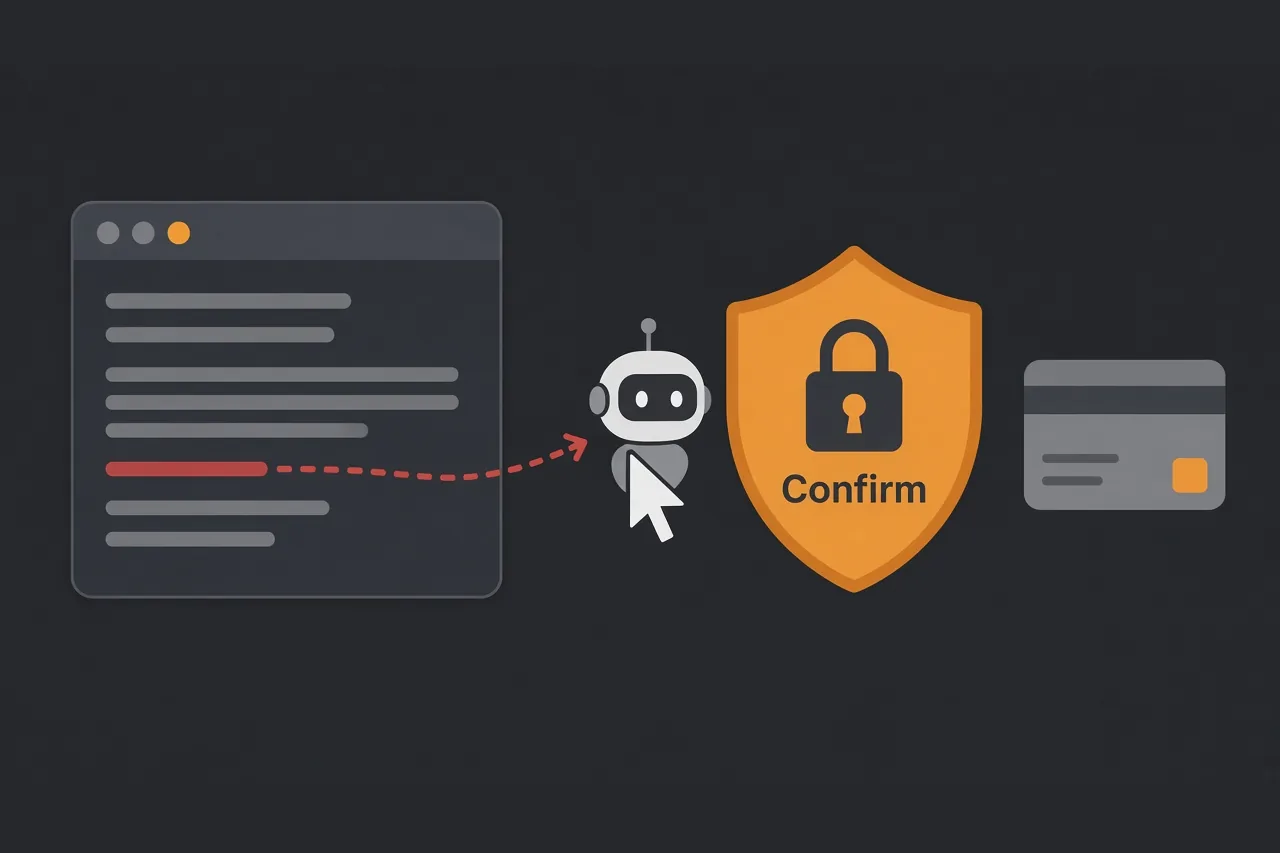
Prompt injection is the big risk with every browser agent. A web page, email or document can hide instructions that try to make the agent do something you didn't ask for, like opening a different site or sending your data somewhere. Anthropic, Google, Microsoft and OpenAI all warn about this in their own documentation.
| Agent | Separate browser option | Asks before sensitive actions | Password handling |
|---|---|---|---|
| Claude in Chrome | No, uses your Chrome | Configurable, auto-approve with a classifier by default in Cowork | 1Password sign-in (beta, macOS) |
| Gemini auto browse | Yes, cloud browser | Google says you're responsible for its actions | Uses your Chrome session |
| Perplexity Comet | No, it is your browser | Not stated on the pages I checked | Not stated on the pages I checked |
| ChatGPT | Yes, built-in and cloud | Yes, configurable | Secure form the model can't see |
| Opera Neon | Neon is separate from your main browser | Depends on the agent you connect | Depends on your setup |
| Edge Browse with Copilot | No, runs in Edge | Yes, before purchases and email | No access to passwords or wallet |
Whichever agent you pick, a few habits lower the risk:
- Give it a separate browser profile, or use its own browser, with only the accounts the task needs.
- Keep confirmations on for payments, email and anything you can't undo.
- Don't let an agent read your inbox and browse unknown sites in the same task.
- Watch the first few runs of any new task before you schedule it.
- Turn on two-factor authentication everywhere, so a leaked session is less useful.
The same applies to privacy. These agents send page content to the vendor's servers to work. If you're already careful about tracking, my explainer on browser fingerprinting shows how much a browser reveals on its own.
Can AI browser agents handle CAPTCHAs and logins?
Don't count on it. Logins and payments are where these agents are built to slow down: ChatGPT uses a secure sign-in form the model can't see, Edge asks before purchases, and Claude can sign in through 1Password on macOS. Expect to step in yourself at CAPTCHAs and sensitive sign-ins.
If an agent keeps hitting CAPTCHAs, the cause is usually the network or the volume of requests, not the agent. I explain why in why Google shows CAPTCHAs on a VPN. Don't try to use a browser agent to get around a site's bot protection or terms of service.
AI browser agent or workflow automation?
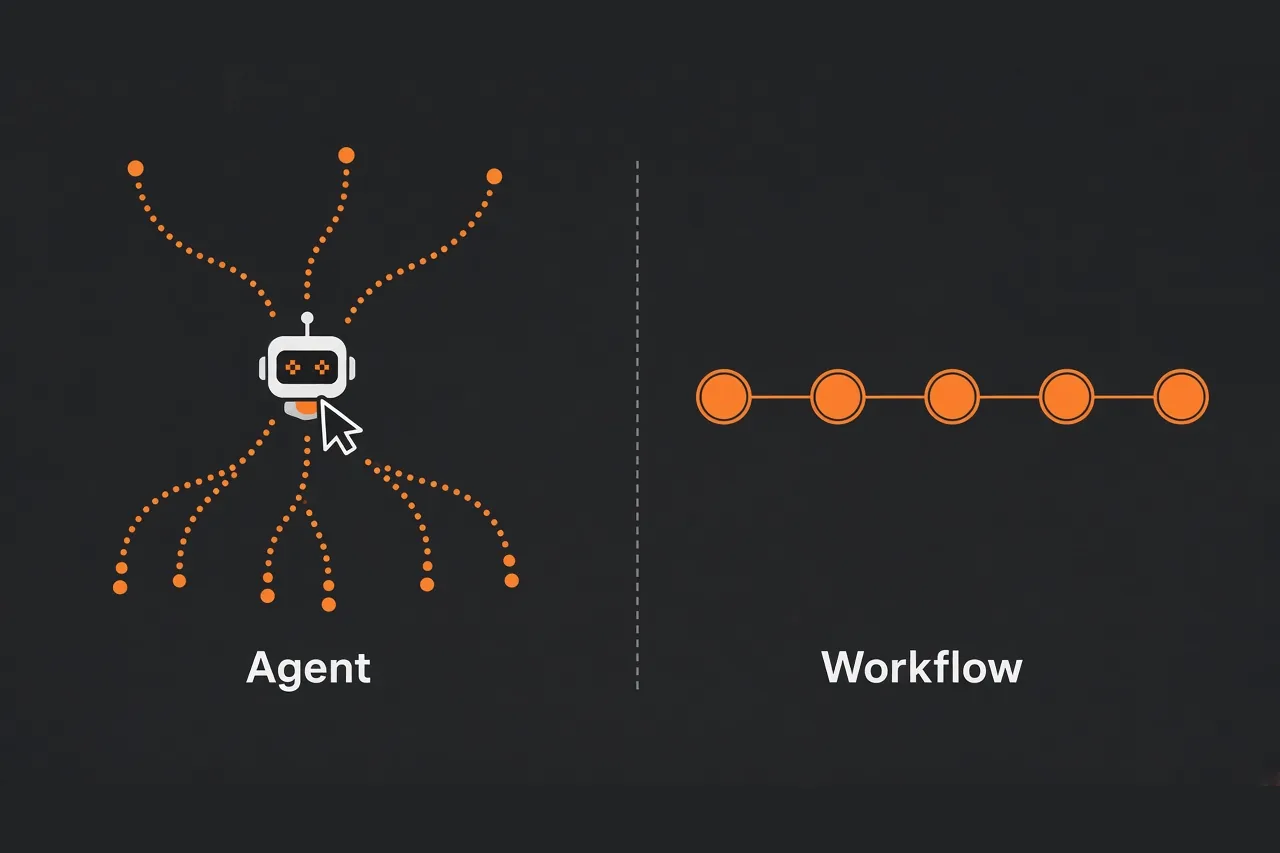
A browser agent is best when the task changes each time or the site has no API. Think research across many sites, a one-off form, or comparing options.
A workflow tool like n8n, Make or Zapier is better when you run the same steps every day. It's cheaper per run, it doesn't misread a page, and it doesn't need an AI model to make the same decision again. My n8n vs Make comparison and my list of n8n use cases for small businesses are good next reads.
Many people end up using both: an agent to work out the steps once, then a workflow to run them on a schedule.
How to choose an AI browser agent
- Already pay for Claude: Claude in Chrome
- Live in Chrome and Google apps, in the US or India: Gemini auto browse
- Want a new AI-first browser on desktop and phone: Perplexity Comet
- Need tasks to run in the background in the cloud: ChatGPT's cloud browser
- Want a browser your own agents can drive for free: Opera Neon
- Pay for Microsoft 365 Premium in the US: Edge Browse with Copilot