Image generation got cheap in 2026. Google's newest Nano Banana model costs $0.0336 for a 1K image through the API, and the top-ranked model on LMArena is free inside ChatGPT.
So picking the best AI image generator isn't about which one can make a nice picture anymore. They all can. If you're wiring one into an app, it's just an API call away.
What actually differs is how well each one edits an image you already have, how many images you can afford, whether the text in the image comes out right, and if you're even allowed to use the result in client work. The tool at the top of the leaderboard is not the right pick for most of those jobs.
Below are the ten worth knowing, what each is best at, and the catch with each one. Prices below are as of 15 October 2026, from the vendors' own pricing pages. Some links here are affiliate links. They don't change your price.
How I picked these AI image generators
I didn't run my own benchmark for this list. The rankings below come from public blind-vote leaderboards (LMArena's text-to-image board, as of 7 October 2026) and vendors' published pricing. I added my own view on which job each tool fits.
If you want canvas and node tools like Krea or ComfyUI, those are a different category. I covered them in my guide to image generation workflow platforms. This post is about the models and apps that generate the image itself.
Which AI image generator is best for which job?
| Tool | Best for | Entry price (as of Oct 2026) |
|---|---|---|
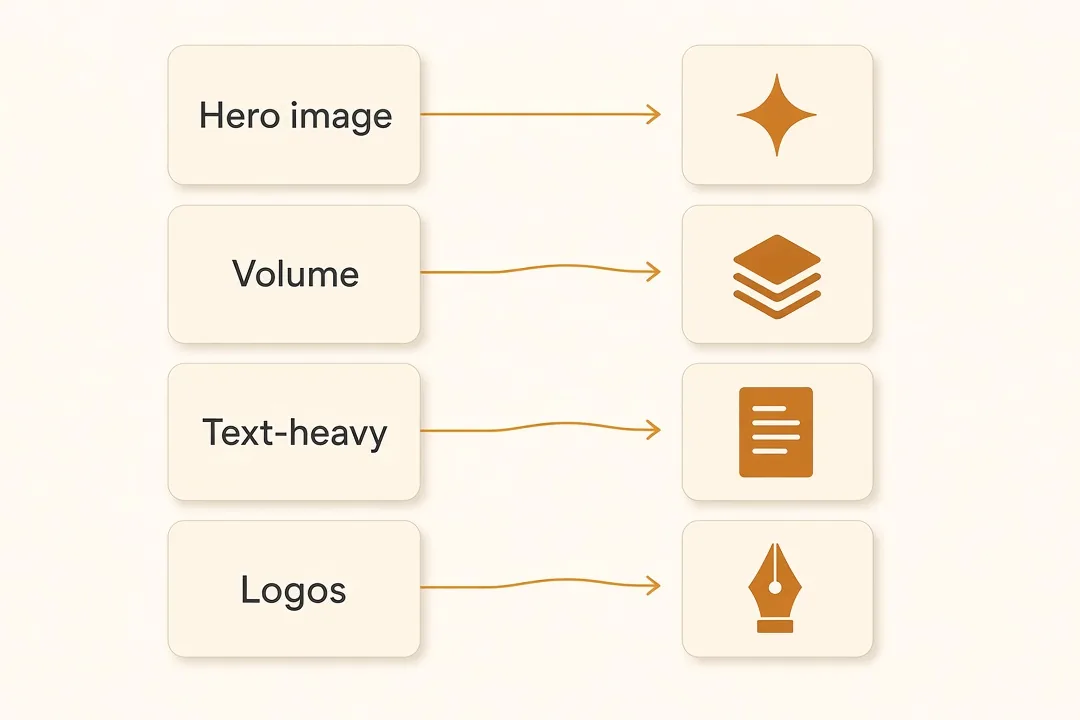
| GPT Image 2.5 (ChatGPT) | Overall quality, precise edits | Free in ChatGPT; API $30 per 1M output tokens |
| Nano Banana 2 / 2.1 | Volume at a predictable cost | Free in Gemini app; API from $0.0336 per 1K image |
| Nano Banana Pro | Text-heavy infographics | $0.134 per 1K/2K image |
| Midjourney V8.2 | Art direction and style | $10/month |
| Meta Muse Image | Cheap consistent series | $0.01 per image (reported) |
| FLUX.2 | Photoreal, self-hosting | Pay per megapixel |
| Adobe Firefly | Commercially cautious work | Paid plans (check Adobe) |
| Ideogram | Typography and layouts | $20/month or pay as you go |
| Recraft V4.1 | Logos and vectors | $0.035 per image ($0.08 vector) |
| Canva | Fast design workflow | Free plan; Pro for more |
The 10 best AI image generators in 2026
1. GPT Image 2.5 (ChatGPT) — best overall quality
OpenAI released ChatGPT Images 2.5 in September 2026, and it's available on every ChatGPT plan, including free. In the API it comes as two models, gpt-image-2.5-flare and gpt-image-2.5-sunburst. Sunburst is the slower, more precise one, and it sits at number one on LMArena right now (the score is still marked preliminary).
Standout features:
- Edits change only what you ask for, according to OpenAI
- Keeps faces and products from reference photos recognizable
- Two API variants to trade speed against precision
| Pros | Cons |
|---|---|
| Highest blind-vote quality today | Slow at maximum quality |
| Free to try in ChatGPT | Token pricing makes per-image cost harder to predict |
2. Nano Banana 2 and 2.1 (Google) — best for volume
Nano Banana 2 is the nickname for Gemini 3.1 Flash Image, Google's fast image model. Google has since listed Nano Banana 2.1 as an update to it, and on Google's own price list the update costs half as much per 1K image as the original.
Standout features:
- Fixed per-image API prices from 1K up to 4K
- Free in the Gemini app within usage limits
- A Batch tier at half price for jobs that can wait
| Pros | Cons |
|---|---|
| Cheapest top-tier quality per image | Free tier limits change often |
| Predictable cost at every resolution | Not the best pick for dense text |
3. Nano Banana Pro (Google) — best for text-heavy designs
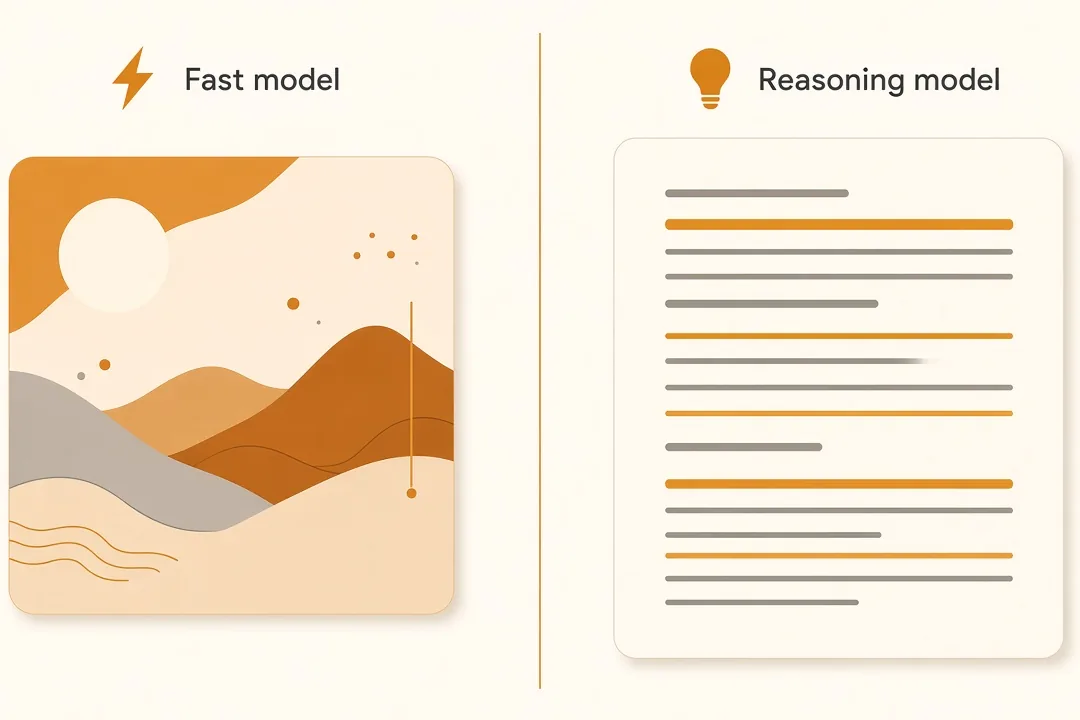
Nano Banana Pro is Gemini 3 Pro Image. It reasons about the prompt before drawing, so it's slower and costs about twice as much as Nano Banana 2 at 1K. That pays off when an image has to carry a lot of readable text.
Standout features:
- Built for infographics and dense layouts
- Output up to 4K
| Pros | Cons |
|---|---|
| Better at text-heavy compositions | Slower and pricier than Nano Banana 2 |
| Same API as other Gemini models | Overkill for simple images |
4. Midjourney V8.2 — best for art direction
Midjourney is the independent lab that made AI art mainstream, and it's still the pick when the look matters more than literal accuracy. V8.2 became the default in July 2026 and adds an Edit Model that replaces Omni Reference, Character Reference and Retexture.
Standout features:
- Strong, recognizable aesthetic and personalization
- HD mode renders 2K without upscaling
- Unlimited Relax-mode images from the Standard plan up
| Pros | Cons |
|---|---|
| Best-looking style out of the box | Subscription only, no free plan |
| Unlimited slow generations on Standard | Companies over $1M revenue need Pro or Mega |
5. Meta Muse Image — cheapest API for consistent series
Muse Image arrived in Meta AI in July 2026 and on Meta's developer API in August, according to DataNorth's Q4 ranking. It plans the layout before drawing, which helps keep a character or style consistent across a set.
Standout features:
- Flat per-image API price
- Good at keeping a series visually consistent
| Pros | Cons |
|---|---|
| Lowest fixed per-image price I found | Output tops out around 1600 px |
| Free to try in Meta AI | Newer API, less tooling around it |
6. FLUX.2 (Black Forest Labs) — best for photorealism and self-hosting
Black Forest Labs is the German lab founded by researchers behind the original Stable Diffusion. Its FLUX.2 family runs from small, fast [klein] models to [max], and it's strong at photoreal product shots and edits that combine several reference images.
Standout features:
- Up to eight reference images per edit (per DataNorth)
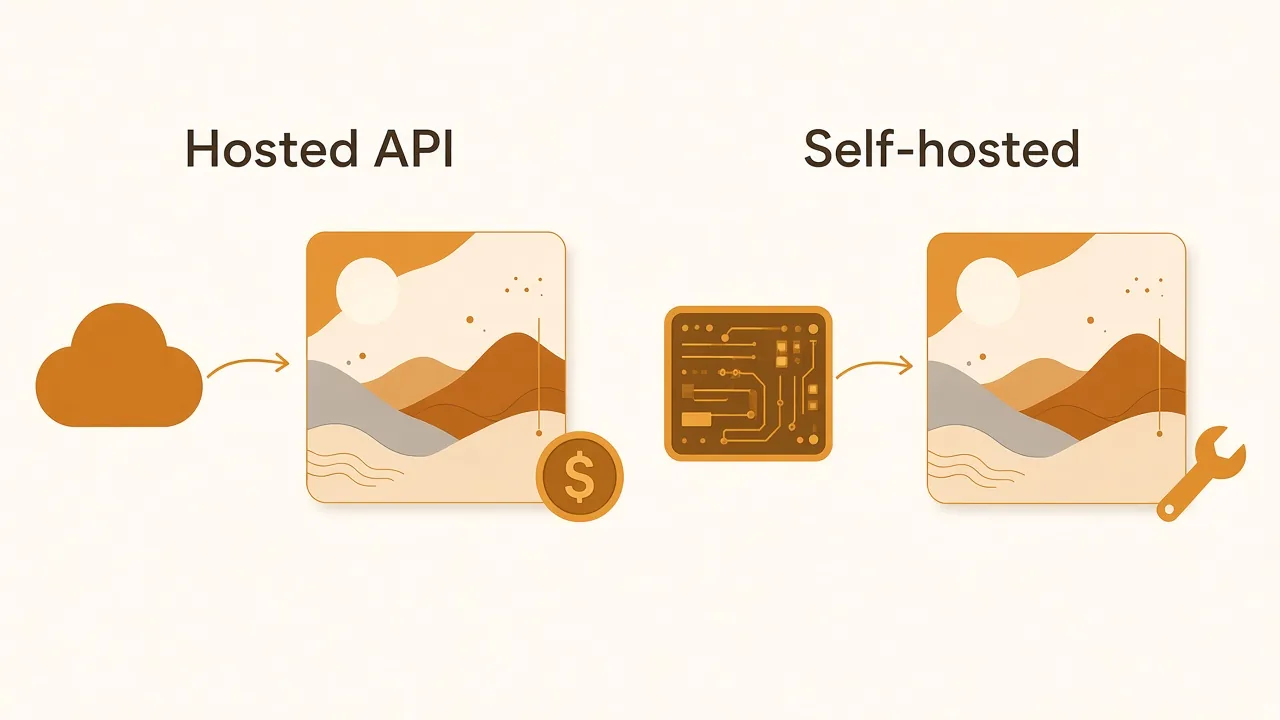
- Open-weight models you can run yourself
- Pay-per-image API with no subscription
| Pros | Cons |
|---|---|
| Self-hostable options | Licenses differ by model, so read them |
| Strong photorealism | FLUX.2 [dev] is non-commercial only |
7. Adobe Firefly (Image 5) — safest for commercial work
Adobe trains its own Firefly models on licensed content and markets them as commercially safe. Firefly Image 5 adds layered, prompt-based editing, so you can change one element without regenerating the whole scene.
Standout features:
- Licensed-data training for Adobe's own models
- Layered editing, object removal and expansion
- Works alongside Photoshop and the rest of Creative Cloud (I compared Adobe's lighter app in Canva vs Adobe Express)
| Pros | Cons |
|---|---|
| Clearest story on training data | Partner models in the app aren't covered by that promise |
| Fits an existing Adobe workflow | Credit limits on lower plans |
8. Ideogram — best for typography
Ideogram built its name on getting text inside images right. Version 4.0, released in June 2026 per DataNorth, adds bounding-box layout control for placing headlines and labels exactly.
Standout features:
- Strong text rendering for posters and thumbnails
- Layout control for headlines and labels
- Commercial use of outputs allowed
| Pros | Cons |
|---|---|
| Text comes out right more often | Free images are public by default |
| Pay as you go for developers | Priority credits expire monthly |
9. Recraft V4.1 — best for logos and vectors
Recraft is design-first. It generates true vector graphics, not just raster images, which makes it the only tool on this list that hands you a logo you can scale to any size.
Standout features:
- Vector output for logos, icons and lettering
- A cheap Flash tier for drafts
- Built-in editing, vectorization and upscaling
| Pros | Cons |
|---|---|
| Real SVG-style vector output | Less suited to photoreal scenes |
| Very low per-image prices | Pro tiers cost much more |
10. Canva — best all-in-one for non-designers
Canva isn't the strongest model here. Its advantage is that generation, editing, upscaling and layout all happen in one editor, so a social post goes from prompt to published in one place. I covered it in depth in my Canva review.
Standout features:
- Magic Media text-to-image inside the editor
- AI upscaling and photo editing
- Templates for social posts, decks and ads
| Pros | Cons |
|---|---|
| Fastest path to a finished design | Raw image quality trails the leaders |
| Free plan to start | Generation limits on the free plan |
Which AI image generators are worth watching?
Grok Imagine Image 2.0 and Microsoft's MAI-Image-2.6 both sit in LMArena's top six as of 7 October 2026. Neither made my list yet because both are new and their availability is still narrower.
If you used Reve, plan your exit. It has stopped taking new generations, and per DataNorth you can download your images until 31 October 2026.
Where these tools still fall short
Every one of them still produces the occasional distorted hand or garbled word. Check every image before it ships.
Licenses are the other trap. Midjourney needs Pro or Mega for companies over $1M in revenue, FLUX.2 [dev] is non-commercial only, and Firefly's commercial-safety promise only covers Adobe's own models.
Frequently asked questions
My setup advice: pair two tools. Use a quality model (GPT Image 2.5 or Midjourney) for hero images, and a cheap, fast one (Nano Banana 2.1 or Recraft Flash) for volume. Re-test against your own prompts before you commit, because prices and rankings have moved every few months this year.
If you're building content at scale, my list of the best AI tools for content creators covers the rest of the stack.