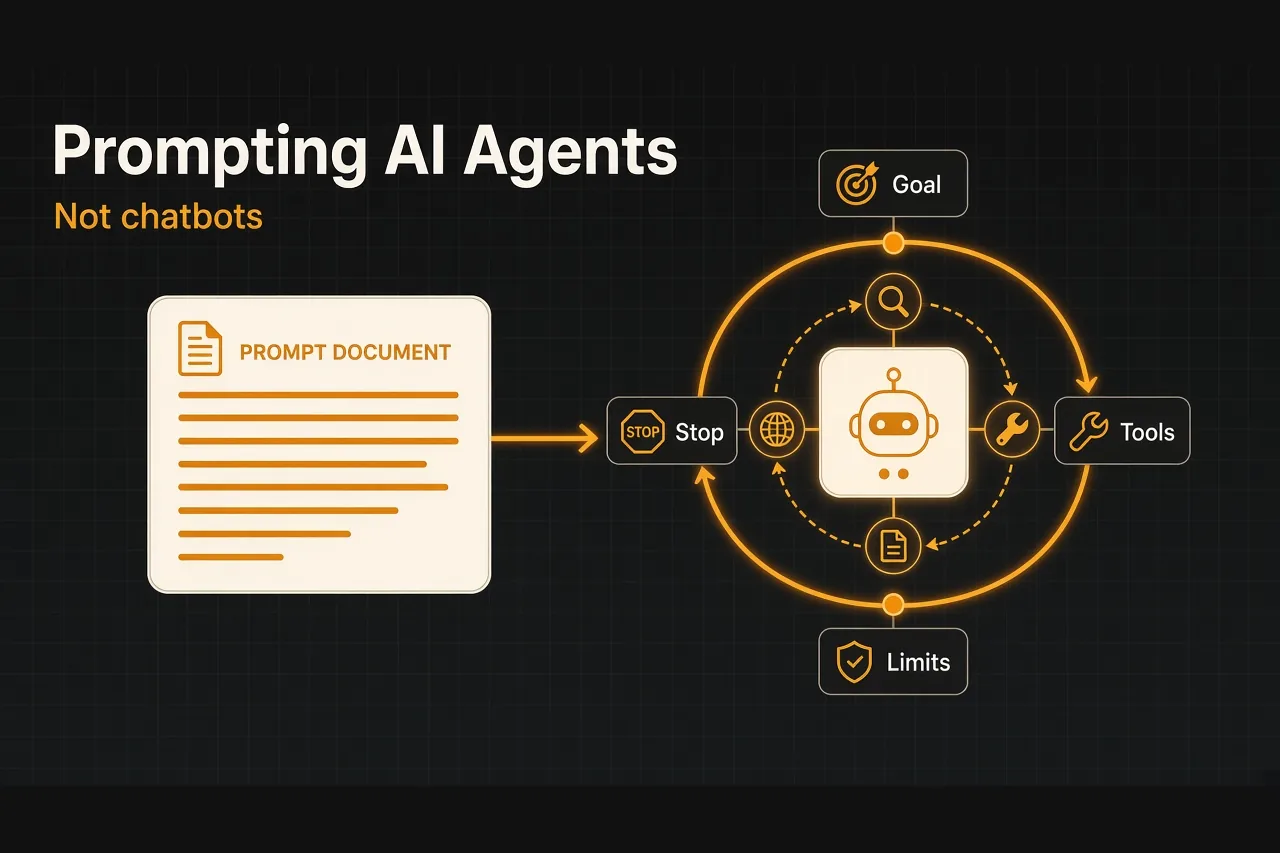
The best AI voiceover tool for your videos depends less on whose voice sounds nicest and more on the job you need done. A YouTube narrator, a course creator and someone dubbing into Spanish need different tools.
There's also a catch most lists skip. The free plans of the two best-known voice engines, ElevenLabs and Fish Audio, aren't licensed for commercial use. A monetised YouTube channel or a paid course counts as commercial use.
I've grouped seven tools by the job they do: pure voice engines, editors that let you fix narration by editing a script, avatar presenters, and video makers with voice built in. Every price, limit and licence term comes from each vendor's own pricing and help pages, as of 5 October 2026. My pick for each job is at the end.
Already set on ElevenLabs? My ElevenLabs pricing breakdown covers its credits in depth.
Some links here are affiliate links. They don't change your price or my verdict.
How I picked these AI voiceover tools
Each tool had to turn text into natural-sounding narration you can use in a video or course, on a self-serve plan with published prices. I then sorted them by the job they fit best.
This is a research-based roundup, not a lab test. I compared plans, limits, licence terms, voice cloning and language support on each vendor's official pages, and I say where a figure is the vendor's own claim.
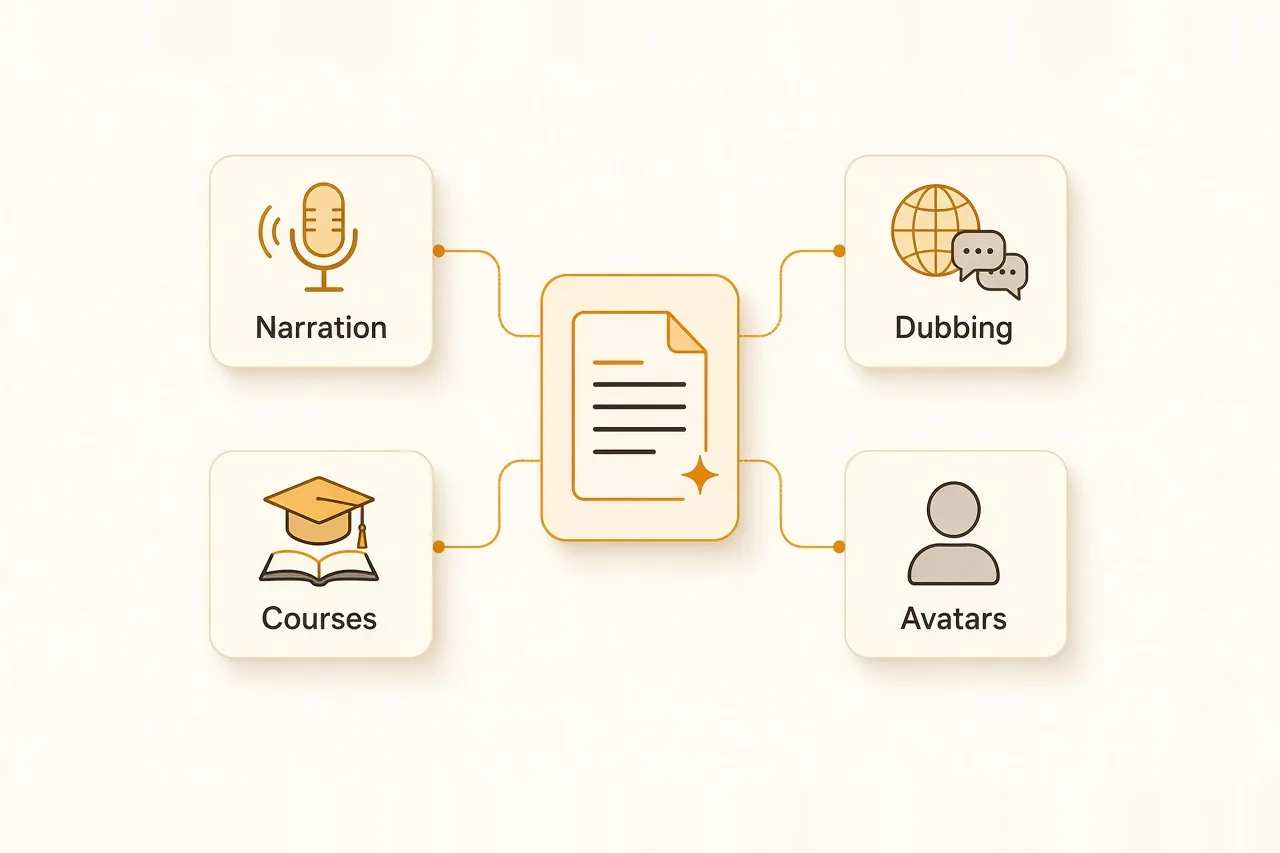
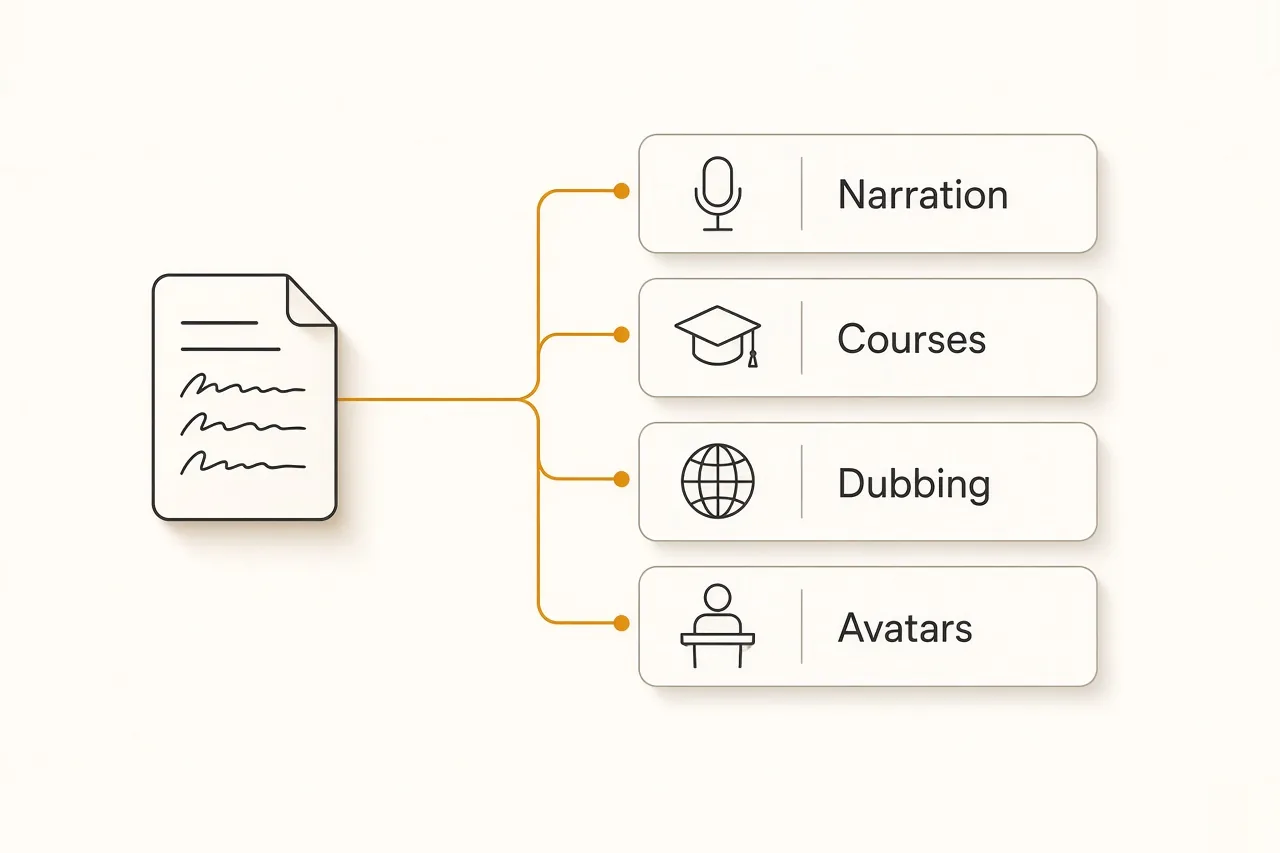
The jobs, and the tools that fit them:
- YouTube narration: ElevenLabs, Fish Audio
- Online courses: ElevenLabs, HeyGen, Vidnoz
- Dubbing and translation: ElevenLabs, HeyGen, VEED, Descript
- Avatar presenters: HeyGen, Vidnoz
- Editing narration by editing the script: Descript, VEED
- Faceless videos from a script or blog post: Fliki
Best AI voiceover tools compared at a glance
| Tool | Best for | Free plan | Commercial use on free | Paid from (monthly) | Paid from (annual billing) |
|---|---|---|---|---|---|
| ElevenLabs | Narration and dubbing | 10k credits a month | No, attribution required | $6 | $5 a month |
| Fish Audio | Budget narration | 8,000 credits a month | No, personal use only | $15 | $11 a month |
| Descript | Editing narration via script | 60 media minutes a month | Not stated | $24 | $16 a month |
| HeyGen | Avatar videos and translation | 3 videos a month, up to 1 min | Not stated | $29 | $24 a month |
| VEED | Browser editing with voice | Watermarked exports | Not stated | $25 | $12 a month |
| Fliki | Faceless videos from text | 3 credits a month, watermarked | Commercial rights on paid plans | $28 | $21 a month |
| Vidnoz | Budget avatars for training | 30 credits a day, watermarked | With Vidnoz watermark | $26.99 | $19.99 a month |
Prices are list prices in US dollars from each vendor's pricing page, as of 5 October 2026. Some vendors were running time-limited discounts that day; I've used the regular prices.
The 7 best AI voiceover tools for videos and courses
1. ElevenLabs — the best all-round voice engine
ElevenLabs is an AI audio platform built around text to speech, with voice cloning, dubbing, speech to text, sound effects and music drawing from one shared pool of credits. It says more than a million creators use it.
For narration, the Starter plan is the real entry point. It adds the commercial licence and Instant Voice Cloning, and Creator adds Professional Voice Cloning for a closer match to your own voice. Its Studio workspace handles long-form projects, which suits course modules and long YouTube scripts.
Standout features:
- Text to speech in 74 languages, per its plan comparison
- Instant Voice Cloning from Starter, Professional Voice Cloning from Creator
- Dubbing in 90+ languages, delivered in a voice clone of the original speaker
- Studio projects for long-form narration: 3 on Free, 20 on Starter
| Pros | Cons |
|---|---|
| Commercial licence on every paid plan, from $6 a month | The Free plan can't be used commercially and needs "elevenlabs.io" in the title when you publish |
| Unused credits roll over for up to two months on paid plans | Credits are shared, so dubbing and music eat into your narration budget |
| One account covers narration, cloning and dubbing | Starter's 30k credits cover only about 30 minutes of speech |
Want the full credit maths? My ElevenLabs pricing breakdown covers every plan, credit costs and the API.
2. Fish Audio — budget voice engine with a big voice library
Fish Audio is a text-to-speech and voice cloning platform with a community library it says holds more than 2 million voices. It says more than 8 million users have signed up, and it supports 30+ languages.
It competes with ElevenLabs on price. The Plus plan gives up to 200 minutes of generation a month, with commercial use allowed, for $15 a month or $11 a month billed annually.
Standout features:
- Voice cloning from a short clip; Fish Audio says as little as 10 seconds of audio
- Emotion tags such as laughing, sighing or pauses inside the script
- Up to 15,000 characters per generation on Plus
- Pay-as-you-go API for developers
| Pros | Cons |
|---|---|
| About 200 minutes of narration on the $15 Plus plan | Free plan is personal use only, with no voice cloning |
| Large community voice library | Free generations are capped at 500 characters each |
| 7-day money-back guarantee on Pro | Unused minutes don't roll over |
3. Descript — fix narration by editing the script
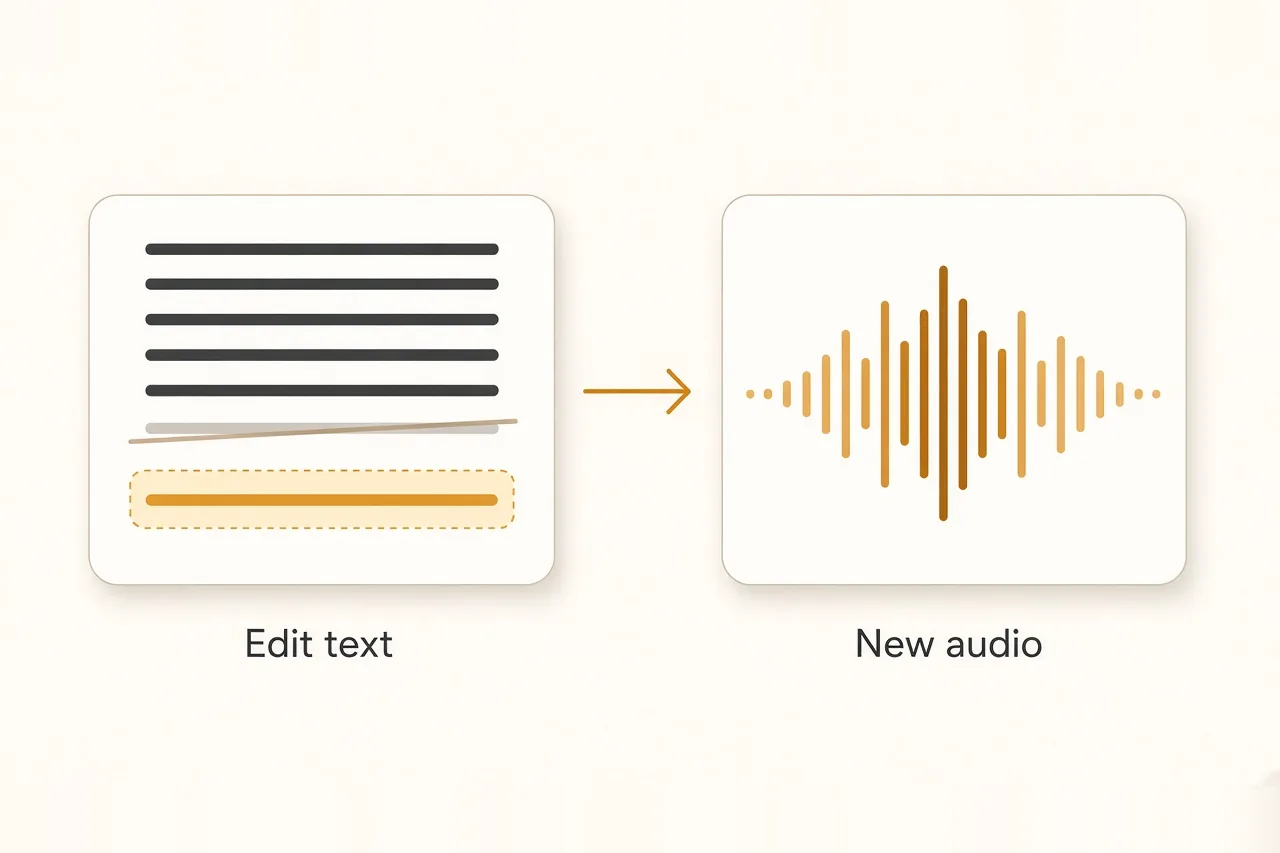
Descript is a video and podcast editor that turns your recording into a transcript, so you edit the video by editing the text. Delete a sentence in the transcript and it disappears from the video.
That's what makes it different for voiceover. With AI Speech, you can type a correction and have it spoken in your own cloned voice, or use Regenerate to smooth over awkward cuts. Descript says that after you reach the plan's limit, regenerated speech turns into "jibber jabber" placeholder audio.
Standout features:
- Text-based editing of audio and video
- Custom voice clones and Regenerate on paid plans
- Studio Sound, filler-word removal and other AI cleanup tools
- Dubbing into 30 languages, with proofreading on Business
| Pros | Cons |
|---|---|
| The fastest way to fix a fluffed line without re-recording | Free plan gets only limited AI Speech and 720p exports |
| One tool for recording, editing and narration | Translation proofreading is Business-only, at $50 a month or more |
| Up to 35% off on annual billing | Stock AI speakers start at 25+, far fewer than the voice engines |
4. HeyGen — avatar presenters and video translation
HeyGen is an AI video platform for talking-avatar videos: you type a script, pick or create an avatar, and it presents the video in an AI voice or your cloned one. It says more than 100,000 businesses use it.
For courses and training, the Business plan is the interesting one. It adds SCORM export, LMS integrations and interactive quizzes, plus integrations with n8n, Make, HubSpot and Zapier.
Standout features:
- 500+ stock video avatars on Free, 700+ on paid plans
- 1,000+ AI voices and voice cloning
- Video translation in 175+ languages and dialects on paid plans
- SCORM export and LMS integrations on Business
| Pros | Cons |
|---|---|
| Free plan with no card: 3 videos a month | Free videos are capped at 1 minute, and watermark removal starts on Creator |
| Translation and voice cloning in the same tool as the avatar | SCORM and LMS features need Business at $149 a month plus $20 per extra seat |
| Credits roll over for a month on monthly plans | Credit use varies by model and video length, so costs are harder to predict |
If you're weighing avatar tools, my Hedra pricing guide covers another option for talking-head videos.
5. VEED — browser video editor with voice built in
VEED is a browser-based video editor with AI tools for subtitles, text to speech, voice cloning, dubbing and avatars. It suits creators who want to write, voice, subtitle and export a video in one tab.
Its Edit With Script feature, on every plan including Free, lets you cut a video by editing its transcript, much like Descript.
Standout features:
- Text to speech, with up to 12 hours of AI voice a month on Pro
- Voice cloning on every paid plan; Free gets one try
- AI dubbing on Pro and Studio, and translation into 50+ languages
- Unlimited auto subtitles on paid plans, within a 50-hours-a-month fair-use limit
| Pros | Cons |
|---|---|
| Voice, subtitles and editing in one browser tab | Free exports carry a watermark and are capped at 720p and 10 minutes |
| Steep annual discount: Creator drops from $25 to $12 a month | Dubbing only becomes a real allowance on Pro (6 hours a year) |
| Edit With Script on every plan | Credits don't carry over between billing periods |
6. Fliki — faceless videos from a script or blog post
Fliki turns ideas, scripts, blog posts or slide decks into narrated videos with stock footage, AI images and an AI voiceover. It says it has more than 14 million users and supports 80+ languages.
It's the closest thing here to a faceless-channel factory. You paste text and get a voiced, illustrated video back, which you can then translate.
Standout features:
- 1,000 voices on Standard, 2,000+ on Premium
- Videos translated into 80+ languages
- Voice cloning from Standard, multiple clones on Premium
- Creates videos from blog posts and PowerPoint files
| Pros | Cons |
|---|---|
| Paid plans include commercial rights, and Fliki says you can monetise on YouTube | Free plan is watermarked, 720p and only 3 credits a month |
| Fast route from blog post to narrated video | Standard caps videos at 15 minutes |
| Credit estimator on the pricing page | Its FAQ and plan cards disagree on some limits, so check before you buy |
If you build videos from research, my guide to automating YouTube content research with AI pairs well with Fliki's script-to-video flow.
7. Vidnoz — budget avatars for training videos
Vidnoz is an AI video platform with 1,600+ avatars, 3,400+ templates and AI voices. It says more than 20,000 teams use it, and its testimonials lean heavily towards training and education.
For course creators on a budget, the Starter plan includes SCORM export, so you can load videos into an LMS without paying for a business tier.
Standout features:
- 2,680+ voices on paid plans, with emotional voices
- SCORM export from Starter
- Voice clone: paid add-on on Starter, one clone included on Business
- Video translation on Business
| Pros | Cons |
|---|---|
| SCORM export on the cheapest paid plan | Free is watermarked, 720p and limited to 60 seconds of video a day |
| Free plan with daily credits | Voice cloning costs extra on Starter |
| Up to 60-minute videos on paid plans | Monthly plans aren't refundable; the 7-day money-back covers annual plans only |
Can you use free AI voiceovers on a monetised channel or paid course?
Usually not, and this is the part most lists skip.
ElevenLabs says its free plan "does not include a commercial license and cannot be used for any commercial purpose." If you publish free-plan audio, you must credit ElevenLabs with "elevenlabs.io" or "11.ai" in the title. Fish Audio says its free plan is for personal use only.
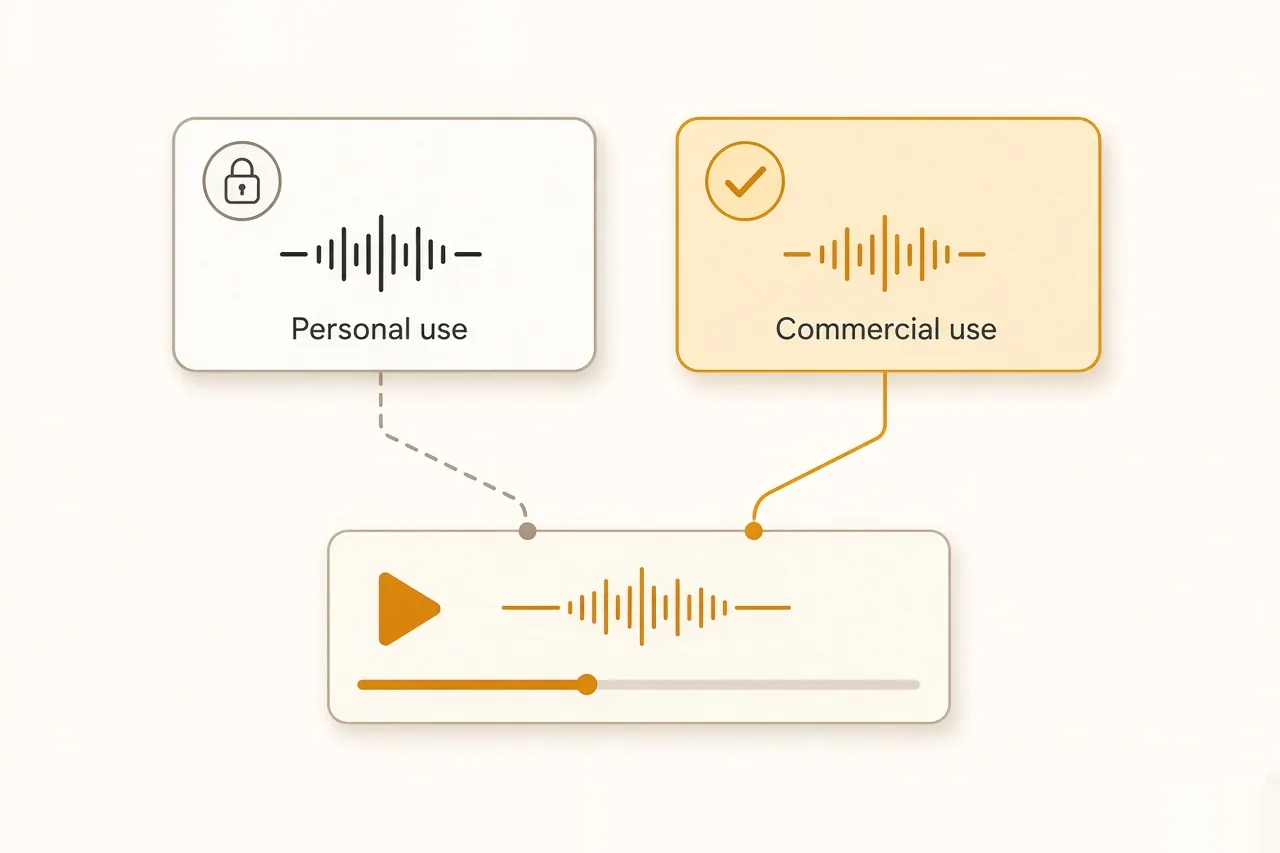
Fliki, VEED and Vidnoz watermark free exports. Vidnoz's comparison table lists the free plan's commercial licence as "With Vidnoz watermark."
The safe rule: if the video earns money, from ads, a course sale or a client, pay for at least the entry plan before you publish. ElevenLabs says content you make on a paid plan stays commercially usable after you cancel. Content made on the free plan never becomes commercial.
Which AI voiceover tool is best for each job?
Here's how the seven line up by job. The pick is mine, based on the features and prices above.
| Job | Best pick | Budget option | Why |
|---|---|---|---|
| YouTube narration | ElevenLabs Creator | Fish Audio Plus | Commercial licence from $6 and professional cloning on Creator; Fish gives about 200 minutes for $15 |
| Online courses (audio narration) | ElevenLabs | Fish Audio | Long-form Studio projects and voice cloning |
| Online courses (LMS videos) | HeyGen Business | Vidnoz Starter | Both export SCORM; Vidnoz does it on its cheapest paid plan |
| Dubbing and translation | ElevenLabs | VEED Pro | Dubbing in 90+ languages in the original speaker's cloned voice |
| Avatar presenter | HeyGen | Vidnoz | More languages and voice cloning in one tool |
| Fix narration via script | Descript | VEED | Regenerate and voice clones inside a text-based editor |
| Faceless videos from text | Fliki | VEED | Turns a script or blog post into a voiced video |
What should you look for in an AI voiceover tool?
Four things decide whether a tool works for paid content, and none of them is the demo voice.
- Commercial licence: check the plan, not just the tool. Free tiers often exclude it.
- Voice cloning: cloning your own voice keeps narration consistent across a series or course. Check which plan unlocks it.
- Minutes, not credits: convert credits into minutes of audio. ElevenLabs Starter is about 30 minutes, Fish Audio Plus about 200.
- Languages: count the languages for the feature you need. ElevenLabs lists 74 for speech but 90+ for dubbing, and HeyGen lists 30+ on Free but 175+ on paid plans.
If you automate your content pipeline, both ElevenLabs and Fish Audio offer an API, and HeyGen's Business plan connects to n8n. My list of n8n workflow examples shows the kind of automations that can feed a script into a voice tool.
My pick for each budget
For a free start, use ElevenLabs' or Fish Audio's free plan to test voices, then pay before you publish anything that earns money.
For one paid tool for YouTube narration, ElevenLabs Starter at $6 a month gives you a commercial licence and instant voice cloning. Move to Creator at $22 when you want professional voice cloning and about 121 minutes a month. Fish Audio Plus is the better value for volume, with about 200 minutes for $15.
For courses, record or generate the narration, then edit it in Descript so fixing a line doesn't mean a new take. If your course runs in an LMS and you want an on-screen presenter, compare HeyGen Business with Vidnoz Starter, which includes SCORM export for far less.
For dubbing, start with ElevenLabs. If you also need an avatar, HeyGen does translation and presentation in one place.
For more tools around the voiceover step, my roundup of AI tools for content creators covers writing, design and editing.
Frequently asked questions
If you need one tool for narration, start with ElevenLabs. The Starter plan is the cheapest way here to get a commercial licence and your own cloned voice.
If you'd rather put a presenter on screen, HeyGen's free plan lets you make three short videos before you pay.