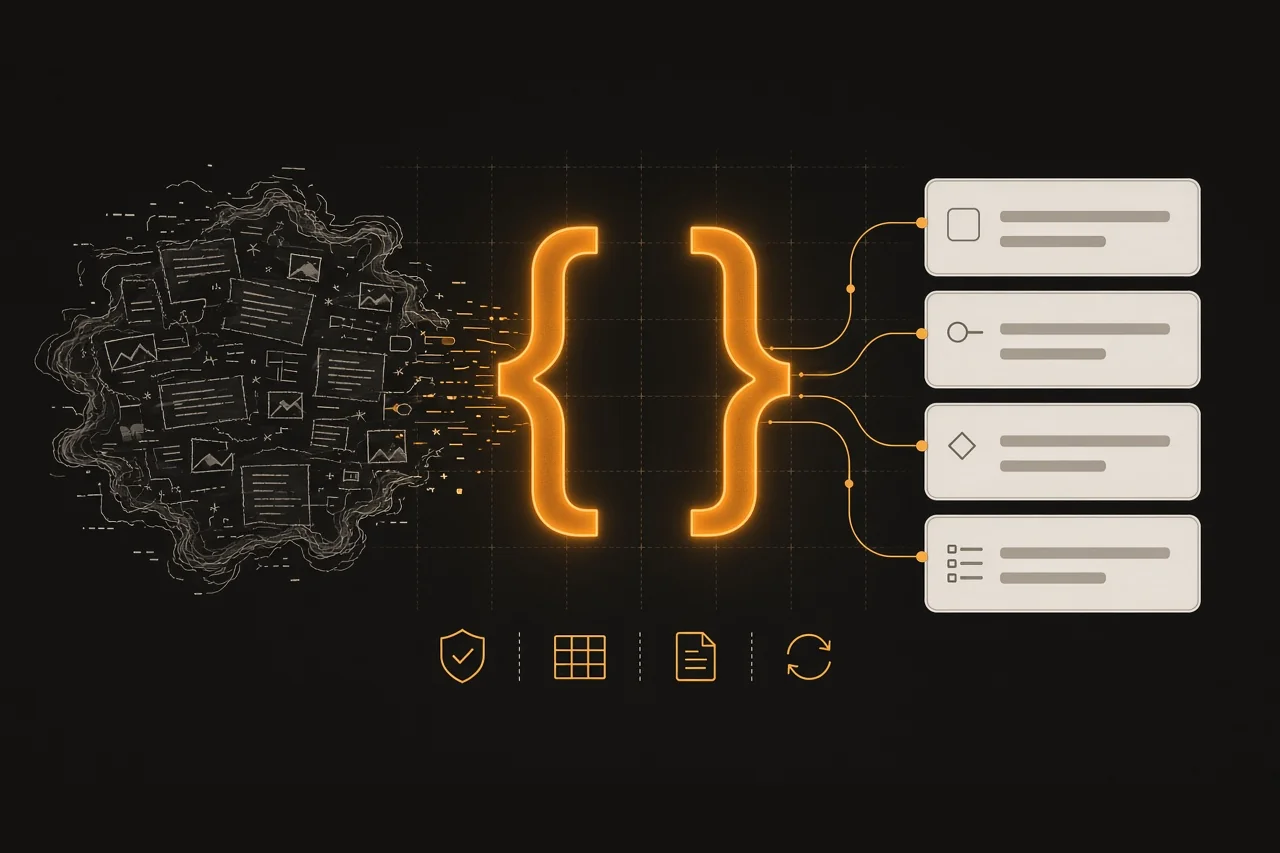
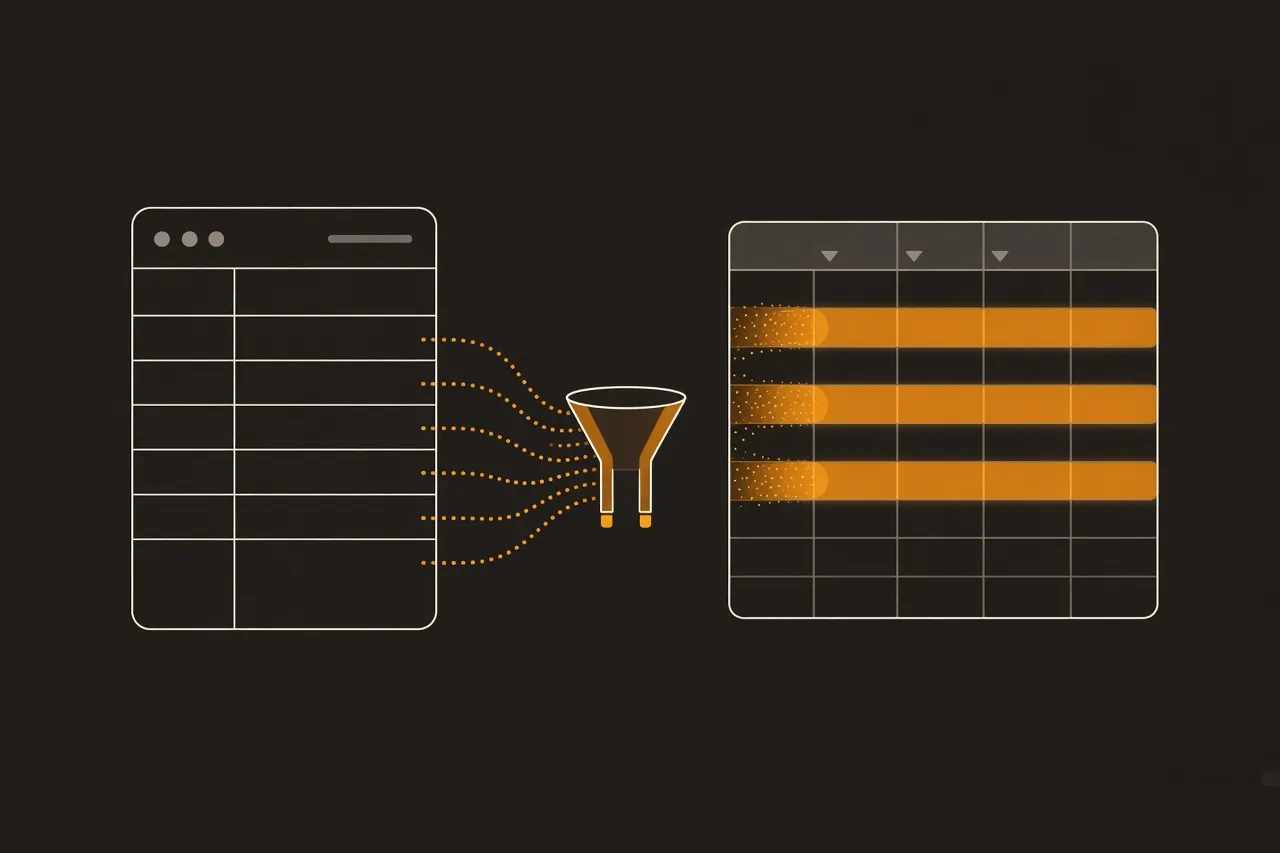
Most Firecrawl API examples stop at a single scrape. That's the cheapest call Firecrawl has, at 1 credit a page. The costly mistakes happen elsewhere: a crawl with no limit defaults to 10,000 pages, and JSON mode costs five times a plain scrape.
Below are 14 examples, from one page to whole sites to scheduled monitors. Each one has a short snippet, what comes back, what it costs and when to reach for it.
One of them fails silently if you copy Firecrawl's docs with zod 4 installed. The fix is one line.
Every endpoint, parameter and credit cost below comes from Firecrawl's docs and pricing page, as of 7 October 2026. The SDK snippets were run against a local mock of the API (JavaScript SDK 4.44.0, Python SDK 4.49.1), and the JavaScript ones typecheck. None were run against the live API.
Some links here are affiliate links; they don't change your price.

Which Firecrawl endpoint should you use?
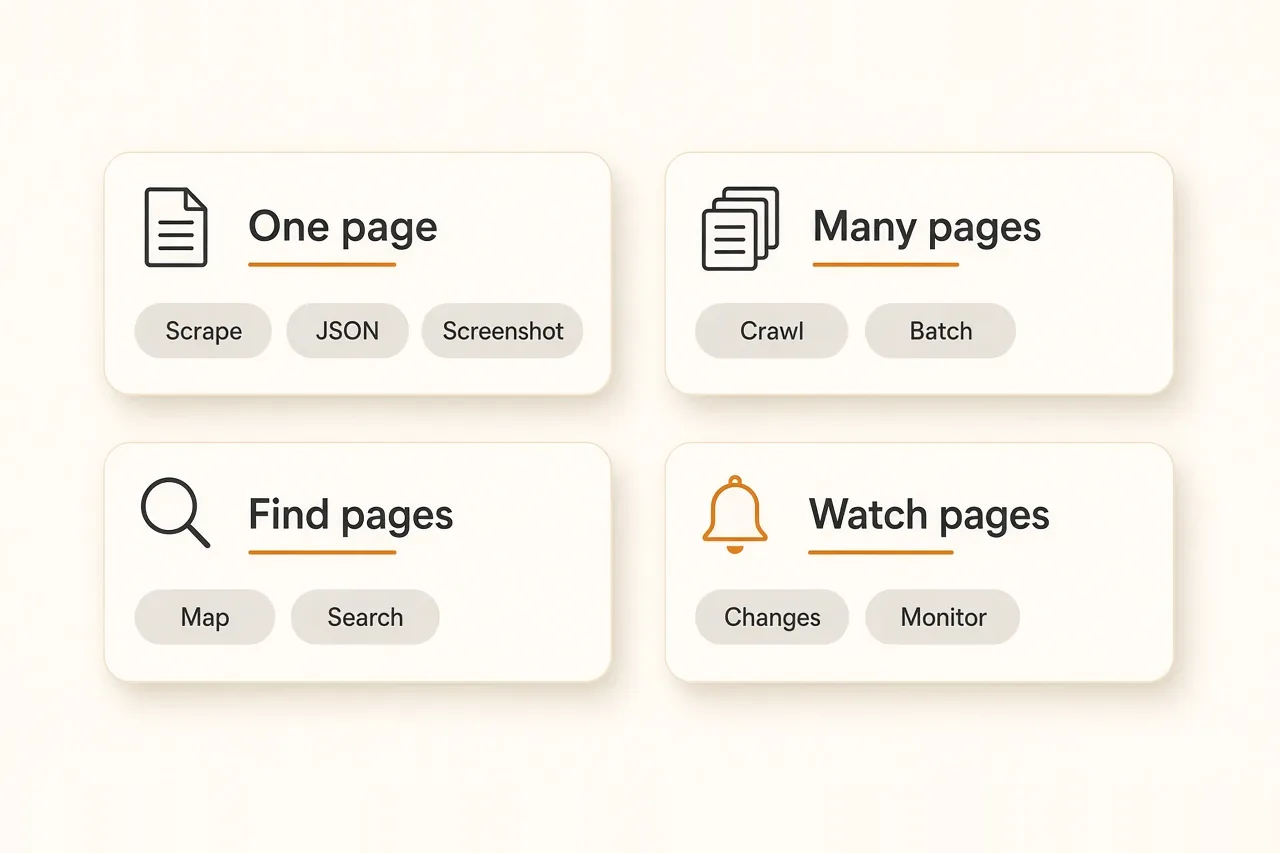
Firecrawl has one API, a handful of jobs and one currency: credits. Pick the job first, and the right method follows. Here's the cheat sheet, with credit costs from Firecrawl's billing docs on 7 October 2026.
| You want to | Use | Credits |
|---|---|---|
| Get one page as markdown or HTML | scrape | 1 per page |
| Get typed fields from one page | scrape with JSON format | 5 per page |
| Capture what the page looks like | scrape with screenshot format | 1 per page |
| Click or type before scraping | scrape with actions, or interact | 1 per page, plus 2 to 7 per browser minute for interact |
| List every URL on a site | map | 1 per call |
| Scrape a whole site or section | crawl | 1 per page |
| Find pages you don't have URLs for | search | 2 per 10 results, plus 1 per result scraped |
| Scrape a list of known URLs | batch scrape | 1 per page |
| Know when a page changes | scrape with changeTracking, or a monitor | 1 per page per check |
| Get results pushed to you | webhook on crawl, batch or monitor | 0 to receive |
Not sure Firecrawl is the right tool at all? I compared it with Apify in Firecrawl vs Apify, and the plan prices are in my Firecrawl pricing breakdown.
How do you set up the SDK?
Every JavaScript example below uses this client. Install the package, then put your key in the FIRECRAWL_API_KEY environment variable.
The Python examples use the official Python SDK:
The older package name @mendable/firecrawl-js still works. On 7 October 2026 it was the same version as firecrawl (4.44.0) with identical code.
If APIs are new to you, my explainer on how an API works covers requests and keys first.
Firecrawl API examples for single pages
1. Scrape a page to clean markdown
This is the one you'll use most. You send a URL and get back the page as markdown, with the navigation and footer stripped out.
The same call over plain HTTP:
What you get back (shape from Firecrawl's docs):
The SDK hands you the inner data object, so you read doc.markdown directly.
Use it when you're feeding a page to an LLM, building a search index or archiving content. Check metadata.statusCode every time. Firecrawl charges 1 credit even when the target page answers 403 or 404.
If the LLM has to answer questions across many pages, this markdown is the ingest step of a RAG pipeline, and my guide to what RAG is and how retrieval-augmented generation works covers the chunking, embedding and retrieval that come next.
2. Extract JSON with a plain-English prompt
JSON mode runs an LLM over the page and returns structured data. The quickest version needs no schema, just a prompt.
What you get back: a json field on the document, shaped however the model decided. Use it for one-off exploration. For anything you store, use a schema, because the shape can change from page to page.
It costs 5 credits per page: 1 for the scrape and 4 for the extraction.
3. Extract typed JSON with a zod schema
Give Firecrawl a schema and it fills it in. Here's the version that works with zod 4:
Why the z.toJSONSchema call? Firecrawl's docs show passing the zod schema in directly, and the SDK converts it for you. But that converter is built for zod 3. Capturing what SDK 4.44.0 sends to a local mock when given a zod 4 schema shows an empty schema with no properties, and no error.
Converting it yourself sends the full schema. The safeParse call then catches any field the model got wrong. For schema design, retries and the same pattern with OpenAI, Claude or Gemini, see my guide to LLM structured data extraction.
Use it when the data goes into a database or a typed UI. The full setup, with error handling, is Step 4 of my Firecrawl API tutorial with Next.js.
4. Take a full-page screenshot
Ask for the screenshot format and you get an image URL back.
What you get back: data.screenshot holds a URL to the image. The format also takes quality and viewport options.
Here's the catch: Firecrawl's docs say screenshot URLs expire after 24 hours. Download the file straight away if you need to keep it.
Use it for visual archives, QA checks or pricing-page captures. Billing docs list no extra charge for screenshots, so it's the base 1 credit.
5. Click and wait before scraping with actions
Some content only appears after a click. Actions run steps in the browser before the scrape happens.
What you get back: the markdown after the actions have run, plus an actions object. Screenshots taken by a screenshot action land in actions.screenshots.
The available actions include wait, click, write, press and screenshot. Firecrawl's docs say to put a wait before and after other actions so the page has time to load. Change #annual-toggle to a selector that exists on your page.
Use it for toggles, tabs, "load more" buttons and cookie banners. One heads-up: Firecrawl's docs now recommend Interact over actions for anything more involved.
6. Drive the page in plain English with Interact
Interact keeps a browser session open after a scrape, so you can give it instructions in plain English or as Playwright code.
What you get back: an output string with the answer, plus live-view and CDP URLs for the browser session.
Firecrawl's docs skip the scrapeId check. Leave it out and TypeScript strict mode won't compile, because the SDK types scrapeId as optional.
The price is different here. Interact bills per browser minute with a one-minute minimum: 7 credits a minute with prompts, 2 with code only. Always call stopInteraction when you're done.
Firecrawl API examples for whole sites
7. Map every URL on a site
Map returns a list of a site's URLs without scraping them. It's the cheapest way to see what's there.
What you get back:
Map costs 1 credit per call, whatever the limit. The search option sorts the links by relevance to your term.
Use it before a crawl to choose paths, or to pick the exact URLs for a batch scrape. Firecrawl's docs note that map relies on sitemaps and its own index, so it can miss pages.
8. Crawl a section of a site and wait for it
Crawl follows links from a starting URL and scrapes every page it reaches. The waiter version blocks until the job finishes.
What you get back: a job with a status of scraping, completed, failed or cancelled, the total and completed counts, creditsUsed, and data holding one document per page.
Always set a limit. The default is 10,000 pages, and Firecrawl's crawl docs say it answers 402 before starting if your credits can't cover the limit.
Two scope rules catch people out. A crawl only follows child paths of your start URL unless you set crawlEntireDomain. And includePaths is checked against the start URL too, so a start URL outside your include pattern can return zero pages. That's why this example uses an exclude pattern.
9. Start a crawl in the background and check on it
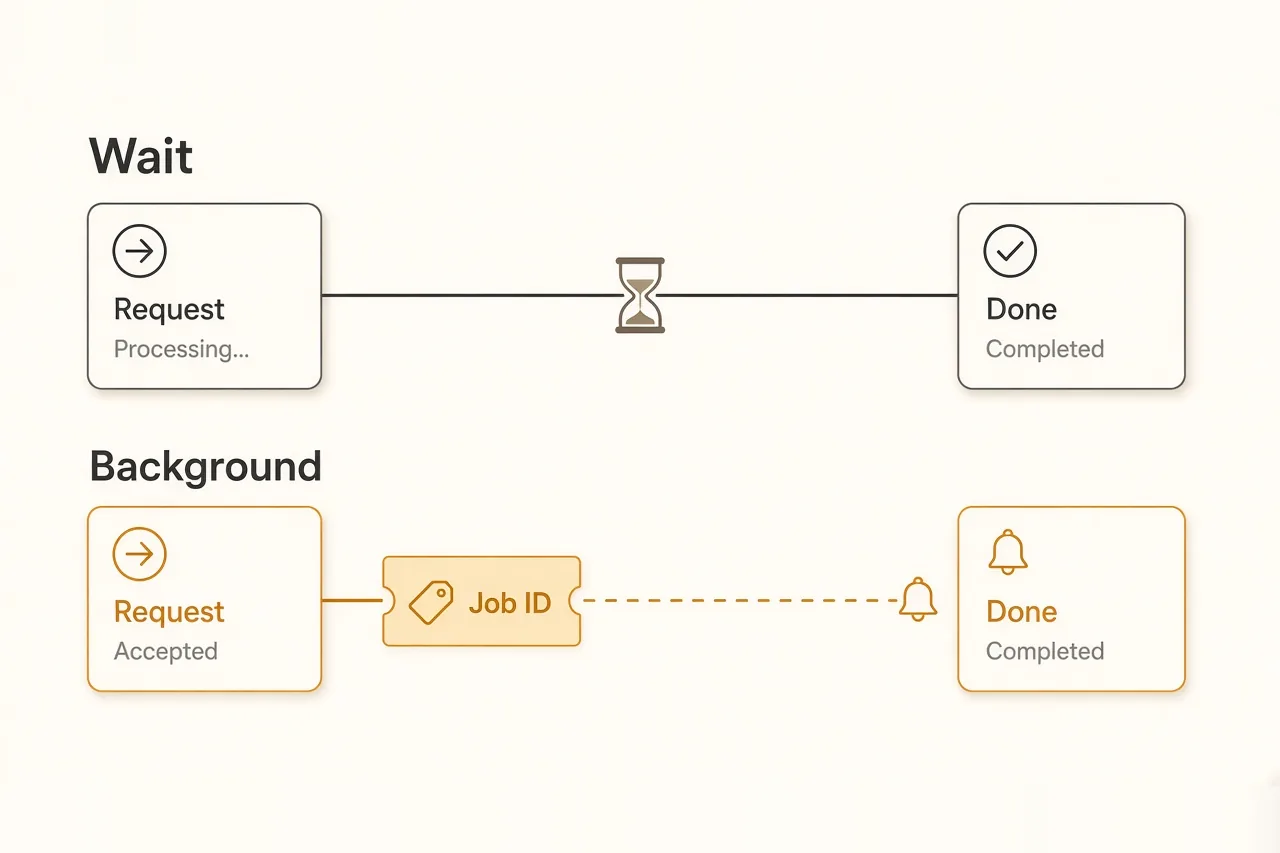
For anything big, start the crawl and come back later. This is the pattern to use inside a serverless function.
What you get back: startCrawl returns the job ID straight away. getCrawlStatus returns the same shape as the waiter in example 8. Checking status doesn't cost credits.
Results stay available for 24 hours. Large responses are split into pages linked by a next URL, and the SDK follows them for you unless you turn autoPaginate off.
10. Search the web and scrape the results
Search runs a web query and can scrape each result in the same call.
What you get back: results grouped by source in web, news and images. Each one is either a plain result (url, title, description) or a full document if you asked for scraping. That's why the loop checks which kind it has.
The cost has two parts: 2 credits per 10 results, rounded up, plus 1 credit for every result it scrapes. Five scraped results cost 2 plus 5, so 7 credits.
Use it for research agents and for finding pages when you don't know the URLs. You can also narrow results with includeDomains or categories such as pdf or developer.
11. Batch scrape a list of URLs
When you already have the URLs, from map or your own list, batch scrape runs them as one job.
What you get back: the same job shape as a crawl, with one document per URL. There's also startBatchScrape if you'd rather poll, or a webhook.
Watch the option names. In JavaScript the formats go inside an options object, while Python takes them as direct arguments. The Python waiter's timeout is called wait_timeout.
It's the same 1 credit per page as a crawl. You just control the list.
Firecrawl API examples for watching pages
12. Track what changed on a page
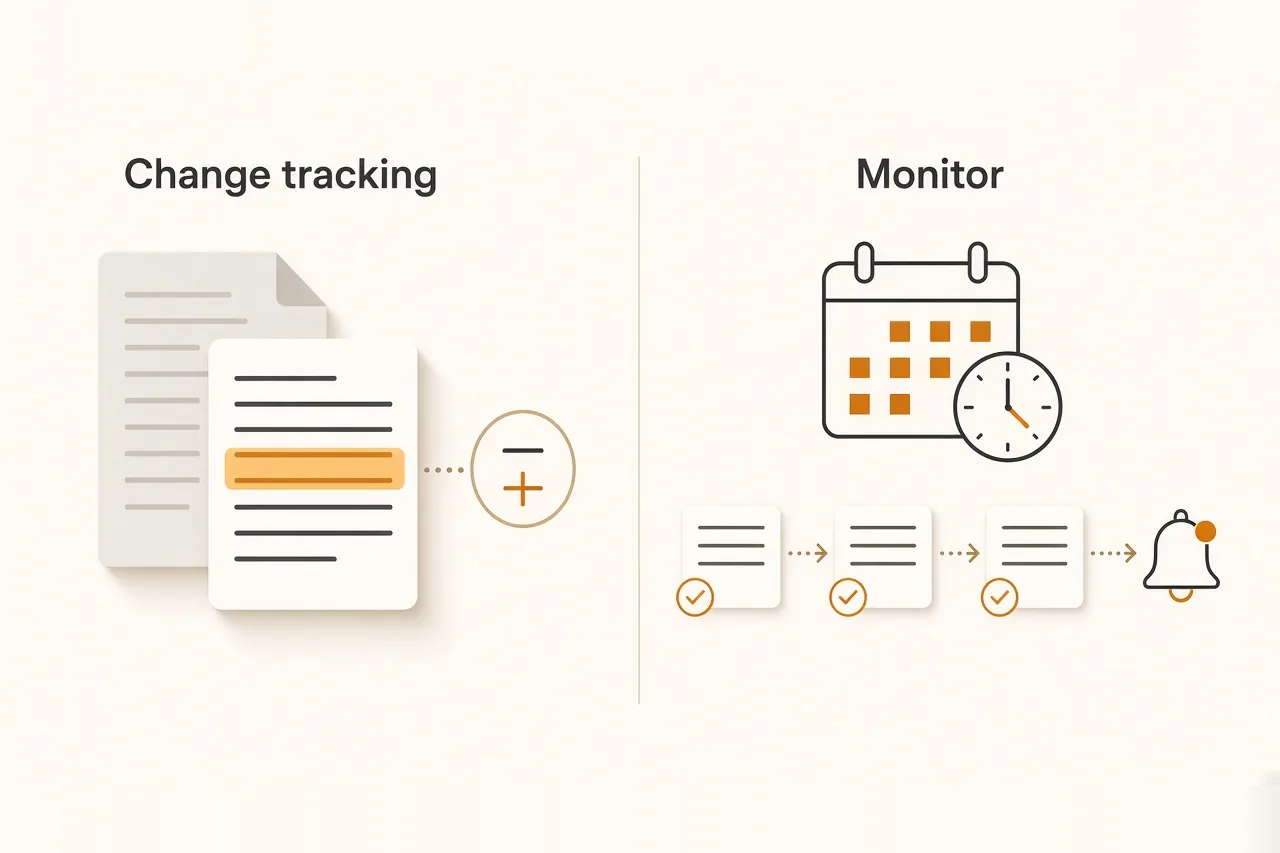
Add the changeTracking format and Firecrawl compares the page with the last time you scraped it.
What you get back: a changeTracking object with changeStatus set to new, same, changed or removed, plus previousScrapeAt and visibility. In git-diff mode, a changed page also includes the diff text.
The SDK types changeTracking as a loose object, which is why there's a small type in the snippet. The docs' JavaScript version reads the fields directly and won't compile under strict TypeScript.
Cost: basic change tracking and git-diff add nothing to the 1 credit scrape. JSON mode, which compares fields from your schema, costs 5 credits per page. The markdown format is required, because the comparison runs on markdown.
13. Schedule a monitor instead of a cron job
A monitor runs the checks for you on a schedule and tells you when something changes.
What you get back: the monitor with its ID, the normalised cron schedule, the next run time and an estimatedCreditsPerMonth figure. Check that figure before you walk away.
Schedules accept phrases like hourly, every 30 minutes or daily at 9am. The minimum interval is 5 minutes, and one monitor takes 1 to 50 targets.
Each check costs the normal scrape credits. When the AI judge is switched on, add 1 credit for each changed page it reviews. Changes arrive by email, webhook, or both.
Monitors fit pricing pages, docs and competitor changelogs.
14. Get crawl results pushed to a webhook
Instead of polling, give a crawl a webhook and Firecrawl posts each page to your server as it finishes.
What your endpoint receives (shape from Firecrawl's docs):
You subscribe with short names (started, page, completed, failed), but the payloads arrive typed as crawl.started, crawl.page and so on. Batch scrapes use batch_scrape.page, and monitors send monitor.page and monitor.check.completed.
Three rules from the webhook docs:
- Verify the X-Firecrawl-Signature header, an HMAC-SHA256 of the raw body.
- Answer with a 2xx within 10 seconds.
- Expect repeats, because failed deliveries are retried after 1, 5 and 15 minutes.
The full Next.js handler is in Step 8 of the tutorial. If webhooks are new to you, start with my webhook explainer.
Which mistakes cost the most credits?
Most wasted credits come from four habits:
- Crawling without a limit. The 10,000-page default either fails with a 402 or eats your plan.
- Retrying blocked pages. A 403 still costs 1 credit, so stop after the first one and check metadata.statusCode.
- Expecting Firecrawl's cache to save money. Cached results still cost 1 credit, so cache in your own app.
- Leaving JSON mode on for every page of a crawl. It turns 1 credit a page into 5.
For scale: the Free plan's 1,000 monthly credits cover 1,000 plain scrapes or 200 JSON extractions. Hobby is $19 a month for 5,000 credits, or $16 a month billed yearly (as of 7 October 2026).
Rate limits matter too. On the Free plan you get 10 scrape, map or search requests a minute and 2 crawl requests a minute. A 429 means slow down. The JavaScript SDK doesn't retry it for you.
Frequently asked questions
If you only try three of these, make it scrape, map and a background crawl with a webhook. Those cover most real projects. For a full app with the key kept server-side, caching and a Vercel deploy, follow the Next.js tutorial.