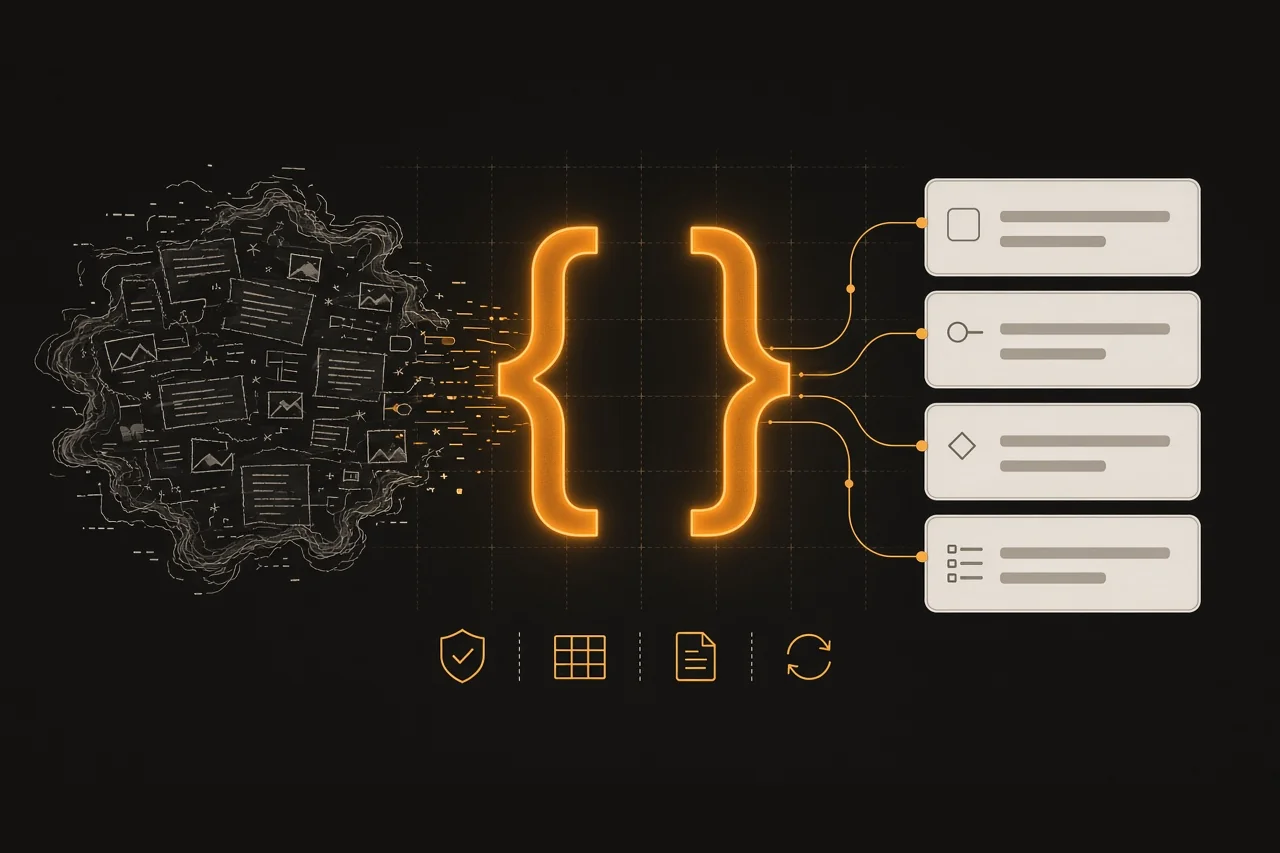
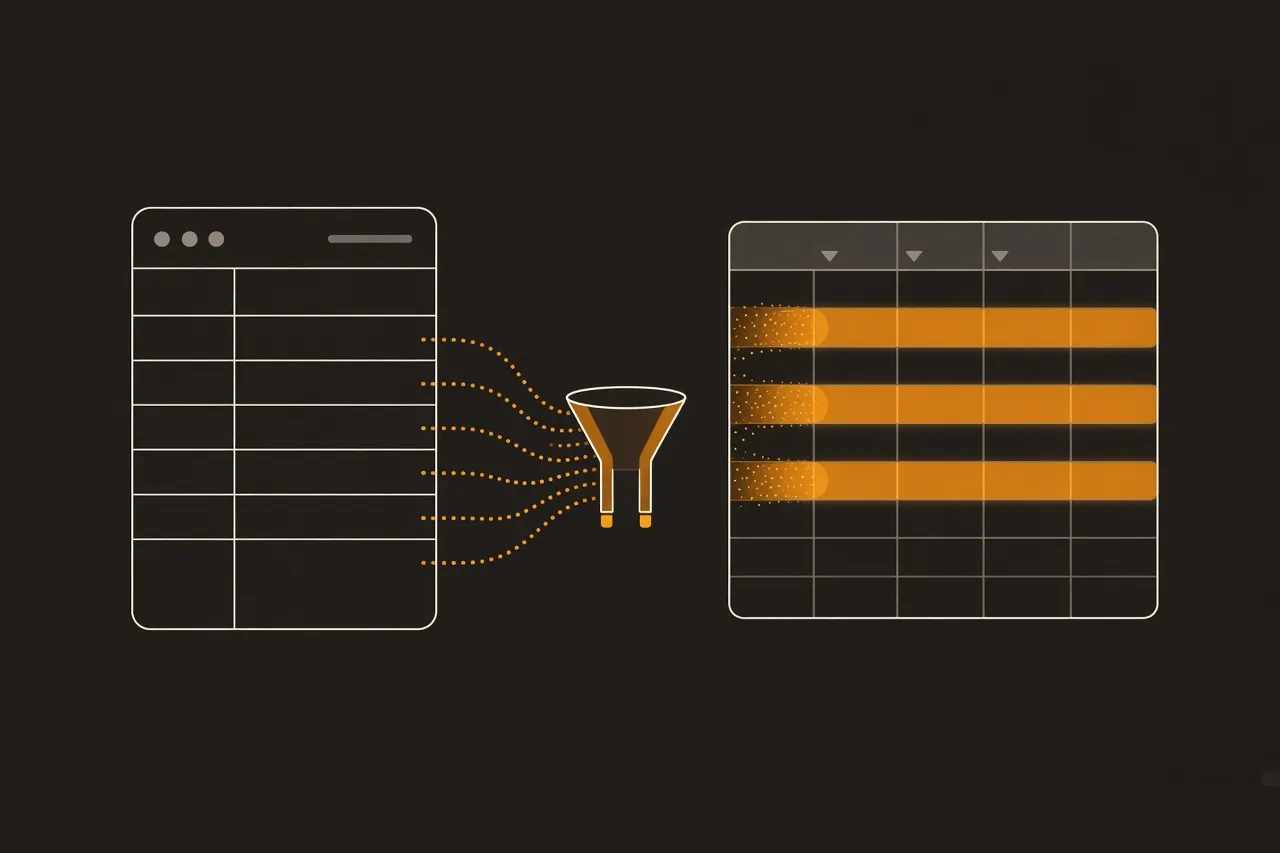
This Firecrawl API tutorial builds a small Next.js app the safe way. Put the key in the wrong file and it ships to every visitor's browser. Skip one crawl setting and Firecrawl refuses the job, because the default limit is 10,000 pages.
There's a quieter trap too. Pass a zod 4 schema to the SDK and it sends an empty schema, with no error at all.
Below are nine steps: scrape, JSON extraction, search, caching, background crawls, signed webhooks and the Vercel deploy, each with the code.
Every file below typechecks against firecrawl 4.44.0 and Next.js 16.4.0 (as of 7 October 2026), and the routes were run against a local mock of the API. They haven't been run against the live Firecrawl API for this post.
Some links here are affiliate links; they don't change your price.
What are you building, and what do you need?
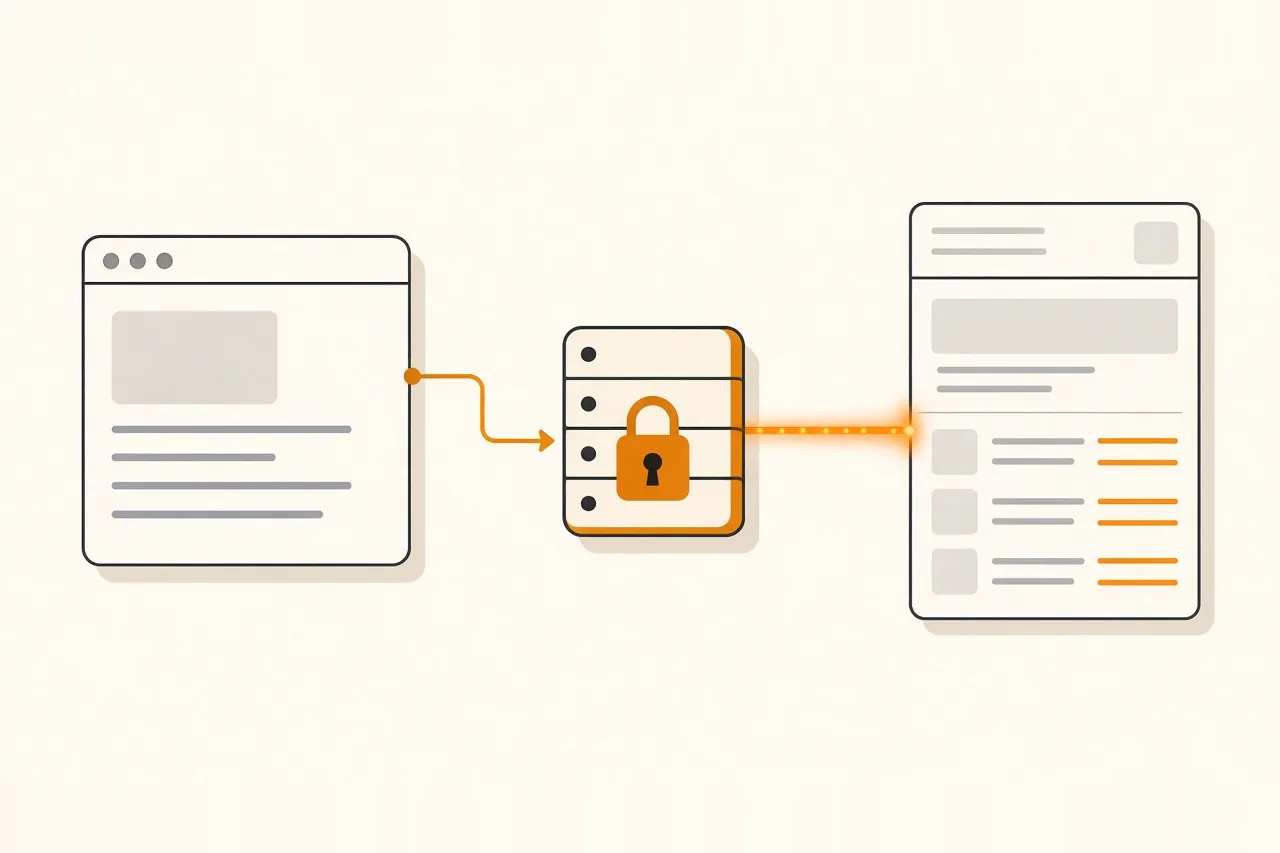
You're building a small Next.js App Router feature with five server-side endpoints. Each one wraps one Firecrawl job with a credit cost you can predict, and the browser never sees your API key.
| File | What it does | Firecrawl cost |
|---|---|---|
| app/api/scrape/route.ts | Turns one URL into clean markdown, cached | 1 credit per page |
| app/api/extract/route.ts | Pulls typed JSON out of a pricing page with a zod schema | 5 credits per page |
| app/actions.ts | A Server Action that searches the web | 2 credits per 10 results |
| app/api/crawl/route.ts and app/api/crawl/[id]/route.ts | Starts a crawl in the background, then reports progress | 1 credit per crawled page |
| app/api/firecrawl-webhook/route.ts | Receives crawl pages as they finish, with a signature check | Free to receive |
Credit costs come from Firecrawl's billing docs, as of 7 October 2026.
What you need before you start:
- Next.js 14 or newer with the App Router. The code targets Next.js 16.4.0 and TypeScript.
- A Firecrawl API key. The Free plan gives you 1,000 credits a month, no card needed.
- A Vercel account if you want to deploy at the end.
- Node.js and npm.
If the word "endpoint" makes you pause, my explainer on how an API works covers the basics in a few minutes.
How do you build it, step by step?
Each step below adds one file and ends with something you can test with curl.
Step 1: Install the Firecrawl SDK and keep the key on the server
Install the SDK, zod for validation, and the server-only guard:
Firecrawl's docs now use the package name firecrawl. You'll still see @mendable/firecrawl-js in older tutorials and on some doc pages. On 7 October 2026 both were at version 4.44.0, and a comparison of the installed files shows they're the same code. Pick one and stick with it.
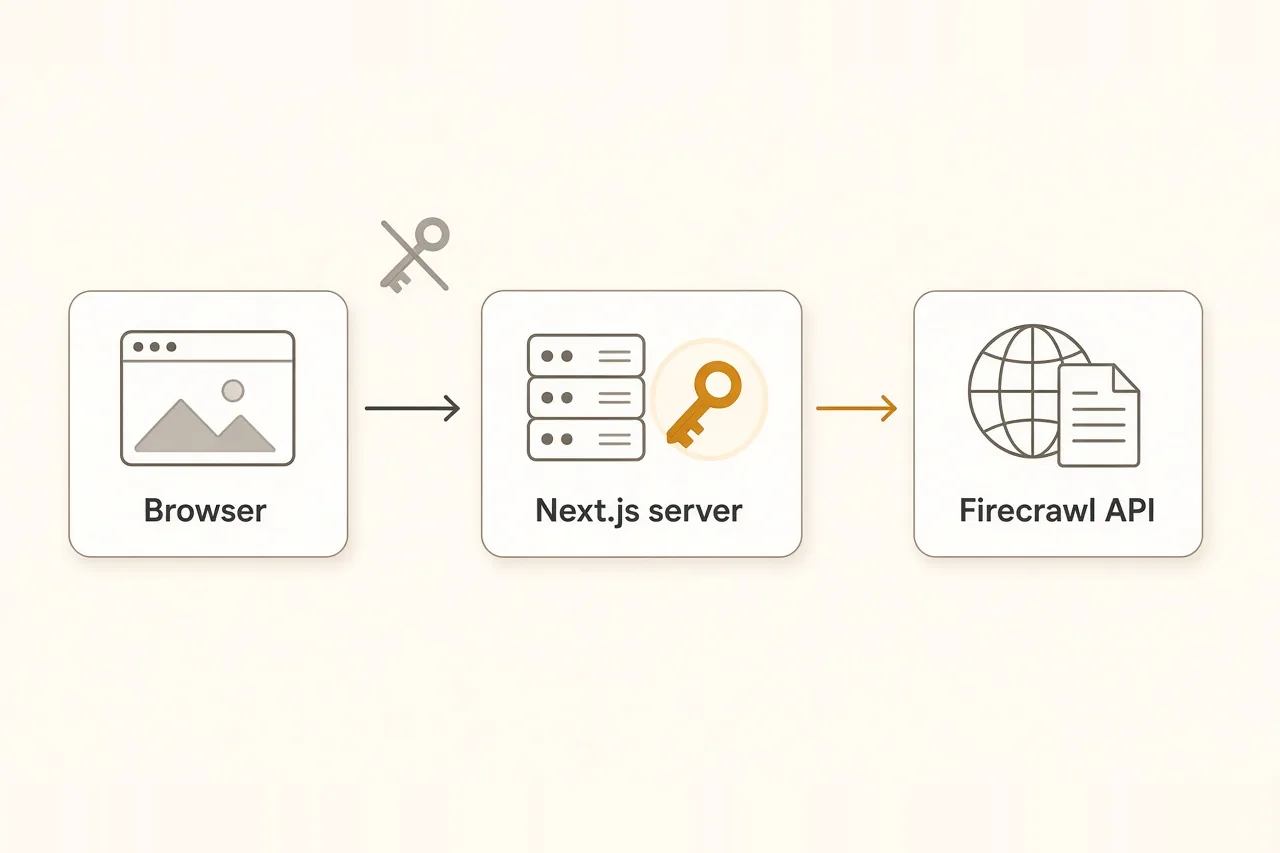
Put your key in .env.local and never give it the NEXT_PUBLIC_ prefix:
Next.js inlines any variable that starts with NEXT_PUBLIC_ into the JavaScript it sends to the browser. Without the prefix, the variable exists only on the server. That one prefix is the difference between a private key and a public one.
Now create one shared client:
The server-only import makes the build fail if a Client Component ever imports this file. The getter reads the key on the first call instead of at import time, so next build doesn't crash on a machine without the key.
Step 2: Scrape a page to markdown in a Route Handler
The scrape method sends one request to POST /v2/scrape and gives you back the page as markdown, plus metadata such as the title and the HTTP status code.
Test it:
The SDK returns the inner data object, so you read doc.markdown directly. The raw API wraps the same thing as success plus data.
One field matters more than it looks: metadata.statusCode. Firecrawl charges 1 credit whenever it returns a document, and that includes a target page that answered 403 or 404. A green response from Firecrawl doesn't mean the page you wanted loaded.
Step 3: Handle errors, retries and rate limits
This route has no error handling yet. Here's what Firecrawl sends back when things go wrong, from its error reference:
- 401 means the key is missing or revoked.
- 402 means you're out of credits.
- 408 means the page took longer than your timeout.
- 429 means you hit the per-minute rate limit or your plan's concurrent browser limit.
- 500 and 502 are server-side failures worth retrying.
Here's the catch. In the SDK's source for version 4.44.0, the built-in retry only covers 502. A 429 comes straight back to you as an error. Against a local mock, a 429 produced one request, then an SdkError with status 429.
So add your own small retry wrapper and one place that turns SDK errors into HTTP responses:
A 401 maps to a 500 on purpose. A bad key is your bug, not your visitor's, and you don't want to tell strangers anything about your credentials.
Firecrawl's docs say to honour the Retry-After header on a 429. The SDK error doesn't expose response headers, so this wrapper uses exponential backoff with jitter instead. It stays under ten seconds, which fits inside a 60-second function.
How tight are the limits? As of 7 October 2026, the Free plan allows 10 scrape, map or search requests a minute and 2 crawl requests a minute. Hobby raises that to 100 and 20. The full table is on Firecrawl's rate limits page.
Step 4: Extract structured JSON with a zod schema
JSON mode asks Firecrawl to run an LLM over the page and return data in your shape. You pass a format object with type json, a schema and an optional prompt. It costs 5 credits per page: the base 1 plus 4 for the extraction.
Most people get this part wrong without knowing it.
Firecrawl's docs show passing a zod schema straight into the format, and the SDK converts it for you. But the SDK's converter is built for zod 3, and npm install zod installed zod 4.6.5 on 7 October 2026.
Capturing the request the SDK sends to a local mock shows the problem. With a zod 4 schema passed directly, the request carried an empty schema: only a $schema line, no properties.
There's no error. Firecrawl gets no shape to follow, and your typed result quietly stops matching.
The fix is one line. Convert the schema yourself with zod 4's built-in converter, then validate what comes back:
With the converted schema, the captured request carried every property and every required field. The safeParse call is your second line of defence. An LLM can still return null for a field or skip a plan, and you'd rather send a 422 than store bad data.
If you're still on zod 3, passing the schema directly works, because that's the version the SDK's converter expects.
Step 5: Call Firecrawl from a Server Action
A Server Action is the shortest path from a form to Firecrawl. This one runs a web search and returns titles and URLs:
Search costs 2 credits per 10 results, rounded up, plus 1 credit for every result you also ask it to scrape. Five results without scraping cost 2 credits.
Next.js's own security guide says a Server Action can be called with a direct POST request, not just from your form. Treat it like a public endpoint. Before this goes live, put it behind your login, or a stranger can spend your credits for you.
Step 6: Cache results so you don't pay twice
There are two caches here, and they save different things.
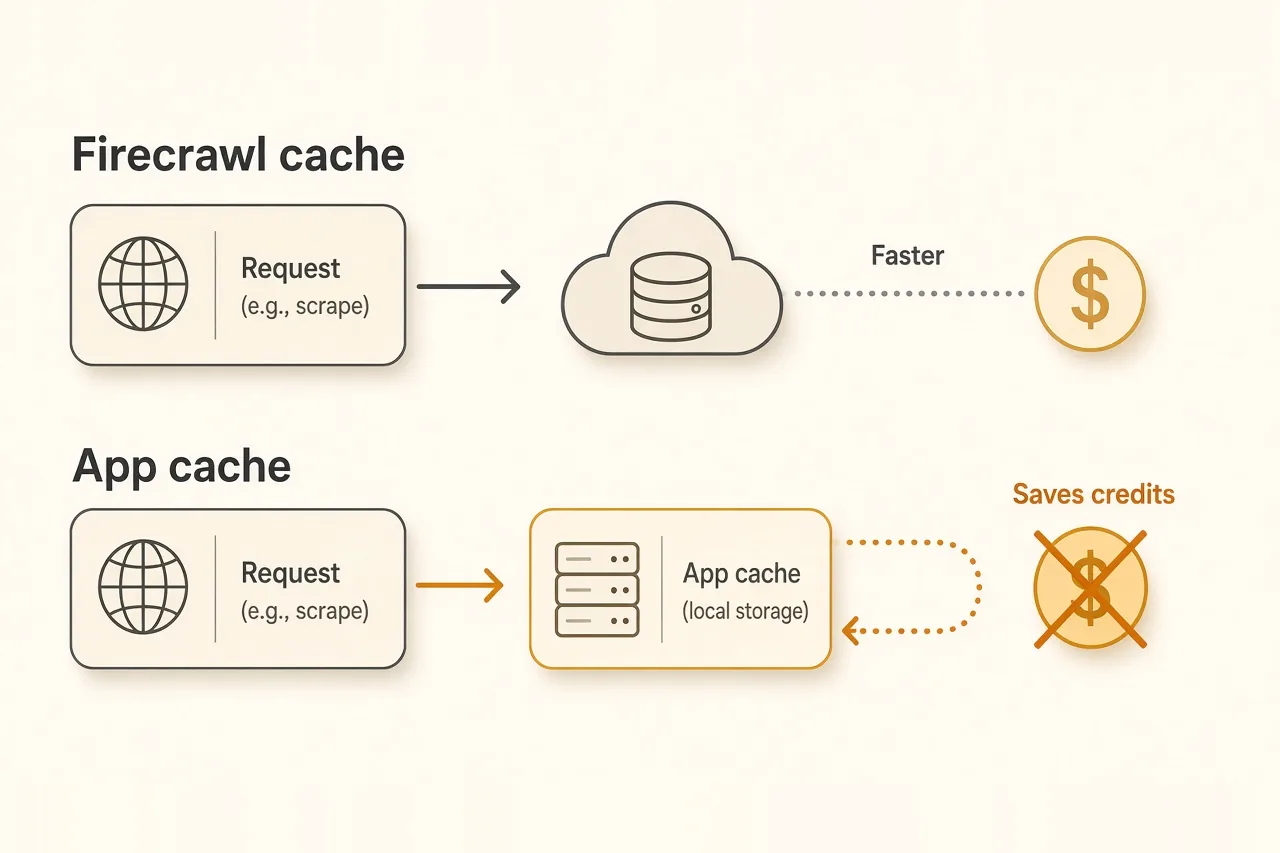
Firecrawl's maxAge option reuses a copy Firecrawl already holds. The default is two days. It makes the response faster, but billing docs say a cached result still costs 1 credit.
To stop paying for repeat requests, cache in your own app.
In Next.js 16, the docs say unstable_cache has been replaced by the use cache directive. On serverless hosts the default in-memory cache usually doesn't survive between requests, so this uses the remote variant. Next.js lists rate-limited APIs as one of the cases it's meant for.
Turn on Cache Components first:
Without partialPrefetching, next build 16.4.0 prints a warning asking you to set it. With it, the build is clean.
Then move the scrape into a cached function:
Why return an error object instead of throwing? Because a version that throws breaks. In a local production build, the error lost its class and its status on the way out of the cached function, and every Firecrawl failure turned into a generic 500.
Returning a result fixes that. The conditional cacheLife call keeps failures for seconds and successes for hours. The Next.js docs allow one cacheLife call per run, in whichever branch runs.
In a local run, the second identical request never reached the Firecrawl mock. On Vercel, the Next.js docs say hosting providers "should typically" supply the remote cache handler. That hasn't been confirmed on a live Vercel deployment, so check your cache hits after you deploy.
Step 7: Start long crawls asynchronously and poll for status
A crawl follows links from a starting URL and scrapes every page it finds. That can take minutes, which is too long for one request. So the route starts the job with startCrawl and returns the job ID straight away:
The limit line is the most important one in this file. Firecrawl's default crawl limit is 10,000 pages.
Firecrawl's crawl docs say it checks whether your credits cover that limit before the crawl starts, and answers 402 if they don't. On a Free plan with 1,000 credits, a crawl with no limit can fail before it fetches a single page.
Two more scope rules from the crawl docs. By default it only follows child paths of your starting URL. And if you set includePaths, the starting URL has to match them too, or you may get zero pages back.
For polling, a second route reads the job status:
The status is one of scraping, completed, failed or cancelled, with total, completed and creditsUsed alongside. Polling doesn't cost credits.
The SDK follows every next page of results by default. Setting autoPaginate to false keeps each poll to one page, and the route returns URLs and titles instead of full markdown. Vercel caps a function response at 4.5 MB, and a big crawl's markdown blows past that.
Crawl results stay on Firecrawl for 24 hours. Store what you need before then.
Step 8: Receive crawl results with a signed webhook
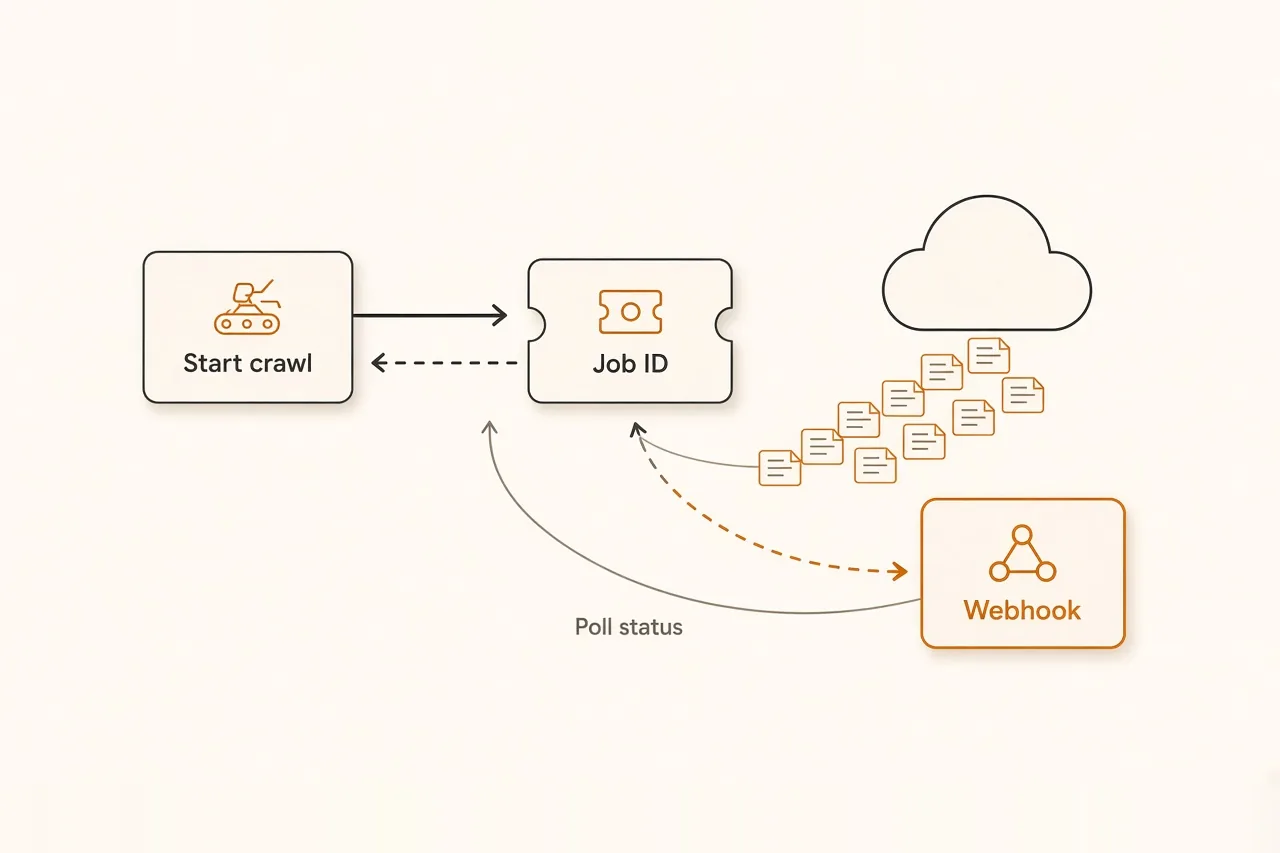
Polling works, but a webhook is better for long crawls. Firecrawl calls your endpoint as each page finishes. The webhook object in Step 7 already asks for page, completed and failed events. The payloads come back typed as crawl.page, crawl.completed and crawl.failed.
New to webhooks? My webhook explainer shows the request flow in plain English.
Anyone can POST to a public URL, so check the signature first. Firecrawl signs every webhook with HMAC-SHA256 of the raw body, using a secret from the Advanced tab of your account settings. The result arrives in the X-Firecrawl-Signature header as sha256= followed by the hex digest.
Three details in that file are easy to get wrong:
- Read the body with request.text(), not request.json(). The signature covers the exact bytes Firecrawl sent, and re-serialised JSON won't match.
- Check the lengths before timingSafeEqual. Node throws if the two buffers differ in length, and a junk header would otherwise crash the route.
- Answer fast. Firecrawl wants a 2xx within 10 seconds. The after() function from next/server runs your processing once the response has gone out.
Firecrawl retries a failed delivery after 1, 5 and 15 minutes. That means the same page can arrive twice, so store pages by scrapeId or URL and ignore repeats.
In a local run with a payload signed by openssl, a correct signature got a 200. A wrong or missing one got a 401.
Step 9: Deploy to Vercel without hitting timeouts
Push the project to Git, import it in Vercel, then add FIRECRAWL_API_KEY, FIRECRAWL_WEBHOOK_SECRET and APP_URL under the project's environment variables. APP_URL is your production URL, because Firecrawl needs a public HTTPS address for webhooks. A localhost webhook URL won't work.
Then the timeouts. Firecrawl's own Vercel quickstart still says functions stop at 10 seconds on Hobby and 60 on Pro. Vercel's current limits page says otherwise:
| Vercel plan | Default duration | Maximum duration |
|---|---|---|
| Hobby | 300 seconds | 300 seconds |
| Pro | 300 seconds | 800 seconds (1,800 in beta) |
| Enterprise | 300 seconds | 800 seconds (1,800 in beta) |
Source: Vercel Functions limits, Node.js runtime with fluid compute, as of 7 October 2026. If a function runs past its limit, Vercel returns a 504.
Even 300 seconds isn't enough for a big crawl, which is why Step 7 never waits for one. Starting a crawl takes one quick request, and the webhook or the polling route picks up the rest.
The single-page routes set maxDuration to 60 on purpose. A scrape that hangs for five minutes is worse than one that fails in one.
That's also why both scrapes set autoResume to false. By default, when a huge document times out on Firecrawl's side, the SDK sleeps and retries for up to 20 minutes. That's helpful in a script and a trap inside a 60-second function.
What usually goes wrong?
| What you see | Likely cause | Fix |
|---|---|---|
| 401 from Firecrawl | Key missing in Vercel, or set only for Preview | Add FIRECRAWL_API_KEY for the Production environment and redeploy |
| 402 on a small crawl | No limit set, so the 10,000-page default exceeds your credits | Always pass limit |
| 429 under light traffic | Free plan allows 2 crawl requests a minute | Back off, queue the requests or upgrade |
| JSON result is empty or ignores your fields | zod 4 schema passed straight to the SDK | Pass z.toJSONSchema(schema) instead |
| Crawl finishes with 0 pages | Starting URL doesn't match includePaths | Start inside the matched path, or drop includePaths |
| 504 FUNCTION_INVOCATION_TIMEOUT | Waiting for a crawl inside a request | Use startCrawl plus webhook or polling |
| 413 from Vercel | Returning full crawl markdown in one response | Return URLs and fetch pages one at a time |
| Webhook always 401 | Parsing JSON before verifying, or the wrong secret | Verify request.text() with the secret from Settings, Advanced |
| Every error becomes a 500 | Throwing from inside a use cache function | Return a result object, as in Step 6 |
How many credits will this app use?
Here's the arithmetic, using Firecrawl's prices on 7 October 2026. The full plan breakdown is in my Firecrawl pricing guide.
| Action | Credits | Runs on the Free plan's 1,000 credits |
|---|---|---|
| Scrape one page to markdown | 1 | 1,000 pages |
| Extract JSON from one page | 5 | 200 pages |
| Search, 5 results, no scraping | 2 | 500 searches |
| Crawl with a 25-page limit | Up to 25 | 40 crawls |
| Receive a webhook or poll status | 0 | Unlimited |
Paid plans start with Hobby at $19 a month for 5,000 credits, or $16 a month billed yearly. The app-level cache in Step 6 is what keeps these numbers honest. Without it, every page view would cost credits again.
If you're still deciding whether Firecrawl is the right scraper, I compared it with Apify in Firecrawl vs Apify.
Frequently asked questions
You now have scrape, extract, search, crawl and webhooks wired into Next.js with the key kept server-side. If you want more patterns, such as batch scraping, map, screenshots, change tracking and monitors, they're in my roundup of Firecrawl API examples.
Start on the Free plan. 1,000 credits is plenty to build and test everything in this tutorial.