In July 2026 the FBI seized the domains of NetNut, one of the biggest residential proxy networks, in an action with Google, which estimated the network at 2 million or more home devices running hidden proxy code. So when I compare residential proxy providers now, price per GB isn't the first question. Where the IPs come from is.
I've compared seven residential proxy providers on what you can check without a lab: price per GB, the provider's own pool-size claim, how it sources IPs, and its KYC (know your customer) checks. Every price comes from the provider's own pricing page, as of 13 October 2026. I haven't benchmarked speed or success rates for this post, so you won't find any performance numbers here, only what each company publishes.
New to proxies? My guide to proxy vs VPN explains the difference, and my post on proxies for n8n workflows covers wiring one into an automation.
Some links here are affiliate links. They don't change your price or my verdict.
What is a residential proxy, and when do you need one?
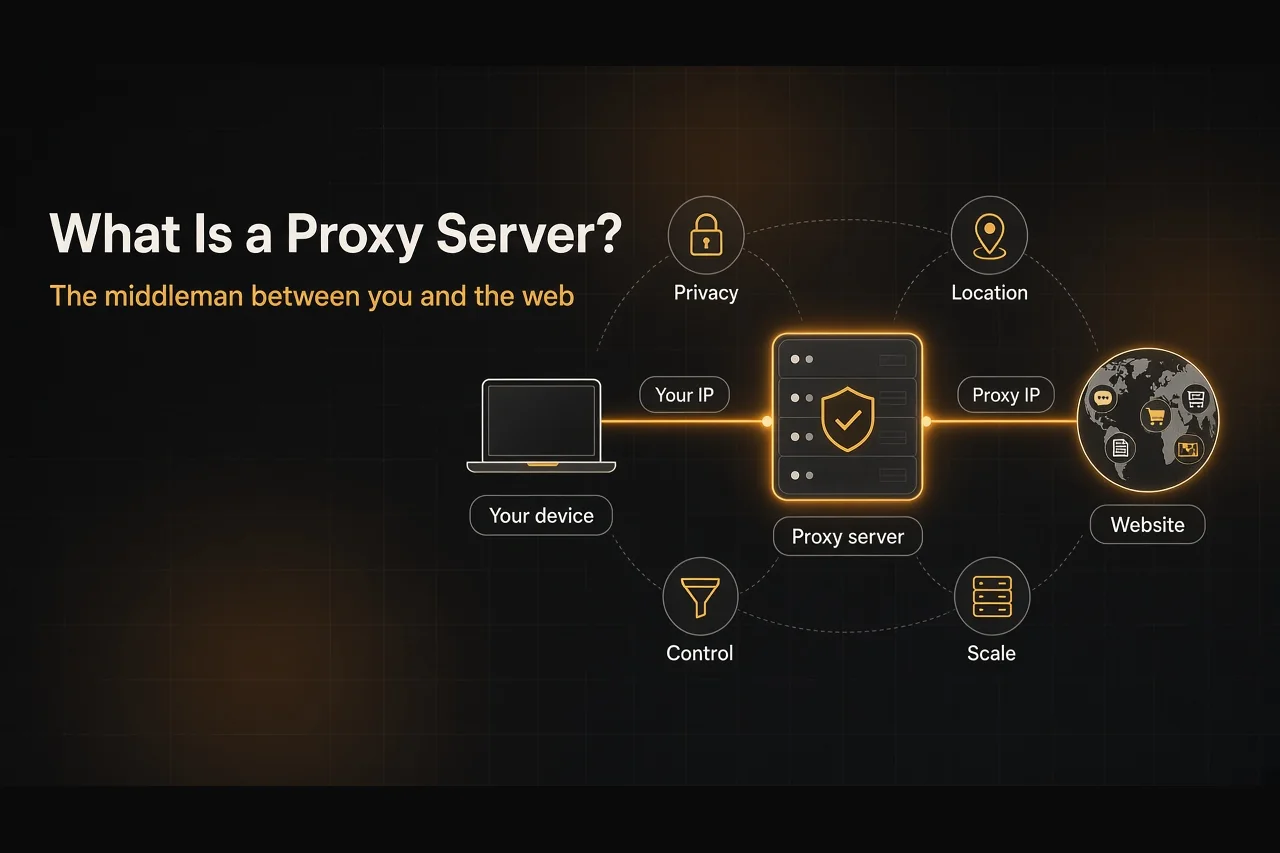
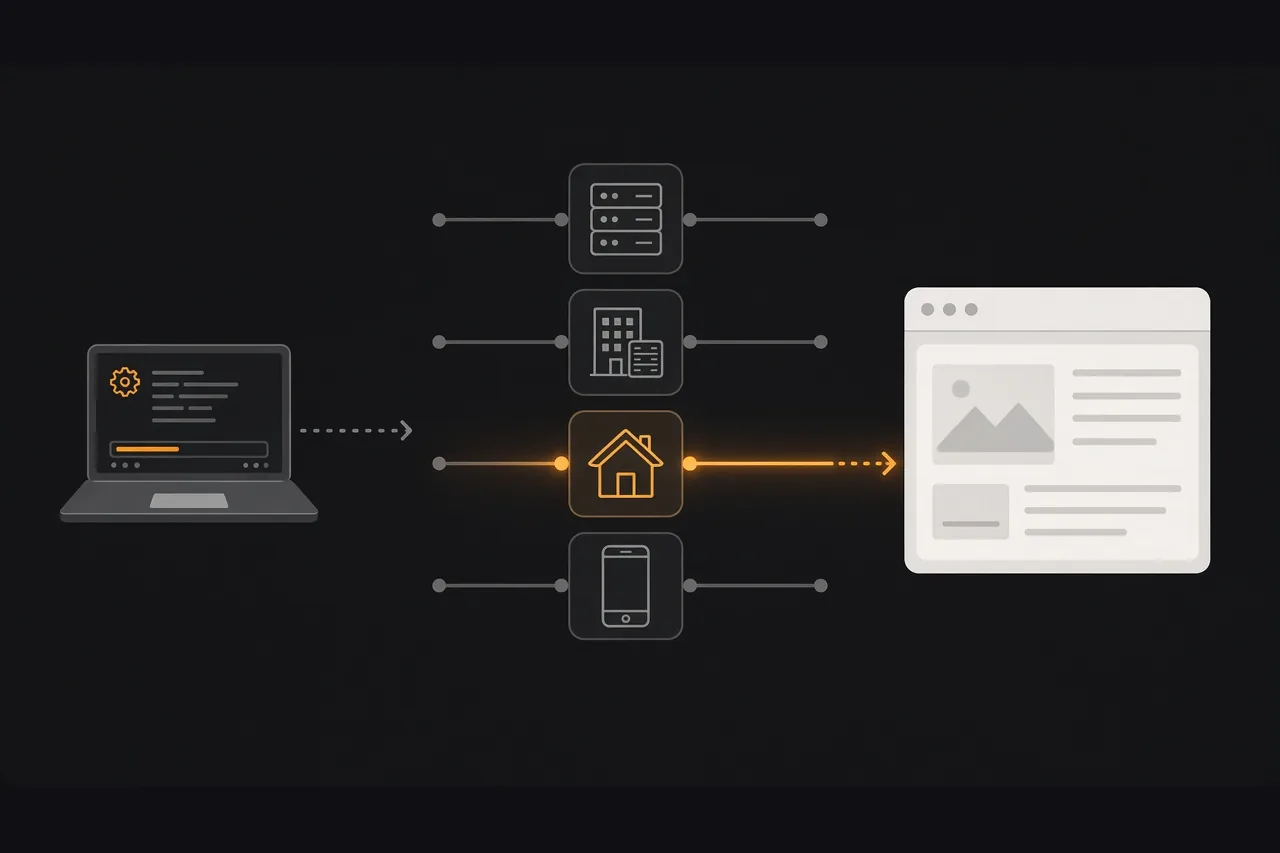
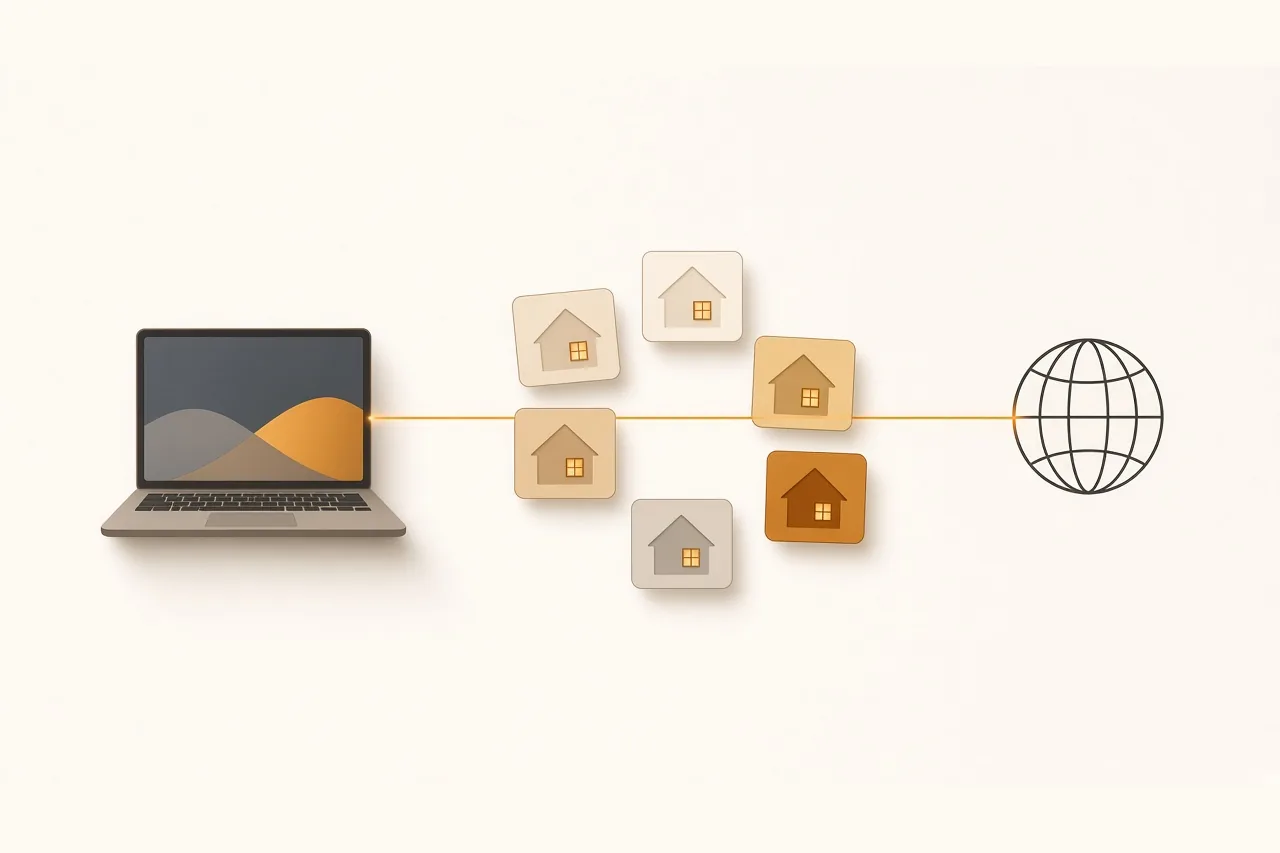
A residential proxy sends your request out through an IP address that an internet provider has assigned to a home connection. To the website, the request looks like it comes from a household, not a data centre.
That matters for a few legitimate jobs:
- Checking prices, ads or search pages as a local user in another country or city sees them
- Collecting public data from sites that block data-centre IP ranges
- Testing geo-targeted content, redirects and app store listings
- Running several accounts, alongside an anti-detect browser that handles the browser fingerprint
Residential proxies are usually billed per gigabyte, and they cost far more per GB than data-centre proxies. If a site doesn't block data-centre IPs, you don't need residential ones. And if you only need privacy on public Wi-Fi, you need a VPN, not a proxy.
Why does proxy sourcing matter so much in 2026?
Because some residential networks are built on devices whose owners never agreed to it.
Google's threat intelligence team wrote up its action against NetNut, also known as Popa, in a July 2026 post on disrupting malicious residential proxy networks. It put the network at 2 million or more devices, spread through code in home devices such as smart TVs and streaming boxes.
Google said that in one week in June 2026 it saw 316 distinct threat clusters, including criminal and espionage groups, using suspected NetNut exit nodes. The same post followed Google's January 2026 disruption of another network, IPIDEA.
The line that should worry buyers is this one: "Google has high confidence that many popular residential proxy brands are in fact whitelabeling the NetNut botnet." In other words, the brand on the invoice isn't always the network your traffic runs through.
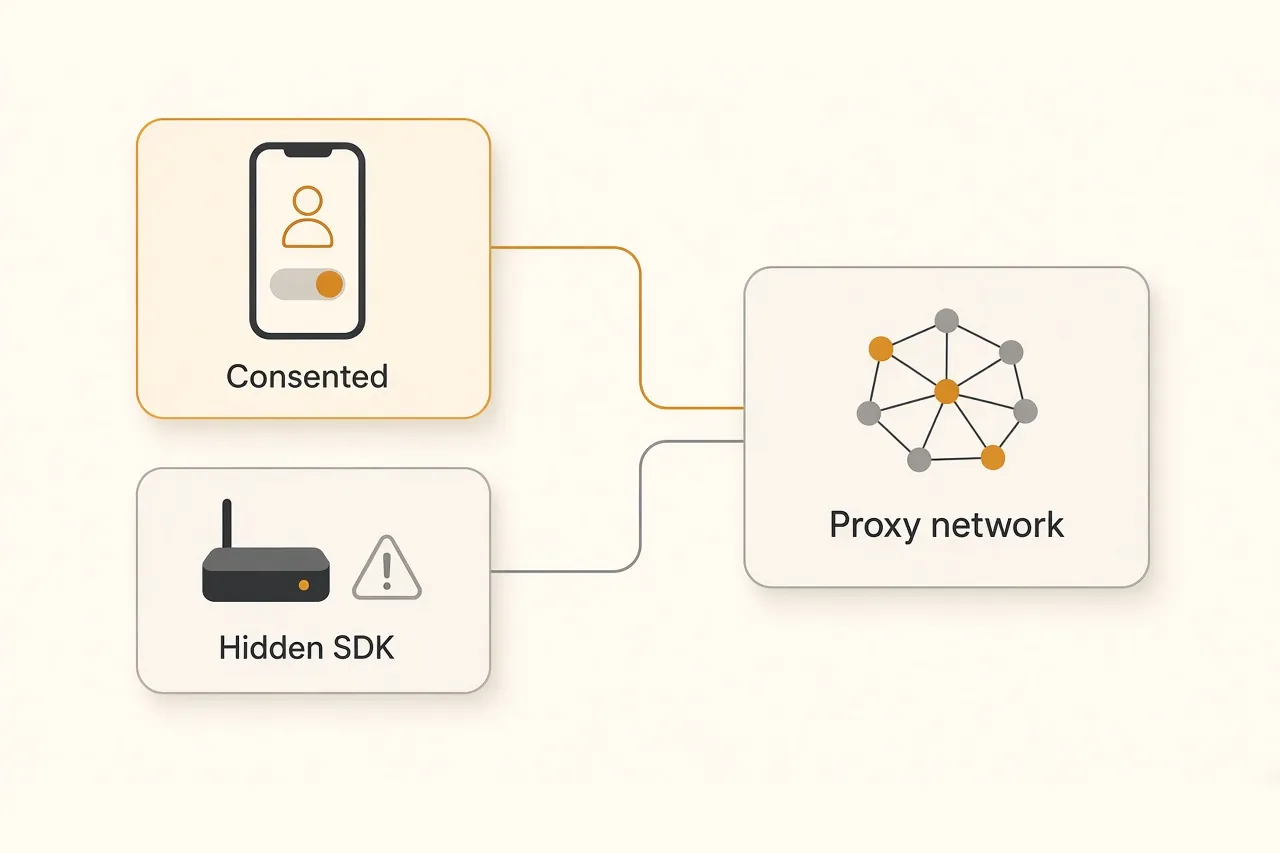
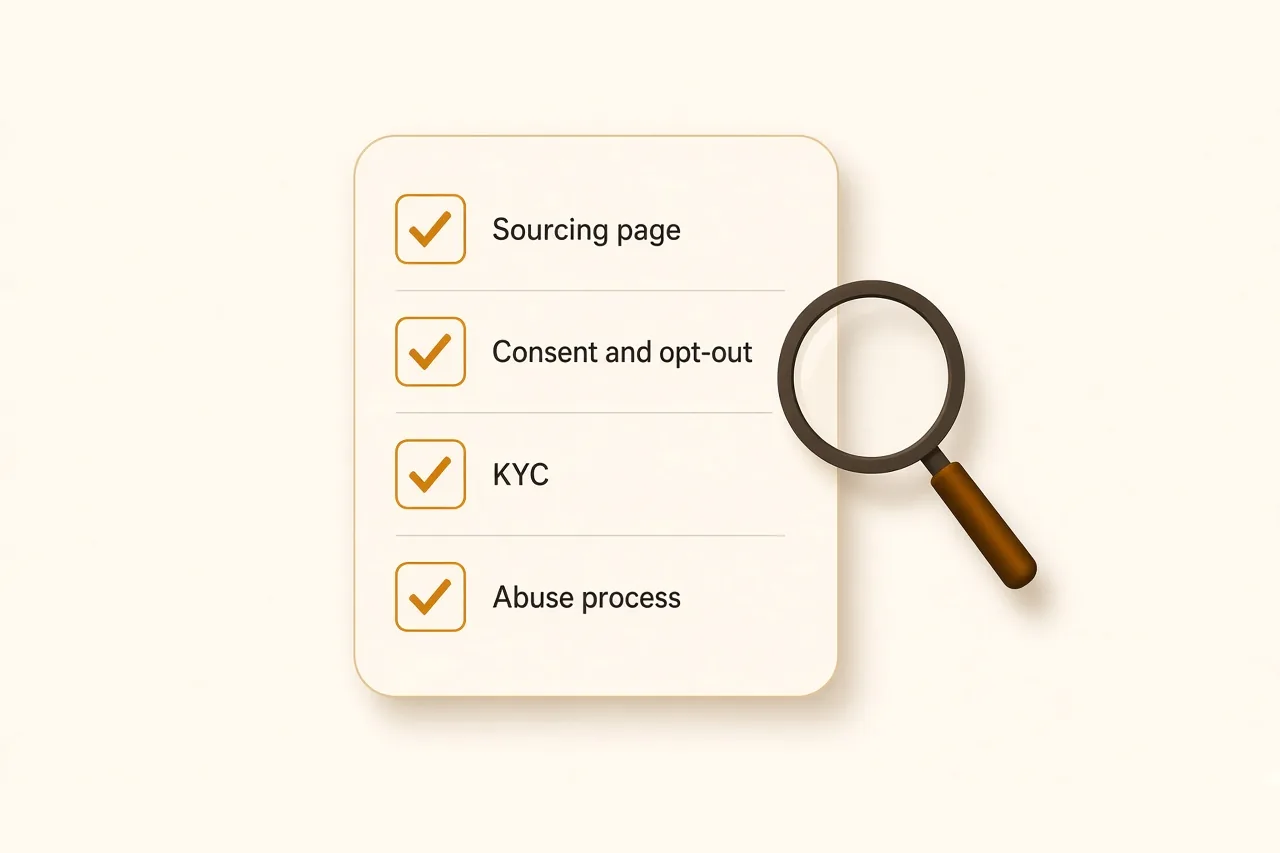
Every provider on this list says its IPs come from people who opted in. That's their claim, and I can't audit it from the outside. What you can check is whether a provider:
- Explains where its IPs come from, by name, on a public page
- Shows a consent screen to the people sharing their connection and lets them opt out
- Runs KYC on customers and blocks risky targets such as banks and login pages
- Publishes an abuse process
Google's post also warns consumers to be wary of apps that pay you for "unused bandwidth". Several providers here source IPs through exactly that kind of app, with consent. That isn't the same as hijacked devices, but it's worth knowing how the network is built.
Best residential proxy providers compared at a glance
| Provider | Entry price per GB | Lowest listed rate | Pool size (provider's claim) | KYC | Where IPs come from (provider's claim) |
|---|---|---|---|---|---|
| Decodo | $3.75 (3 GB plan) or $4 pay as you go | $2 (1 TB) | 115M+ IPs | Yes, at sign-up | Partner networks with user consent, users paid per GB |
| Oxylabs | $6 (Starter, $30 a month) | $2.50 (1,000+ GB) | 175M+ proxies | Yes, every customer | Consenting users who are paid |
| Bright Data | $8 pay as you go ($4 with a 3-month coupon) | Custom above 1 TB | 400M+ monthly IPs | Yes, may include a video call | Its own Bright SDK |
| SOAX | $5 (free Sandbox plan, tier 1 countries) | $0.85 (Enterprise) | Not stated on the pages I checked | Yes, for paid plans | Users who share bandwidth |
| IPRoyal | $7 (1 GB) | $1.75 (10 TB+) | 64M+ IPs | Yes, from sign-up | Pawns.app plus IP partners |
| Webshare | $3.50 (1 GB, discounted from $7) | $1.40 (3,000 GB) | 80M+ IPs | ID checks for some targets and usage | Says ethically sourced |
| Rayobyte | $3.50 (1–49 GB) | $0.50 (enterprise, via sales) | 50M+ devices a month (Scale plan) | Yes, with ID and an application | Its own opt-in network, Cash Raven |
Prices are in US dollars from each provider's pricing page, as of 13 October 2026, before VAT or sales tax. Pool sizes are the providers' own claims, not verified counts.
What do residential proxies really cost?
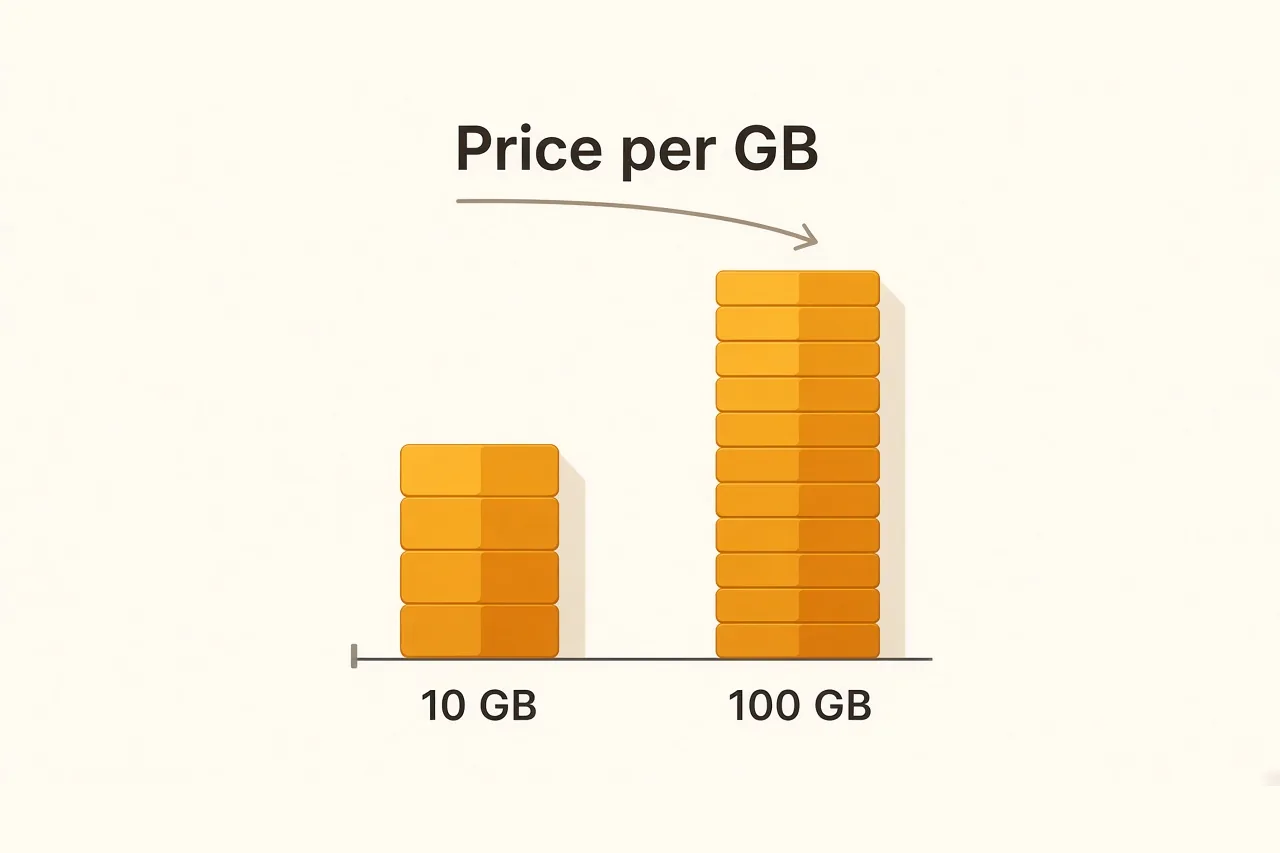
Headline rates hide plan sizes, so here's what the same usage costs on each provider's cheapest listed option. These are my sums from their pricing pages.
| Provider | 10 GB a month | 100 GB a month |
|---|---|---|
| Webshare | $27.50 | $225 |
| Decodo | $35 | $275 |
| Rayobyte (Premium) | $35 | $200 |
| SOAX | $50 (Sandbox, US) | $300 (Builder, their calculator) |
| IPRoyal | $52.50 | No 100 GB tier on the main page |
| Bright Data | $80 pay as you go ($40 with coupon) | $499 plan with 141 GB |
| Oxylabs | $100 (Basic, up to 20 GB) | $500 (Flexible, up to 125 GB) |
Two things change the picture. IPRoyal's traffic never expires, so 10 GB bought now is still there in six months, while monthly plans elsewhere reset. And Bright Data's monthly commitment doesn't roll over, according to its pricing FAQ.
The 7 best residential proxy providers in 2026
1. Decodo (formerly Smartproxy) — best for most teams
Decodo is the provider that used to be called Smartproxy. It's the one I'd point most small teams to first, because the pricing is simple and the trial costs nothing.
On sourcing, Decodo's ethical sourcing page says it works with partners that verify users' consent, and that people sharing their connection earn money per GB. It's a member of the Ethical Web Data Collection Initiative (EWDCI). New customers go through an automatic check and then KYC.
Standout features:
- 115M+ residential IPs in 195+ locations (Decodo's claim)
- Targeting by continent, country, state, city, ZIP code and ASN
- 3-day free trial with 100 MB, which converts to a paid plan unless you cancel
- 14-day money-back guarantee, but not if you started with the free trial
| Pros | Cons |
|---|---|
| Clear monthly plans from 3 GB | The trial rolls into a paid plan if you forget it |
| Pay-as-you-go option for one-off jobs | Pay as you go is bought 1 GB at a time from a wallet |
| Published sourcing and KYC process | Sourcing is through partners, not its own network |
2. Oxylabs — best for compliance-heavy teams
Oxylabs is a data company that sells proxies, scraping APIs and datasets. Its residential pricing now sits inside one subscription that covers all of its products.
Oxylabs is the strictest on customers here. Its KYC page says every customer answers a KYC questionnaire and that only 75% are approved. On sourcing, it says the pool is made up only of consenting, informed users who are paid for the traffic they share.
Standout features:
- 175M+ residential proxies (Oxylabs' claim)
- $5 of free welcome credits to try any product
- One subscription covers proxies, scraping APIs and its browser product
- Rate falls from $6/GB to $2.50/GB at 1,000+ GB
| Pros | Cons |
|---|---|
| KYC on every customer | $6/GB on the smallest plans |
| Free credits to test | Approval isn't guaranteed |
| One plan for all products | Plan sizes are in dollars, so check the GB each one covers |
3. Bright Data — biggest claimed pool, built for enterprise
Bright Data is one of the best-known names in this market and claims 400M+ residential IPs a month in 195 countries. It's built for companies that need big volumes, fine targeting and an account manager.
Its trust center says it acquires residential and mobile IPs through its own SDK, Bright SDK. Before you can use residential or mobile IPs, a Bright Data representative runs KYC, which its pricing FAQ says may include a short video call and verification of your details.
Standout features:
- 400M+ monthly residential IPs (Bright Data's claim)
- Free country, city, ZIP code and ASN targeting
- Web Unlocker, a separate product, handles unblocking for scraping and doesn't need KYC
- Daily spend limits per zone
| Pros | Cons |
|---|---|
| Largest pool claimed on this list | $8/GB pay as you go before the coupon |
| Own sourcing SDK, explained publicly | Monthly commitment doesn't roll over |
| Strong controls for teams | Prices on the page are shown in local currency and can vary |
4. SOAX — best for pricing by country
SOAX is a UK-based provider that rebuilt its pricing around credits and geo tiers. One rate covers both residential and mobile traffic, and the price depends on which country you target.
Its KYC/KYB policy makes identity verification a condition of using any paid plan. Its trust page says each connection comes from users who willingly share their bandwidth. I couldn't find a single pool-size figure on its pricing or residential pages.
Standout features:
- Free Sandbox plan with pay-as-you-go rates by country tier
- Same rate for residential and mobile IPs
- Credits roll over for 60 days
- Country, region, city and ISP targeting
| Pros | Cons |
|---|---|
| Cheap tier 2 and 3 countries | No published pool size |
| Unused credits roll over for 60 days | Paid plans start at $200 a month |
| Residential and mobile on one rate | Verification required before you buy |
5. IPRoyal — best for occasional use
IPRoyal's pitch is traffic that never expires. If you need 10 GB for a project now and nothing for three months, that's cheaper in practice than a monthly plan you don't use up.
Its sourcing page says IPs come from its direct partner Pawns.app, an app that pays people to share bandwidth, plus other IP provider partnerships. Its KYC checks start at registration and include identity verification for full access.
Standout features:
- 64M+ residential IPs in 195+ countries (IPRoyal's claim)
- Traffic never expires
- Pay as you go or a subscription with 5% off
- Custom pricing down to $1.75/GB from 10 TB
| Pros | Cons |
|---|---|
| Bought traffic doesn't expire | $7/GB for a single GB |
| Names its sourcing partner | Pool is smaller than the big three claim |
| Simple self-serve dashboard | Mid-size tiers aren't all shown on the main page |
6. Webshare — cheapest place to start
Webshare is best known for cheap data-centre proxies, and its rotating residential plans are the lowest entry price on this list.
Its help centre says it asks for ID verification through Stripe Identity when you target restricted sites or pass usage thresholds, and it publishes a list of restricted websites. It describes its 80M+ residential IPs as ethically sourced but doesn't name the source on the pages I checked.
Standout features:
- 80M+ residential IPs in 195 countries (Webshare's claim)
- Plans from 1 GB, monthly or yearly
- Targeting by country, city, state, ZIP code or ASN
- HTTP and SOCKS5 endpoints
| Pros | Cons |
|---|---|
| Lowest entry price here | Sourcing isn't explained in detail |
| Small plans for testing | ID checks depend on targets and usage, so read the rules first |
| Yearly billing saves more | Current prices are shown as a discount, so watch for changes |
7. Rayobyte — best for transparent sourcing
Rayobyte is a US company in Lincoln, Nebraska. It says it owns its residential network, a consent-based app network called Cash Raven.
Its ethics page describes the flow: people install an app built with the Cash Raven SDK, accept a separate consent screen, and can opt out at any time. Rayobyte says it blocks banks, government sites and login pages. Its KYC page says residential customers complete a 50 MB trial and an application, with ID checks through Sumsub.
Standout features:
- Premium Residential pay as you go, with tiers that drop fast with volume
- Scale Residential monthly plans for verified businesses, with no targeting
- Own opt-in network, with EWDCI certification (Rayobyte's claim)
- Country, city, ZIP code and ASN targeting on Premium
| Pros | Cons |
|---|---|
| Explains its sourcing in the most detail | KYC with ID before residential access |
| $2/GB from 50 GB on pay as you go | Scale plans have no geo-targeting |
| Very cheap bulk plans for crawling | Blocks some targets by design |
Why isn't NetNut on this list?
NetNut would have made most 2026 lists, and it ranks in many of them still. As of 13 October 2026, its website shows a "Seized by the Federal Bureau of Investigation" notice. Google's July 2026 post describes the network behind it as a botnet. I won't recommend a provider in that position, whatever its price per GB.
The bigger lesson is Google's point about whitelabelling. A cheap provider with no sourcing page may be reselling someone else's network, and you can't tell which.
How should you choose a residential proxy provider?
Start with what you're doing, not the pool size.
- Pick the smallest plan that covers a month of real usage. Monthly GB on most plans doesn't roll over.
- Read the sourcing page. If a provider won't say where its IPs come from, skip it.
- Expect KYC. A provider that asks what you're doing is protecting its network, and your traffic with it.
- Test on your real targets during a trial or with a small plan before you commit.
- Don't use residential proxies to scrape Google Search. Google's spam policies call automated queries a violation, and it's the same traffic that gets shared IPs blocked, as I explain in why Google shows CAPTCHAs on a VPN.
Which residential proxy provider should you pick?
- Small team that wants simple plans and a free trial: Decodo
- Company that needs strict compliance and approval on file: Oxylabs
- Enterprise volumes and an account manager: Bright Data
- Lots of traffic in cheaper countries: SOAX
- Occasional projects with long gaps: IPRoyal
- Cheapest way to test residential IPs: Webshare
- Sourcing transparency first, or very large crawls: Rayobyte
If you're scraping public pages rather than buying raw IPs, a scraping API may suit you better. My Firecrawl vs Apify comparison covers two of them.
Frequently asked questions
For most teams, Decodo is the easiest place to start: simple plans, a free trial and published sourcing rules.