Telegram has proxy support built into every official app. You don't need a separate VPN app to route just Telegram through another server. The hard part is picking a proxy you can trust, because whoever runs it can see your IP address and when you connect.
I've compared the three options that make sense in 2026: a free public MTProto proxy, an MTProto proxy you run yourself on a small VPS, and a paid SOCKS5 proxy from an established provider.
The facts on how Telegram proxies work come from Telegram's own proxy guide, and every price comes from the provider's pricing page, as of 15 October 2026. I haven't run speed tests for this post, so you won't find any here.
If you're not sure whether you need a proxy or a VPN, my proxy vs VPN guide explains the difference.
Some links here are affiliate links. They don't change your price or my verdict.
What is a Telegram proxy, and how is it different from a VPN?
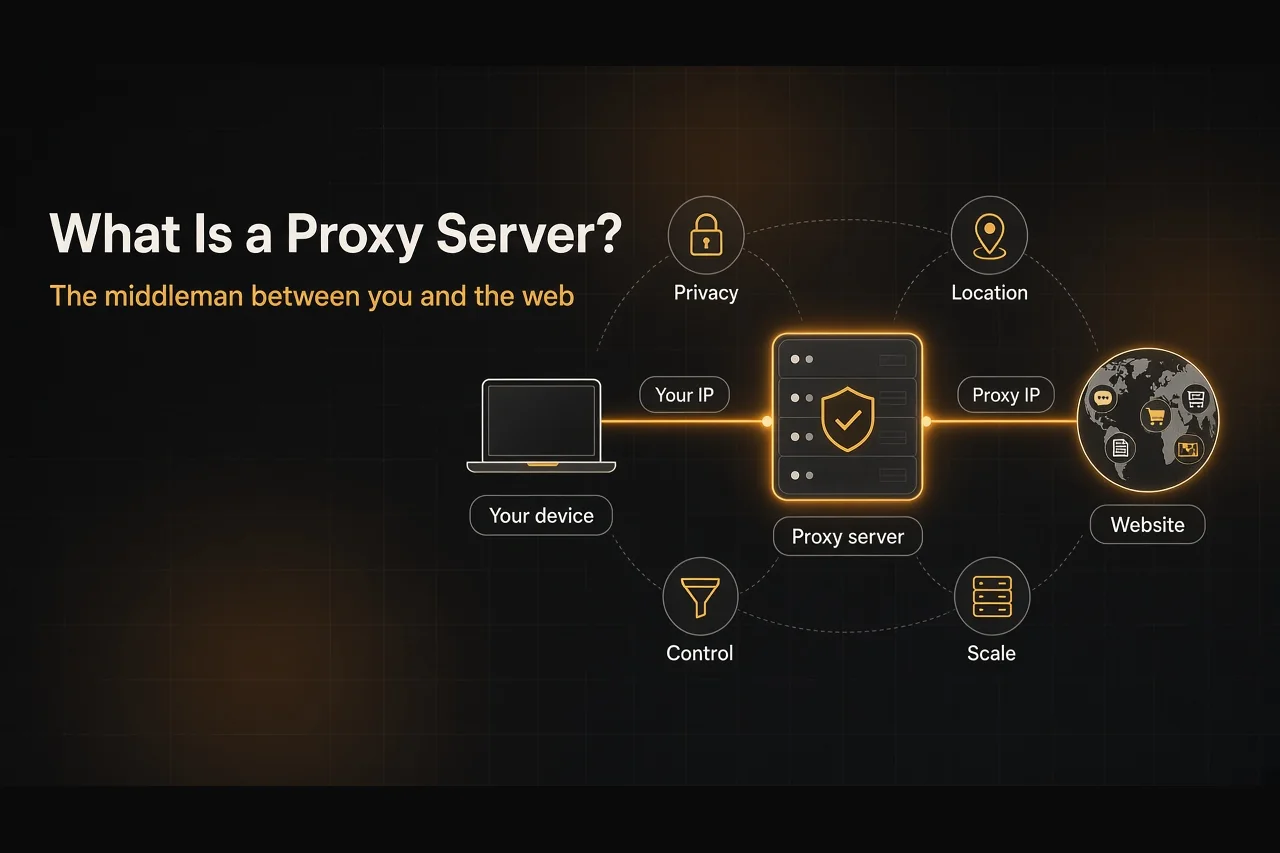
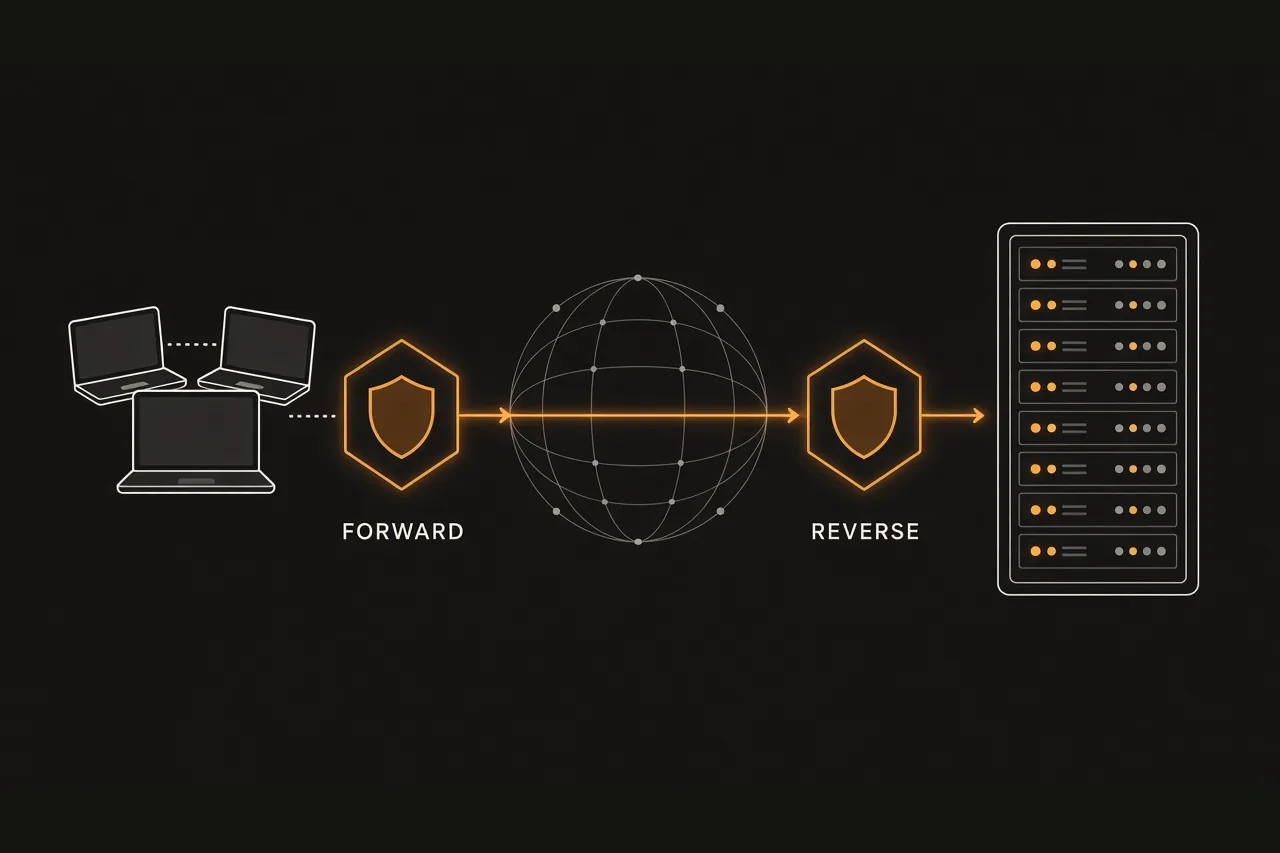
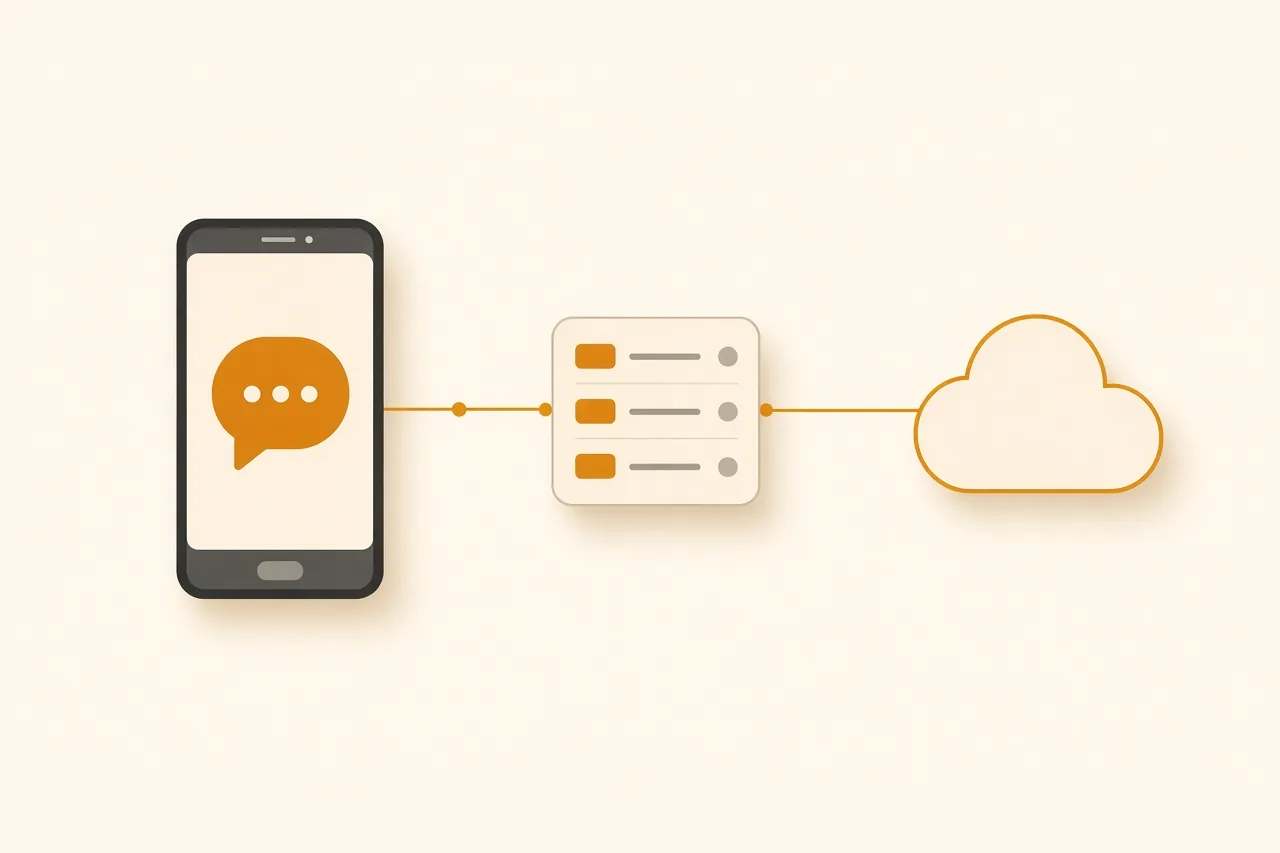
A Telegram proxy is a server that sits between your Telegram app and Telegram's servers. Your app connects to the proxy, and the proxy passes the traffic on. Everything else on your phone or computer keeps using your normal connection.
A VPN works differently. It sends all of your device's traffic through its server, not just one app. Telegram's guide puts it the same way: proxies usually reroute specific apps, while VPNs usually encrypt and reroute everything.
That makes a proxy a good fit when Telegram is the only app you want to route somewhere else. A VPN also puts you on an IP address shared with strangers, which has side effects, such as the ones I cover in why Google shows CAPTCHAs on a VPN.
If you want privacy for everything you do on public Wi-Fi, a VPN is the better tool. My guide to the best VPNs for bloggers, creators and remote workers compares seven of them.
Telegram's messages are already encrypted between your app and Telegram's servers, so a proxy doesn't add or remove that protection. What changes is who can see the connection itself.
MTProto or SOCKS5: which Telegram proxy type should you use?
Telegram's apps support two proxy types, according to its proxy guide. Some apps also support HTTP proxies, but these two work in every official app.
| MTProto (MTProxy) | SOCKS5 | |
|---|---|---|
| Built for | Telegram only | Any app that supports SOCKS5 |
| What you need to connect | Server, port and secret | Server and port, plus an optional username and password |
| Traffic disguised as other traffic | Yes, with obfuscation and optional TLS emulation | No |
| Promoted channel in your chat list | Possible, if the operator registered one | No |
| Where you get one | Public lists, a friend, or your own server | Proxy providers, or your own server |
MTProto is Telegram's own proxy protocol. Telegram says MTProxy obfuscates traffic so it's harder for an internet provider to recognise that the connection goes to Telegram. Its secret works like a password, so only people who have the link can use it.
SOCKS5 is a general-purpose proxy protocol. Most paid proxy providers sell it, and the same proxy can also serve a browser or a script. It doesn't disguise the traffic, so a network that inspects connections can still see you're reaching a proxy.
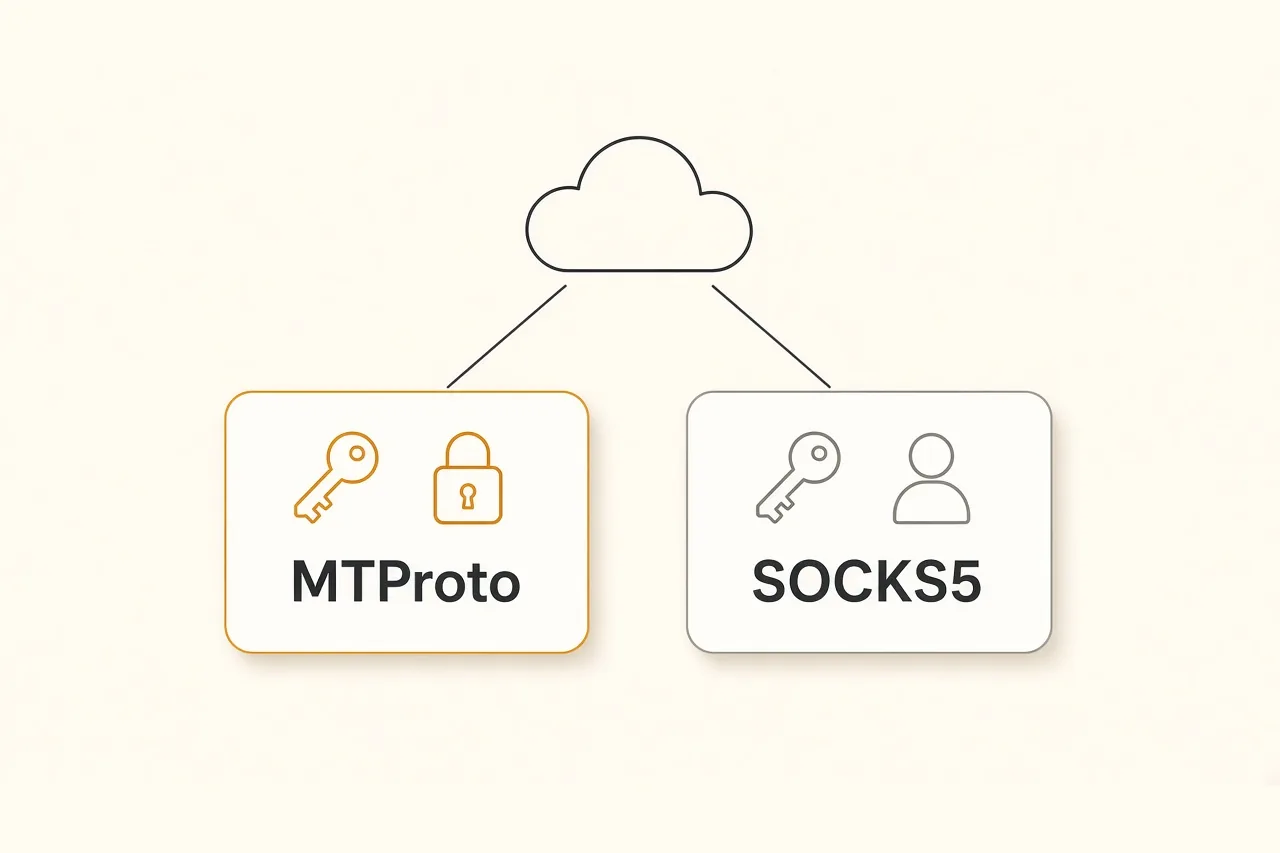
My pick: use MTProto if you're setting up a proxy only for Telegram. Use SOCKS5 if you already pay for proxies, or you want one proxy for Telegram and other tools.
How do you add a proxy in Telegram?
Every official Telegram app has a proxy setting. These are the paths from Telegram's guide:
| App | Where to find it |
|---|---|
| Android | Settings > Data and Storage > Proxy Settings (bottom of the page) |
| iPhone and iPad | Settings > Data and Storage > Proxy (bottom of the page) |
| Telegram Desktop | Settings > Advanced > Connection Type |
| Telegram for macOS | Settings > Data and Storage > Use Proxy |
To add one by hand, open the proxy setting for your app and choose Add Proxy. Pick MTProto or SOCKS5, then enter the server and port.
For MTProto, add the secret. For SOCKS5, add the username and password if your provider gave you one. Save it and turn it on.
When you're connected, a shield icon appears at the top of your chat list. Tap it to jump back to your proxy settings. If you add more than one proxy, you can turn on Auto-Switch Proxies so Telegram moves to the next one when a proxy disconnects.
There's a quicker way too. Telegram's deep link documentation defines proxy links that carry the settings for you. Tap one and Telegram offers to add the proxy. They look like this:
Are free public MTProto proxies safe?
They can't read your messages, but they aren't anonymous, and that's the trade-off most lists skip.
Telegram's own FAQ answers both sides. An MTProxy node and its operator can't read your Telegram messages or see your username or account ID, because the traffic is encrypted. But a malicious operator "could collect metadata such as what IP you are connecting from, at what times, and the simple fact that you are trying to use Telegram."
So every free proxy you find in a channel or a public list is run by someone you don't know, who can log:
- Your IP address
- When you connect and for how long
- The fact that you use Telegram
There's also the sponsored channel. Telegram lets proxy operators register their proxy with its official bot and show a promoted channel in your chat list, to cover their server costs. If an unfamiliar channel appears after you connect, that's where it came from. Telegram says the operator still can't see your chat list or activity.
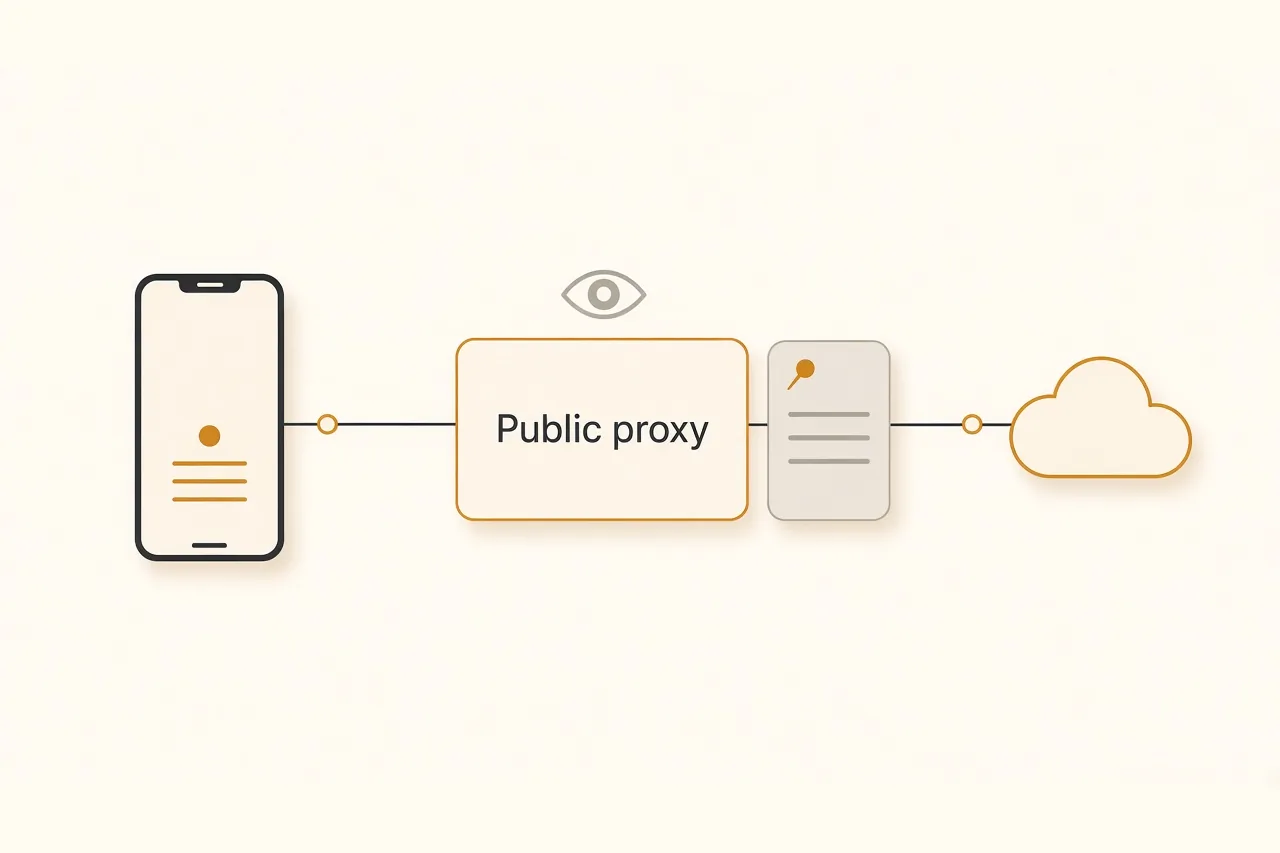
Free proxies also disappear without warning. A public proxy that works today may be gone tomorrow, which is why people keep several and use Auto-Switch.
My view: a free proxy is fine for a quick test. For anything you'd mind someone else logging, use a proxy you run yourself or one from a provider with a real business behind it. Telegram's own advice is to only use proxies from a source you trust.
Should you run your own Telegram proxy?
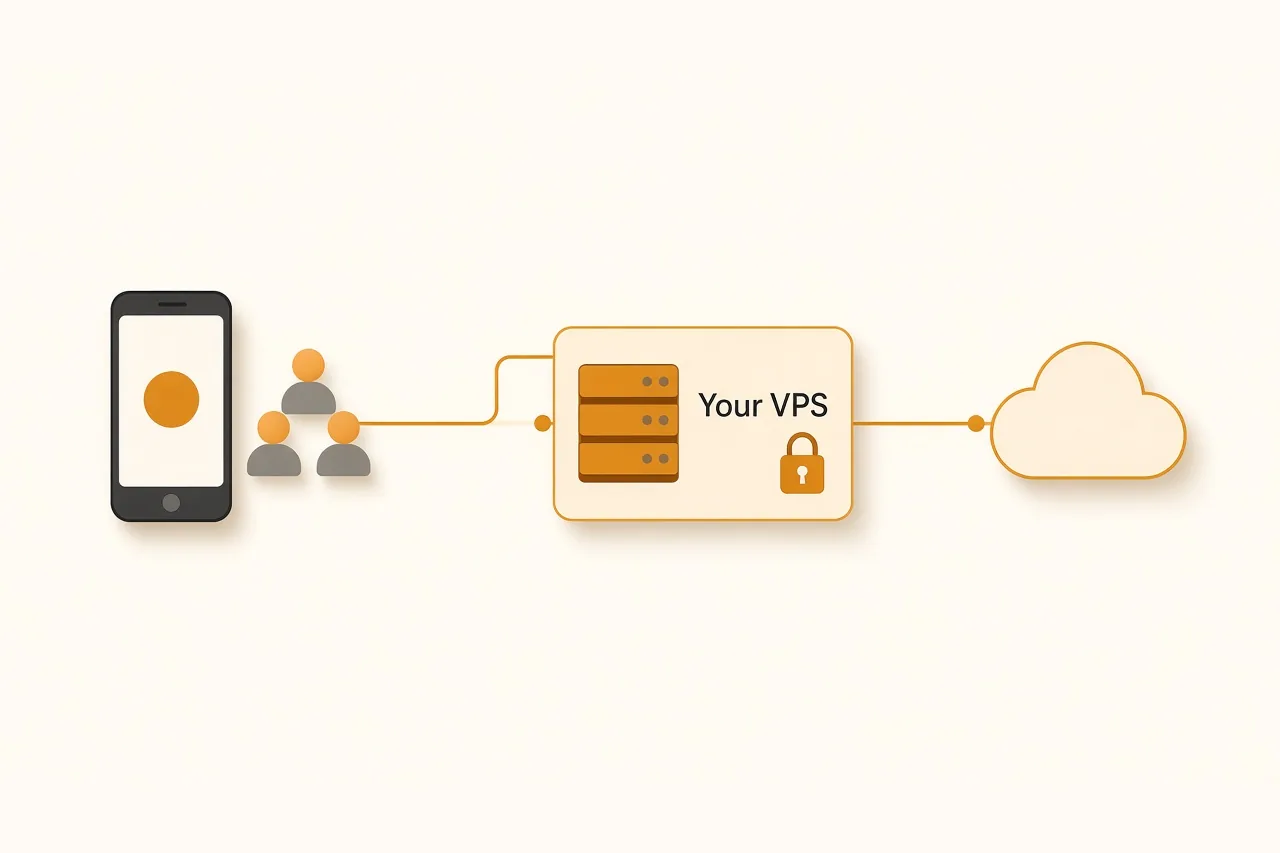
If you're comfortable with a Linux command line, yes. It's the only option where nobody else sees your connection metadata, and it costs about the same as a paid proxy.
You need a small VPS (virtual private server) and about half an hour. A personal proxy for you and your family needs very little CPU or memory, so the smallest plan is usually enough.
Which VPS should you use for MTProxy?
I recommend Hostinger's KVM VPS plans. As of 15 October 2026, its VPS pricing page lists:
| Plan | Promo price | Renews at | CPU and RAM | Bandwidth |
|---|---|---|---|---|
| KVM 1 | $6.49 a month | $11.99 a month | 1 vCPU, 4 GB RAM | 4 TB |
| KVM 2 | $8.99 a month | $14.99 a month | 2 vCPU, 8 GB RAM | 8 TB |
| KVM 4 | $12.99 a month | $28.99 a month | 4 vCPU, 16 GB RAM | 16 TB |
Prices are in US dollars, before tax. The promo price is tied to the plan length you pick at checkout, and Hostinger offers a 30-day money-back guarantee. KVM 1 is plenty for a private proxy. Pick KVM 2 if you also want to run other things on the same server.
Hostinger's data centres are in the USA, Brazil, France, Germany, the UK, Lithuania, India, Indonesia and Malaysia. Pick the one closest to you for the lowest delay.
Official MTProxy or mtg: which should you install?
There are two well-known MTProto servers:
- MTProxy, Telegram's official server, published on GitHub by Telegram. Its last code change was on 4 August 2026. It supports registering with Telegram's bot for usage statistics and a promoted channel.
- mtg, an independent open-source server by 9seconds on GitHub, MIT licensed. Version 2.2.8 was released on 7 April 2026. It's built for small private proxies, with TLS emulation and domain fronting, and version 2 dropped promoted channels on purpose.
For a private proxy, I'd pick mtg. Its author says a proxy should be shared within a small group, such as family or friends, and never publicly announced. That's exactly the personal setup most readers want. Pick the official MTProxy if you want to run a public proxy with statistics and a promoted channel.
How do you set up mtg with Docker?
These steps follow the mtg README. They assume a fresh Ubuntu VPS with Docker installed.
Step 1: Generate a secret
The domain you pass is the website your proxy imitates, and the README suggests one that fits your server, such as your VPS provider's own site.
Step 2: Write the config file
Create a file called config.toml with the secret and the port. These two settings are the only required ones.
Step 3: Start the proxy
This command maps port 443 on your server to port 3128 inside the container.
Step 4: Get your proxy link
Run mtg's access command with your config. It prints ready-made Telegram proxy links and QR codes that you can open on your phone to add the proxy.
Keep the secret private. Anyone who has your link can use your proxy and your bandwidth.
If you'd rather use Telegram's official server, its guide gives a one-line Docker command using its telegrammessenger/proxy image. Then message @MTProxyBot on Telegram and send /newproxy if you want statistics.
Which paid SOCKS5 proxies work for Telegram?
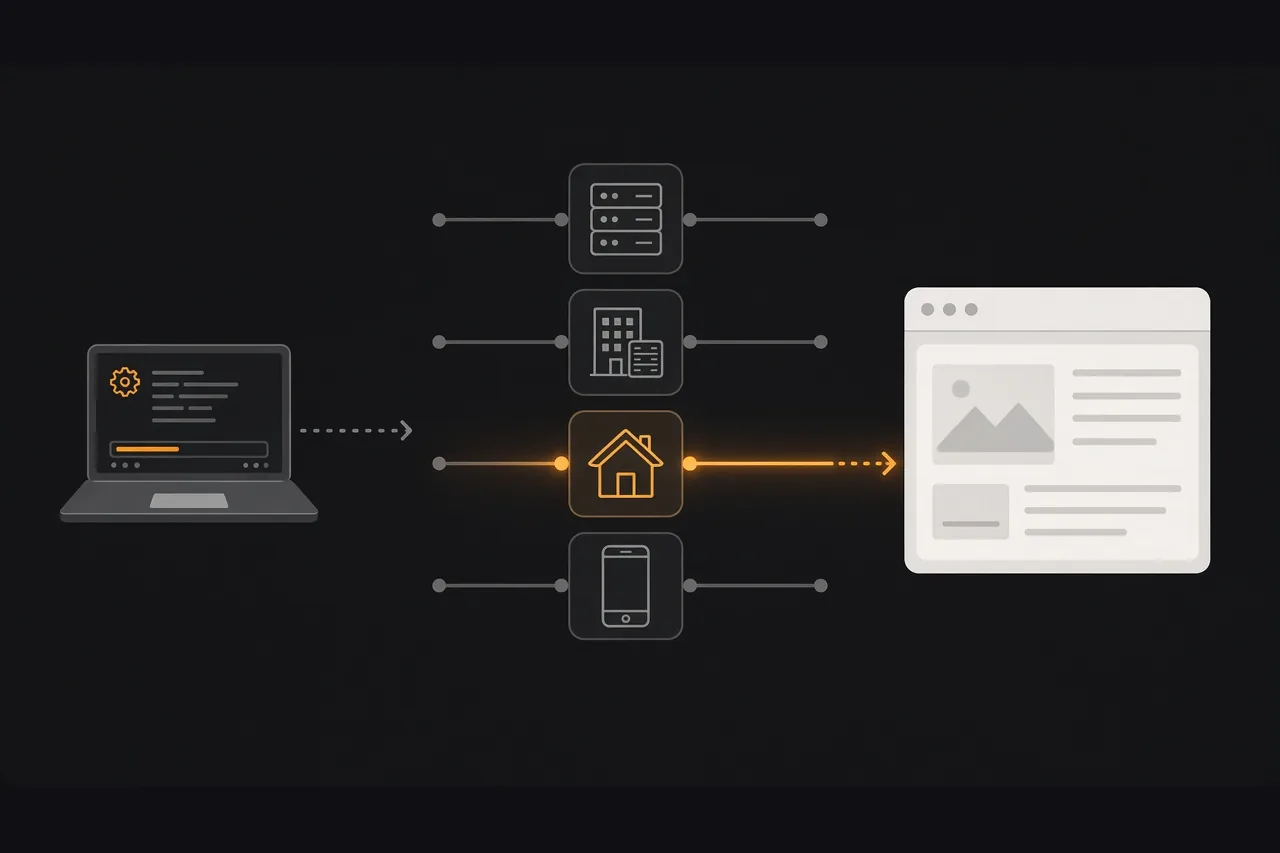
If you don't want to manage a server, a paid SOCKS5 proxy is the easy route. Telegram only needs one stable IP address, so you don't need expensive rotating residential plans. A small datacenter or static proxy plan does the job.
I've picked five providers that list SOCKS5 support on their own pages and sell small plans. Prices are from their pricing pages, as of 15 October 2026, in US dollars before VAT.
| Provider | Product | Entry price | SOCKS5 |
|---|---|---|---|
| Webshare | Proxy Server (shared) | Free plan with 10 proxies, then $2.99 a month for 100 | Yes, on its static residential plans |
| IPRoyal | Datacenter | $1.57 per proxy for 30 days | Yes |
| Decodo | Datacenter | Shared from $0.10 per IP, dedicated from $2.50 per IP | Yes |
| Oxylabs | Datacenter | $1 per IP, or $2 per IP dedicated | Yes |
| Proxy-Cheap | Static residential | $1.99 for a 7-day trial, then $2.71 a month | Yes |
1. Webshare: cheapest way to start
Webshare has a free plan with 10 proxies, and its paid Proxy Server plan starts at $2.99 a month for 100 shared datacenter proxies. Its static residential proxies cost $0.30 each, from 20 for $6 a month, and Webshare's page says they support HTTP and SOCKS5.
The catch is that cheap proxies are often shared with other customers. That's fine for Telegram, but don't expect a clean, dedicated IP at that price.
2. IPRoyal: simple per-proxy pricing
IPRoyal's datacenter proxies start at $1.57 per proxy for 30 days, dropping to $1.39 if you buy 90 days. Its pricing page says they support HTTP, HTTPS and SOCKS5, and you pay per proxy, with no bandwidth meter to watch.
3. Decodo: best if you'll use proxies for other work too
Decodo (formerly Smartproxy) sells datacenter proxies three ways: per GB from $0.60, shared per IP from $0.10, and dedicated per IP from $2.50. All support SOCKS5, and there's a 14-day money-back guarantee. It's a good pick if you also need proxies for scraping or automation.
4. Oxylabs: best for teams
Oxylabs prices datacenter proxies at $1 per IP for up to 5 IPs, or $2 per IP for dedicated ones, inside one subscription that starts at $30 a month. All support SOCKS5. It's more than one person needs for Telegram, but it suits a team that already uses Oxylabs.
5. Proxy-Cheap: a residential IP on a weekly plan
Proxy-Cheap sells a static residential proxy for $1.99 a week or $2.71 a month, with a dedicated IP and HTTP or SOCKS5. The weekly plan is handy if you only need Telegram routed for a trip.
Before you buy any proxy, read the provider's terms and check where its IPs come from. My comparison of residential proxy providers explains what to look for in sourcing and KYC.
If you'd rather have a fixed IP registered to a home internet provider, my guide to ISP proxy providers compares eight of them by price per IP.
Which Telegram proxy should you pick?
- Quick test, nothing sensitive: a free public MTProto proxy, accepting that the operator sees your IP
- Private proxy for you and your family: mtg on a Hostinger KVM 1 VPS
- No server to manage: a paid SOCKS5 proxy from Webshare, IPRoyal or Proxy-Cheap
- You also need proxies for work: Decodo or Oxylabs
- Privacy for everything on your device: a VPN, not a proxy
Whatever you pick, check the rules where you live. Telegram designed MTProxy for places where access to Telegram is restricted, and laws on proxies and VPNs differ by country.
Frequently asked questions
A Telegram proxy is a small, cheap tool, and the only real decision is trust. Run your own if you can, pay for one if you can't, and treat free public proxies as temporary.