A residential proxy sends your request out through someone's home internet connection, so the website sees an ordinary household IP instead of yours. That one difference is why residential traffic costs $2.75 to $4 per GB on Decodo's standard plans, while its datacenter traffic starts at $0.60.
Here's the catch most explainers skip. Those home IPs belong to real people's phones, PCs and TV boxes. Whether those people agreed to it is the question that separates a useful tool from a botnet.
I'll cover where the IPs come from, how rotation works, when you need one (often you don't), billing and the risks. Every price and policy comes from official provider pages, as of 17 October 2026. If you already know you need one, my comparison of the best residential proxy providers ranks seven of them.
Some links here are affiliate links. They don't change your price or what I recommend.
What is a residential proxy, in plain English?
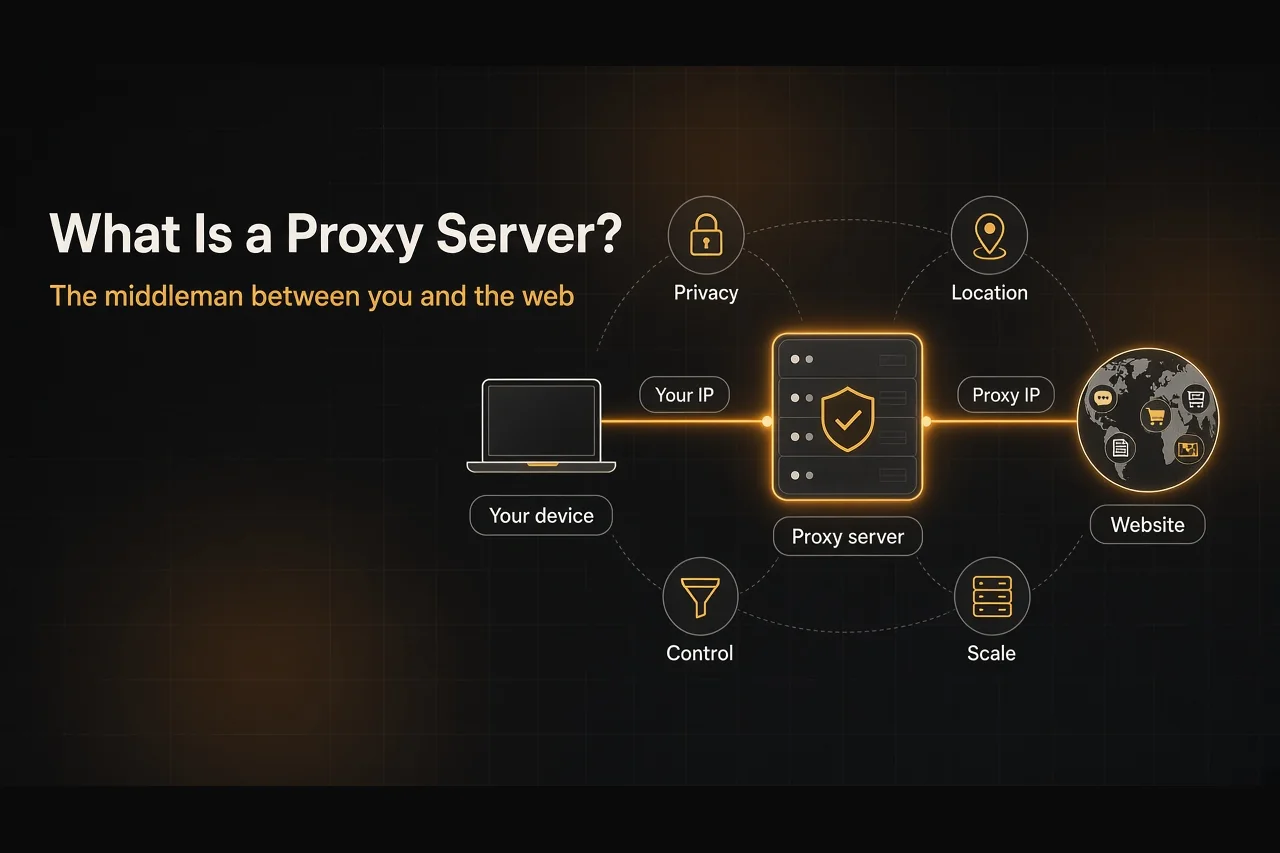
A residential proxy is a middleman server that forwards your web request through an IP address an internet service provider (ISP) has assigned to a home connection. The target site sees that home IP, not yours. If proxies in general are new to you, start with what a proxy server is and how it works.
Think of it like posting a letter through a friend in another city. It still arrives, but the postmark shows their town, not yours.
The "residential" part is what you pay for. Websites can look up who owns an IP. A datacenter IP belongs to a cloud or hosting company, which is a strong hint that a script is on the other end. A residential IP belongs to an ISP serving households, so the request looks like one more person browsing.
That's also its limit. A residential IP hides where your request came from. It doesn't hide your browser's fingerprint, your logged-in cookies or the way your script behaves.
Where do residential proxy IPs come from?
Residential proxy IPs come from real devices on home connections, mostly phones, computers and smart TVs, that run software which lets a proxy network route traffic through them. The provider never owns the IP. It rents the use of that connection, one request at a time.
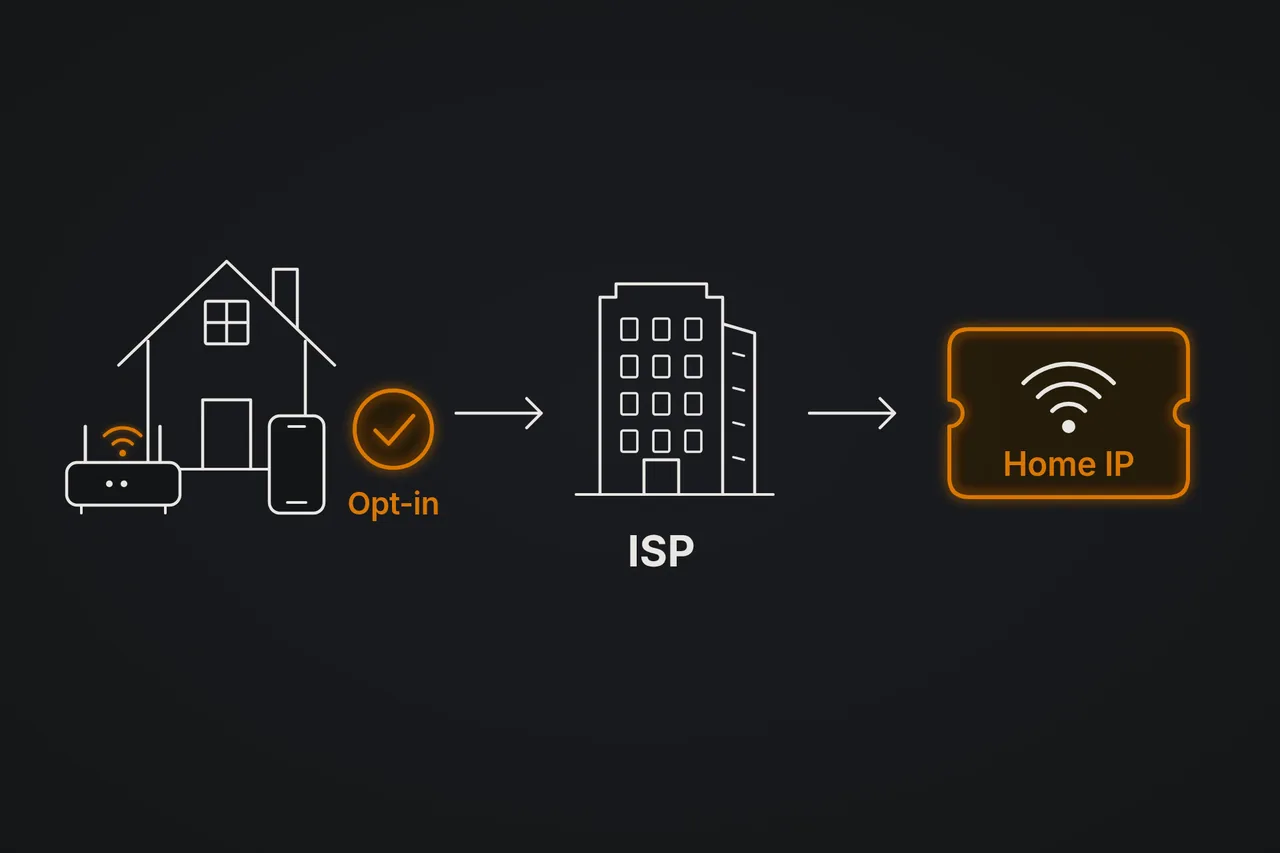
There are three common ways a device ends up in a network:
- Bandwidth-sharing apps. A person installs an app that pays them for the traffic their connection carries. IPRoyal says it sources IPs through its direct partner Pawns.app, where "users share their internet bandwidth", plus partnerships with other IP providers.
- SDKs inside other apps. An app developer embeds a proxy SDK and gets paid, and the app's users are supposed to be asked to opt in. Bright Data's Bright SDK pays publishers a fixed daily rate and says a "configurable screen ensures users willingly opt-in".
- Partner networks. Many providers buy access from other suppliers. Decodo says it partners with providers that verify users willingly take part, and that those users are paid per GB they share.
Notice that two of the three routes put a middleman between the provider and the person whose connection is used. That's where consent gets murky.
Is residential proxy sourcing ethical?
It can be, but you can't take a provider's word for it. In January 2026 Google's threat intelligence team disrupted one of the largest residential proxy networks and wrote that many providers' ethical sourcing claims "are often incorrect or overstated".
Google found proxy code in pre-loaded devices and in ordinary apps that never told users their device would become an exit node. In one seven-day period in January 2026, it saw over 550 threat groups using that single network's exit nodes to hide their activity.
The people whose devices are used carry real risk too. Google notes their IPs can get "flagged as suspicious or blocked", and that strangers' traffic passing through the device can expose the home network.
So what does good consent look like? Google's own bar is "transparent, auditable proof of user consent". In practice, look for a provider that:
- Names its sourcing method on a public page, beyond an "ethically sourced" banner
- Shows the device owner a clear opt-in screen, pays them and lets them opt out
- Runs KYC (know your customer) checks on buyers
- Blocks high-risk targets such as banking, government and login pages
Decodo, Oxylabs and IPRoyal all publish sourcing and KYC pages. That's their claim, and I can't audit it from outside, but it's far more than a provider with no sourcing page at all.
How does a residential proxy work, step by step?
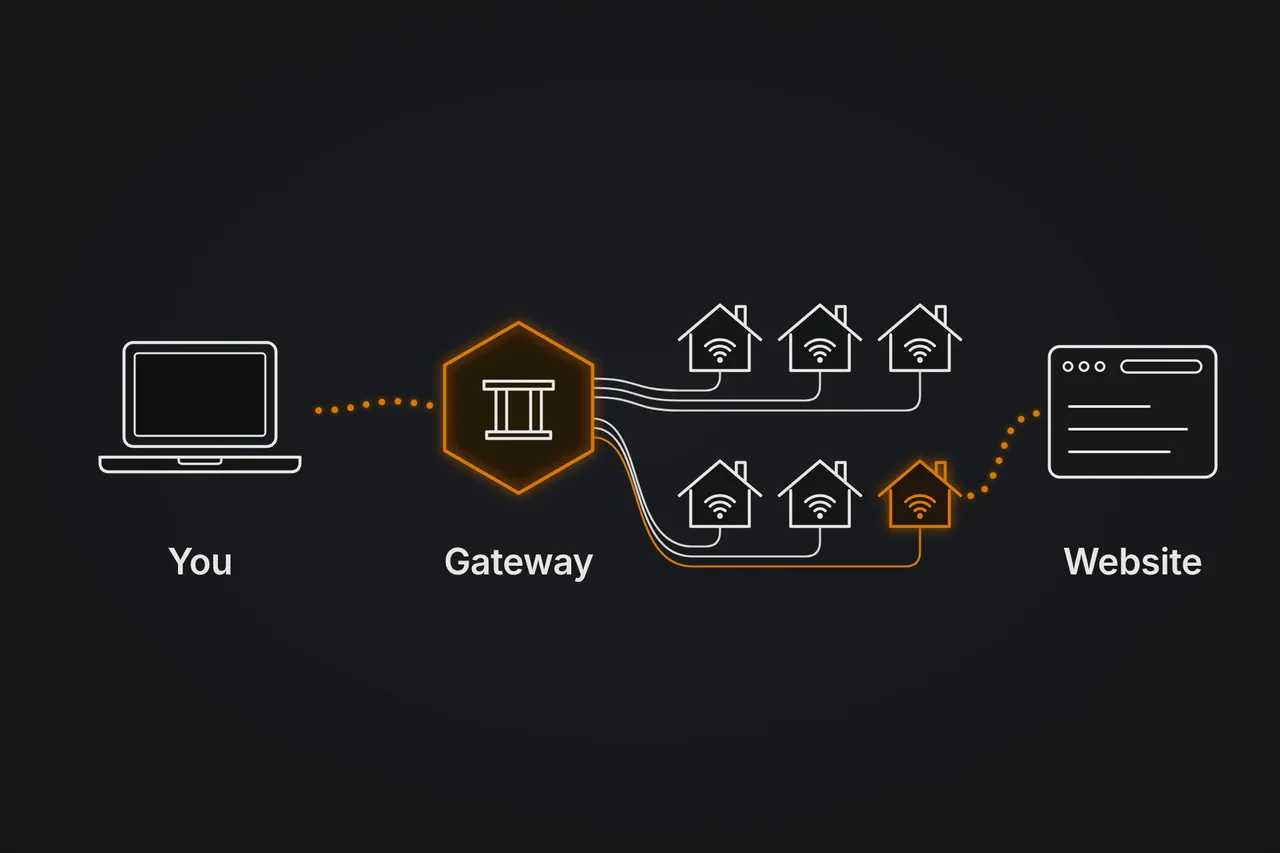
You never connect to a home device directly. You connect to the provider's gateway, sometimes called a backconnect server, and it does the routing for you.
Here's the round trip:
- Your script or browser sends a request to one gateway address, with your username and password.
- The gateway reads the options packed into your username, such as country or session ID.
- It picks a home device that is online and matches, and forwards your request to it.
- That device fetches the page from the target site using its own home IP.
- The response travels back through the device and the gateway to you.
The address stays the same while the exit IP changes underneath it. Oxylabs uses pr.oxylabs.io on port 7777, and Decodo uses gate.decodo.com with rotating ports 7000 and 10000, according to their documentation. Both also accept IP whitelisting instead of a password.
This is what a request looks like, based on Oxylabs' session-control docs:
Only the username changes, and that string picks the session type.
What is the difference between rotating and sticky sessions?
A rotating session gives you a new exit IP on every request. A sticky session keeps the same exit IP for a set time, so a website sees one consistent visitor.
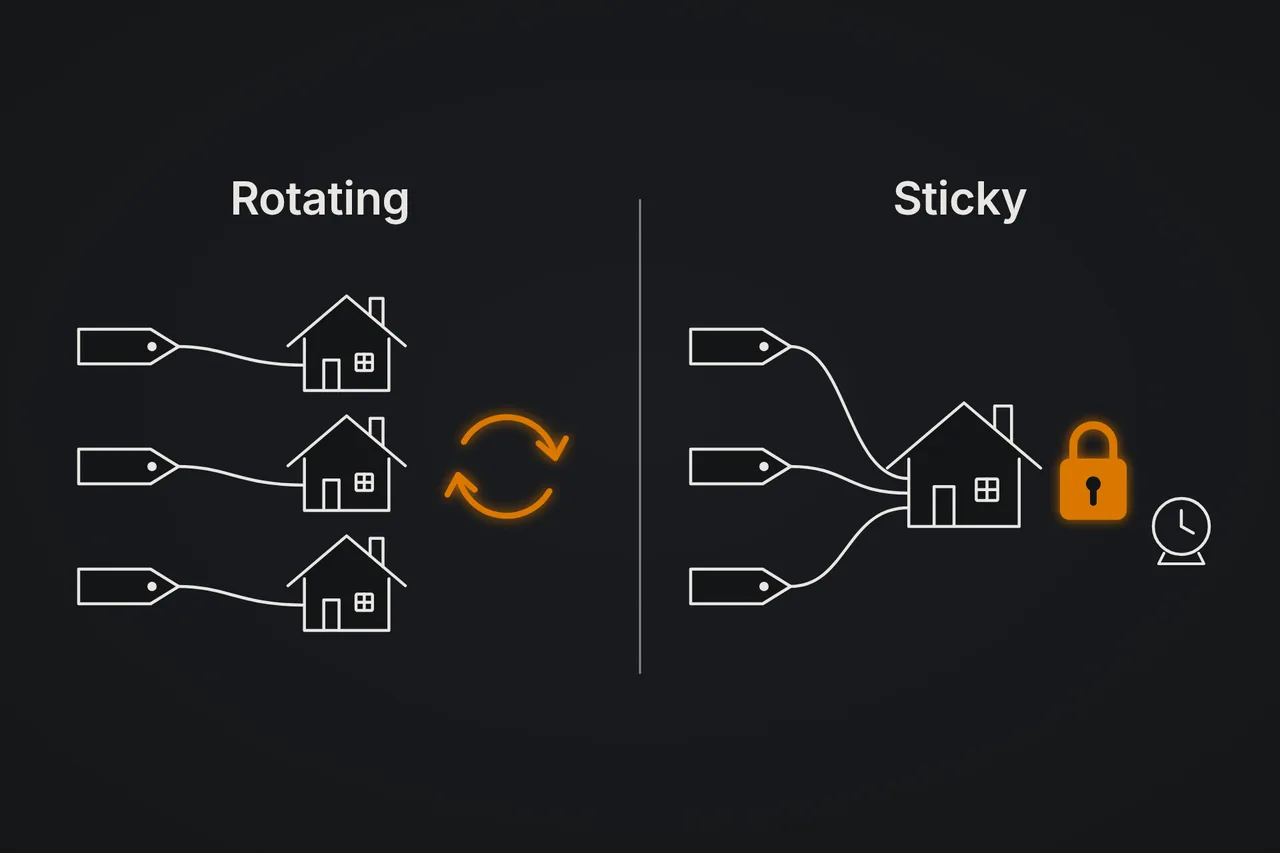
Rotation suits jobs where each request stands alone, such as checking thousands of product pages or viewing ads from different cities. Spreading requests over many IPs keeps any one of them from sending too much traffic.
Sticky sessions suit anything with state, like a login, a cart or a multi-page form. Changing IP halfway through is a classic way to trigger a security check.
The limits differ by provider. Oxylabs' docs say a sticky session lasts 10 minutes by default, or ends after 60 seconds with no requests, and can be extended to 24 hours. Decodo's pricing page says you can keep an IP for up to 30 minutes.
Here's the part people miss. A sticky IP is still somebody's home device, and it can go offline.
Oxylabs says that if an exit node drops, a normal sticky session quietly moves you to a new IP. Its stricter mode fails with an HTTP 502 error instead. So build your script to handle a session that ends early.
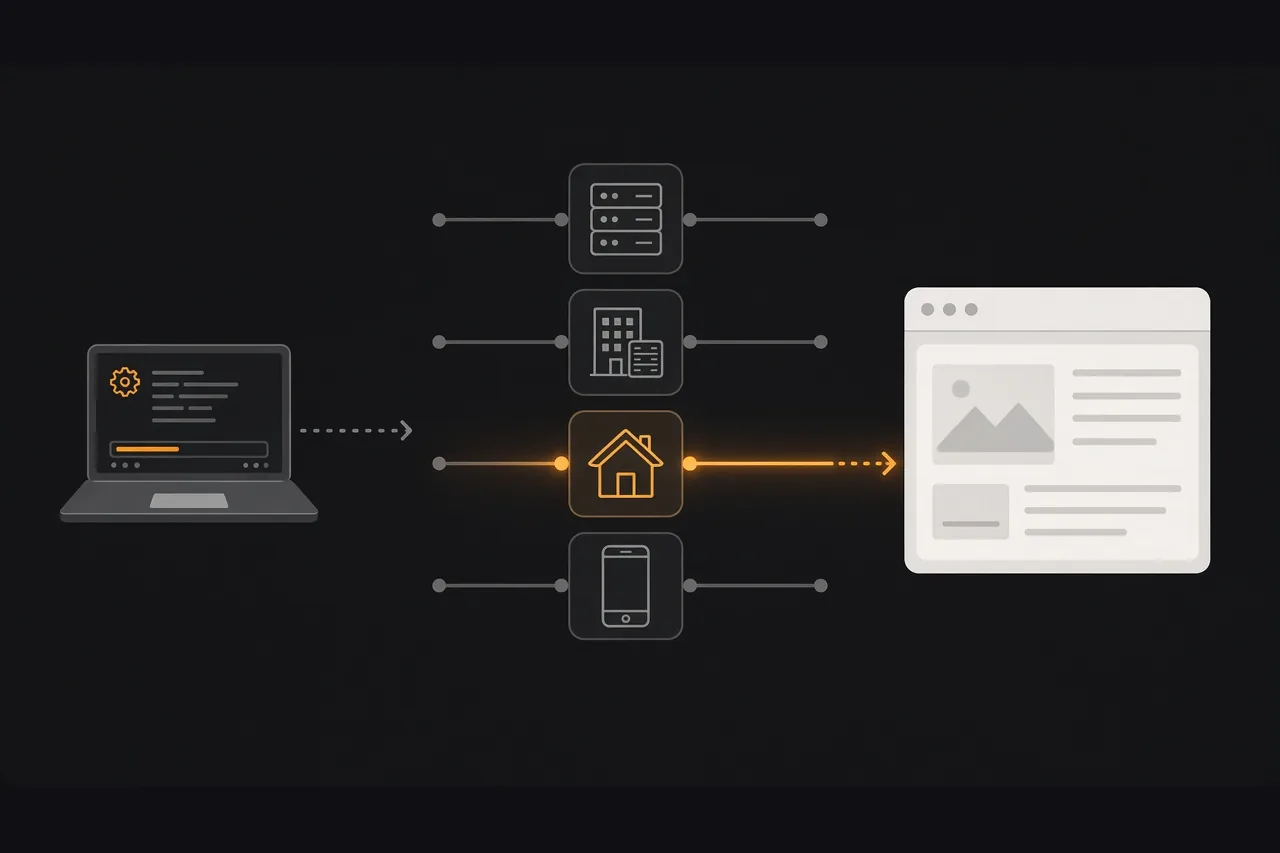
Residential vs ISP vs datacenter vs mobile proxies: what's the difference?
The four types differ in who owns the IP, how long you keep it and how you're billed. Prices below are Decodo's and SOAX's published rates, as of 17 October 2026.
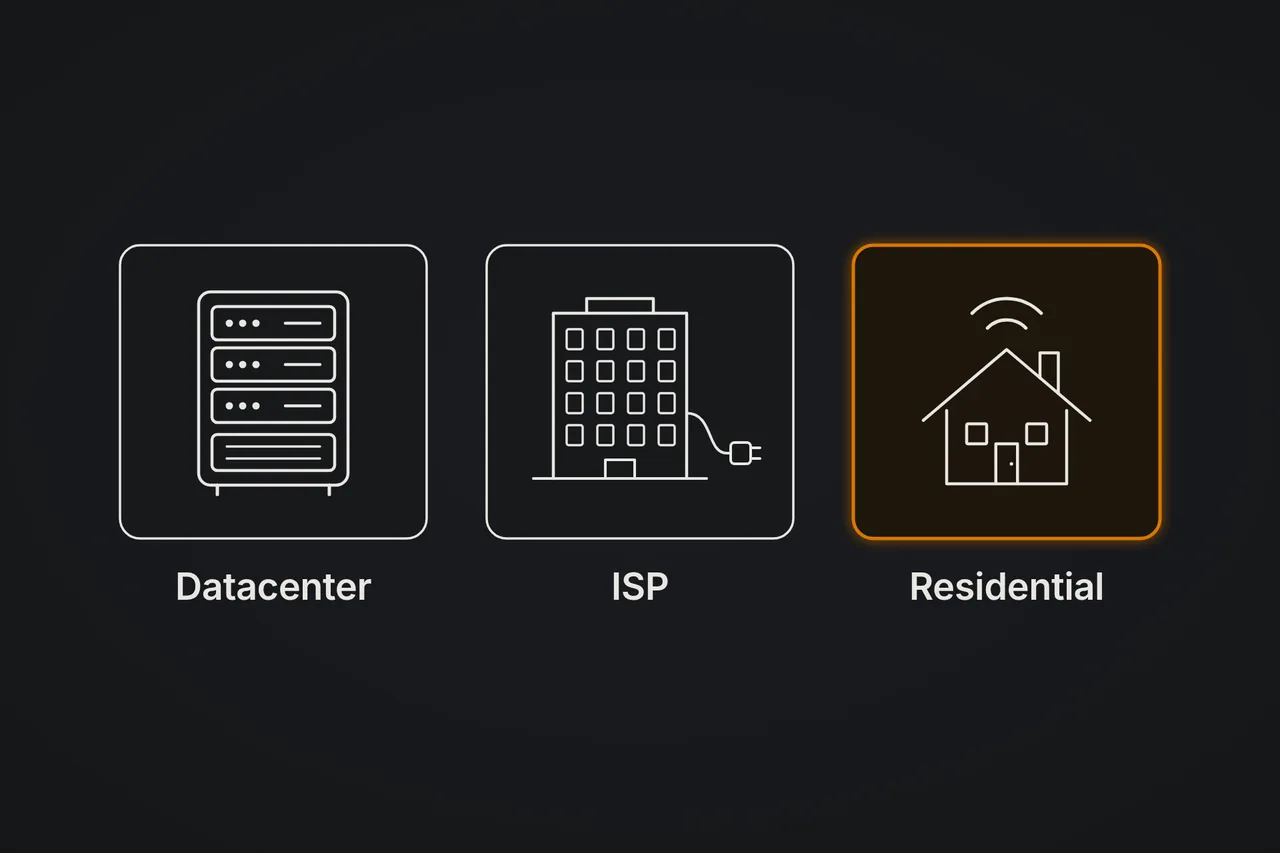
| Type | Where the IP comes from | Does the IP change? | Usual billing | Main trade-off |
|---|---|---|---|---|
| Datacenter | Cloud and hosting servers | Static or rotating | Per GB or per IP. Decodo from $0.60/GB | Cheap and fast, but shared subnets are easy to block |
| ISP (static residential) | Servers using IPs registered to ISPs | Static, kept for as long as you pay | Per IP. Decodo dedicated from $2.50/IP | Home-looking IP that stays put, fewer locations |
| Residential | Real home devices on ISP connections | Rotating or sticky for minutes to hours | Per GB. Decodo $2.75 to $4/GB | Looks like a household, but costs more per GB and IPs can drop |
| Mobile | Phones on carrier networks | Usually rotating | Per GB. SOAX charges the same rate as residential | Carrier IPs, priced like residential or higher |
If residential IPs keep getting blocked on a strict, mobile-first target, a 4G/5G IP is the next step up, and my guide to what a mobile proxy is explains how carrier IPs work and what they cost. If you need one stable identity for weeks, an ISP proxy is usually the better buy, and I compare the options in my guide to the best ISP proxy providers. If the site doesn't block datacenter IPs, start with a datacenter proxy and save most of the bill.
Do you need a residential proxy or a VPN?
Probably a VPN, if your goal is your own privacy. A VPN encrypts all the traffic from your device and sends it through the VPN company's servers. It's built for public Wi-Fi, travel and keeping your browsing from your ISP.
A residential proxy is built for routing specific requests, usually from code or a browser profile, through many different home IPs. It isn't a privacy tool for your daily browsing, and an HTTP proxy doesn't encrypt anything your app wasn't already encrypting.
The IP differs too. VPN servers sit in data centres and many people share each one, which is why VPN users see so many CAPTCHAs, as I explain in why Google shows CAPTCHAs on a VPN.
My full proxy vs VPN comparison covers the rest, including when you'd use both.
When do you actually need a residential proxy?
You need one when a site treats datacenter traffic differently and you have a legitimate reason to see what an ordinary local visitor sees. My rule: try the cheapest option first and move up only when it fails.
Good reasons to pay for residential traffic:
- Checking prices, ads or search results the way a shopper in another city or country sees them
- Collecting public data from sites that block datacenter IP ranges
- Testing geo-targeted pages, redirects and app store listings
- Giving each browser profile in a multi-account setup its own home IP
For that last one, the proxy only fixes the IP. Sites also read your device's fingerprint, which I explain in what browser fingerprinting is. A clean home IP paired with an identical fingerprint across ten accounts still looks like one person.
Skip residential proxies if the target is happy with datacenter IPs, if you only want privacy (get a VPN), or if a scraping API already handles proxies for you. For automation, my post on the best proxies for n8n workflows shows where each type fits.
Not sure which type a target needs? My guide on choosing proxies for web scraping walks through when datacenter, ISP, residential or mobile IPs make sense, with an escalation ladder that keeps costs down.
How are residential proxies priced?
Almost always per gigabyte of traffic, not per IP. You pay for the data that passes through the network, and the rate per GB drops as you commit to more.
Here are three providers' published rates, as of 17 October 2026 (USD, before VAT):
| Provider | Entry rate | Rate at volume | How the plan works |
|---|---|---|---|
| Decodo (formerly Smartproxy) | $4/GB pay as you go, $3.75/GB on 3 GB | $2.75/GB on 100 GB, $2/GB at 1 TB | Monthly GB plans or a wallet, 3-day 100 MB trial |
| Oxylabs | $6/GB (Starter, $30/month) | $4/GB on $500/month, $2.50/GB at 1,000+ GB | One subscription that covers all products, $5 free credit |
| SOAX | $5/GB for US traffic (Sandbox, no fee) | $3/GB US on the $200/month Builder plan | Prepaid credits, priced by the exit IP's country tier |
What does that mean for a real job? 10 GB of residential traffic on Decodo's monthly plan is $35. The same 10 GB of Decodo datacenter traffic is $6. That gap, about six times, is why you shouldn't buy residential traffic you don't need.
Four billing details are worth reading before you pay:
- Both directions count. SOAX's FAQ says it counts upload and download, including "partial responses, retries, and interrupted connections". Retries on a failing script cost money.
- Country changes the price. SOAX bills US traffic at its tier 1 rate and Indian traffic at a lower tier 2 rate.
- Unused data can expire. SOAX credits roll over for 60 days. Oxylabs says self-service purchases are non-refundable.
- Pool sizes are counted generously. Oxylabs says its 175M+ figure multiplies its pool by unique exit nodes per day and by the days in a quarter. Treat any "100M+ IPs" banner as a marketing number, not how many devices are online right now.
To cut the bill, block images, fonts and video in your scraper, cache what you've already fetched, and cap retries. Pages are mostly text; it's media that eats gigabytes.
If you want to try one, Decodo has the lowest-commitment start of the three, while Oxylabs and SOAX get cheaper at higher volume.
What are the risks of using residential proxies?
The biggest risk is buying from a network built on devices whose owners never agreed. Your traffic then runs through hijacked machines, and your money funds the problem. That's why sourcing comes before price.
The other risks are more ordinary:
- Shared reputation. Other customers use the same IPs. If they abused a site, you inherit the CAPTCHAs and blocks.
- Restricted targets. Providers block whole categories. Oxylabs lists Apple domains, banking, some Google domains, government sites, streaming, ticketing and mailing.
- Terms and law. A residential IP doesn't make scraping or multi-accounting allowed. The site's terms and your local data laws still apply.
- Your data passes through a stranger's device. Use HTTPS for everything. Never send passwords or personal data over a plain HTTP connection through any proxy.
- KYC friction. Expect to verify your identity or describe your use case before some features unlock.
Frequently asked questions
So, do you need one? If a site blocks datacenter IPs and you need to see it as a local visitor would, yes. Pick a provider that publishes how it sources IPs, start small and measure your GB use before committing.
Only want privacy? Get a VPN. Need one stable IP for weeks? Get an ISP proxy instead.